
Understanding what a smartwatch does can help you decide whether one belongs on your wrist. Smartwatches do more than tell time - a modern device monitors your heart rate, tracks your sleep, displays incoming calls, streams music, and acts as a personal health companion you wear throughout the day. This guide covers every major function, explains how the technology works in practice, and addresses honest trade-offs so you can make a confident choice.

What Does a Smartwatch Do - Core Capabilities at a Glance
At its most basic level, a smartwatch is a wrist-worn computer that connects to your smartphone over Bluetooth. It displays notifications, tracks health data, runs apps, and performs tasks that once required pulling out your phone. The best modern smartwatches combine six core capability areas: timekeeping, health monitoring, fitness tracking, communication, convenience features, and standalone connectivity.
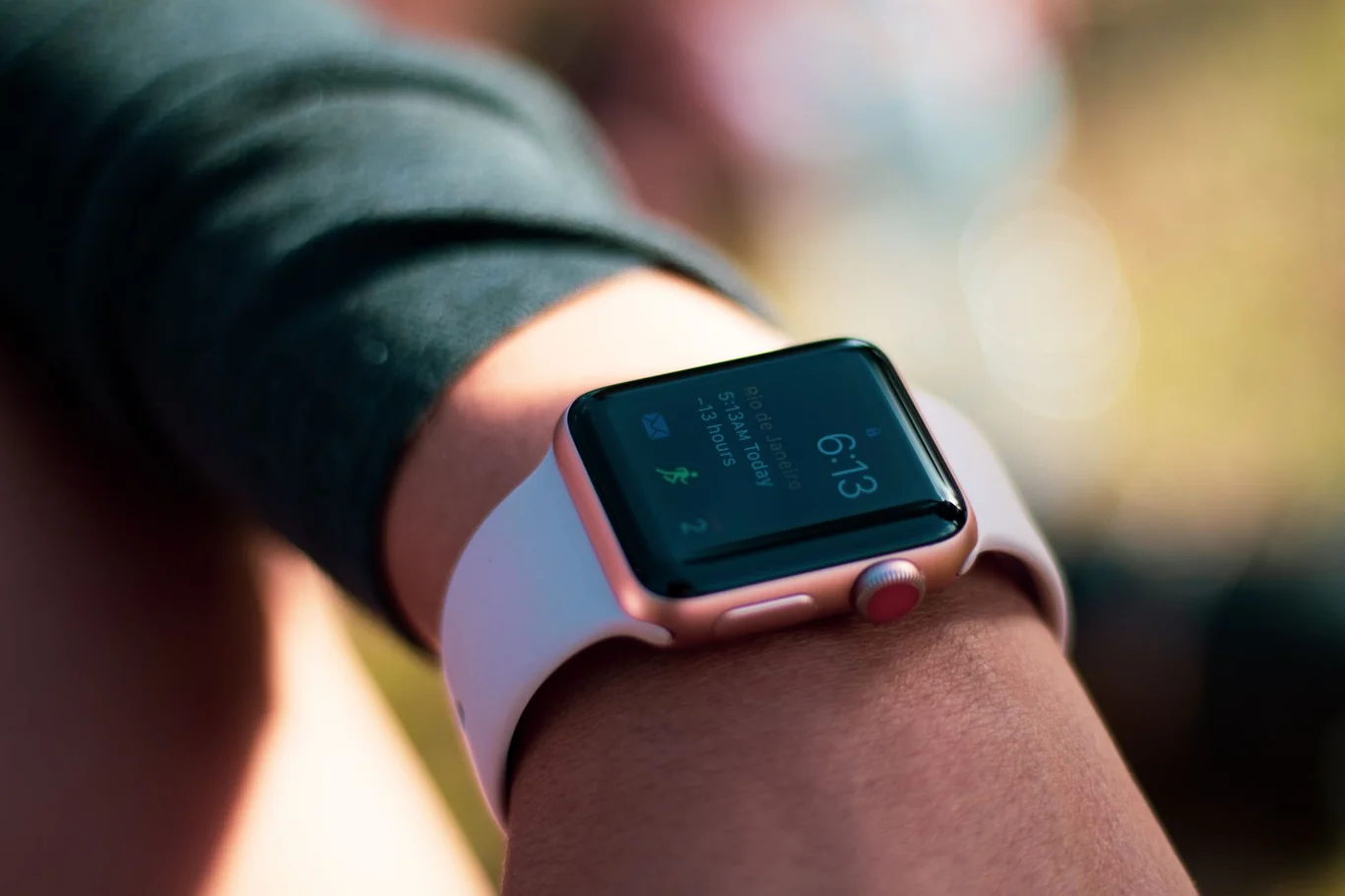
What is a smartwatch, technically? It is a wearable computing device built around a microprocessor, wireless radios, and an array of biometric sensors. Unlike a basic digital watch, it pairs with your phone and gives you a miniaturized interface for your digital life. Entry-level models focus on step counting and notifications, while premium devices approach the functionality of a small smartphone on your wrist.
For those who want a fitness-focused alternative rather than a full smartwatch, our guide to the best budget fitness tracker is a useful starting point for comparison.
Health and Fitness Monitoring - What a Smartwatch Tracks
Health monitoring is why most people buy a smartwatch in 2026. The sensors built into the back of a modern device can measure your body in ways that were previously only possible in a clinical setting.
For those whose primary goal is energy tracking, my guide to the top calorie tracking devices covers the options that pair heart rate data with food logging most effectively.
Heart Rate and Blood Pressure Monitoring
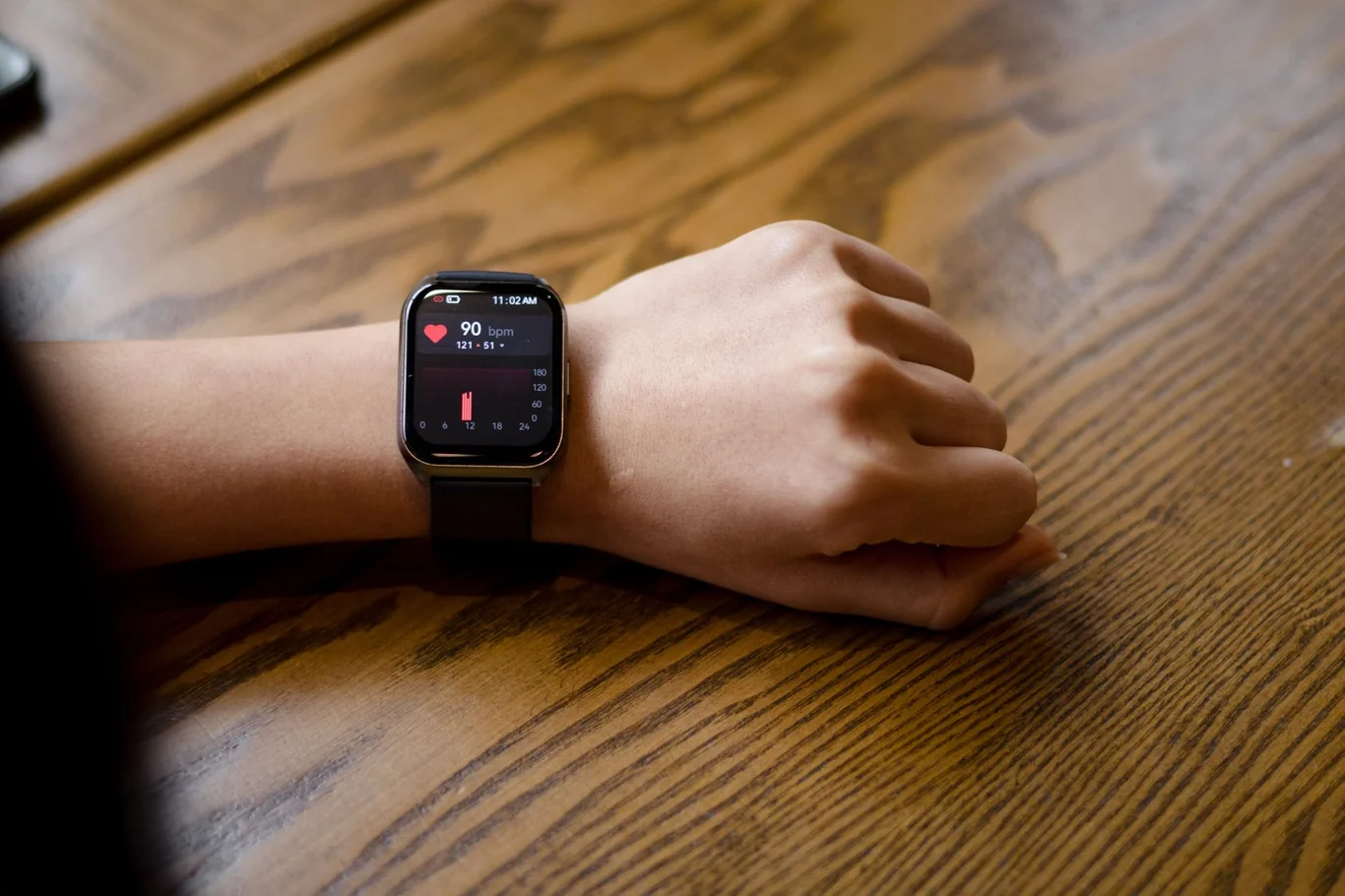
Optical heart rate sensors use LED lights and photodetectors to measure blood flow through your wrist in real time. A prospective clinical trial comparing four major smartwatches against ECG reference standards in 112 postoperative patients found a mean absolute error of fewer than five beats per minute, which establishes that consumer-grade devices deliver meaningful accuracy for everyday monitoring (1). Continuous heart rate data also enables resting heart rate trends, which research links to long-term cardiovascular health signals.
For users who want heart rate data without a dedicated wearable, my guide on checking heart rate on iPhone covers camera-based PPG and Bluetooth chest strap methods that use hardware most people already own.
A small number of advanced models, including the Huawei Watch D2, now offer blood pressure monitoring. A 2025 validation study found this device delivered readings comparable to ambulatory monitoring standards while causing significantly less sleep disruption than conventional cuffs (2). This feature is limited to select models but represents a meaningful direction for the category.
My research breakdown of smartwatch heart rate accuracy covers what the evidence actually shows across different devices, activity types, and skin tones.
Sleep Tracking
Modern smartwatches use heart rate variability, movement detection, and blood oxygen sensing to classify your sleep into light, deep, and REM stages each night. A clinical validation study comparing Apple Watch Series 8, Fitbit Sense 2, and Oura Ring Gen3 against polysomnography found all three achieved at least 95% sensitivity for distinguishing sleep from wakefulness (3). Sleep stage estimates showed substantial to moderate agreement with the gold standard in controlled inpatient conditions.
For users who prioritize sleep data above all, my guide to the best sleep fitness tracker options covers the devices with the most validated sleep staging data.
A separate 7-day free-living validation of Samsung Gear Sport against medical-grade actigraphy confirmed that total sleep time, wake after sleep onset, and sleep efficiency remain valid measurements outside laboratory conditions as well (4).
Activity and Step Counting
A systematic review of consumer wearable trackers found strong validity for step counting, particularly during laboratory treadmill testing, while energy expenditure estimates showed meaningfully lower validity against calorimetry (5). Daily step counting remains the most reliable metric a smartwatch delivers.
Research consistently supports the practical impact of this data. Wearable tracker interventions produced moderate-to-large effects on physical activity levels and daily step counts in cancer survivors compared to standard care (6). A meta-analysis of community-dwelling older adults found that wearable trackers significantly increased physical activity time and daily steps, with sustained results during short-term follow-up (7).
Summary of health metrics most smartwatches track:
Health Metric | Sensor Used | Evidence Quality |
Heart rate | Optical PPG | Strong - mean error <5 bpm vs ECG |
Sleep stages | HR + accelerometer | Strong - >95% sleep/wake accuracy |
Step count | Accelerometer | Strong - high validity |
Blood oxygen (SpO2) | Red/infrared LED | Moderate - accuracy varies by model |
Blood pressure | Pressure wave | Emerging - limited to select models |
Stress levels | HRV + galvanic sensor | Preliminary - proxy measurements only |
Women looking for a device that covers the full range of these health metrics will find detailed comparisons in our guide to the best fitness tracker for women.
Communication Features - Calls, Texts, and Notifications
A smartwatch reduces how often you need to pull out your phone throughout the day. When paired with your smartphone over Bluetooth, the watch mirrors incoming calls, text messages, emails, calendar alerts, and app notifications directly on your wrist.
Step counting is one of the core metrics behind all of that data, and my guide to the most accurate step counters breaks down how smartwatches compare to clip-ons and phone apps.
For a direct comparison of which category better fits your needs, my guide on fitness tracker vs smartwatch covers the trade-offs across data depth, battery life, and notification volume.
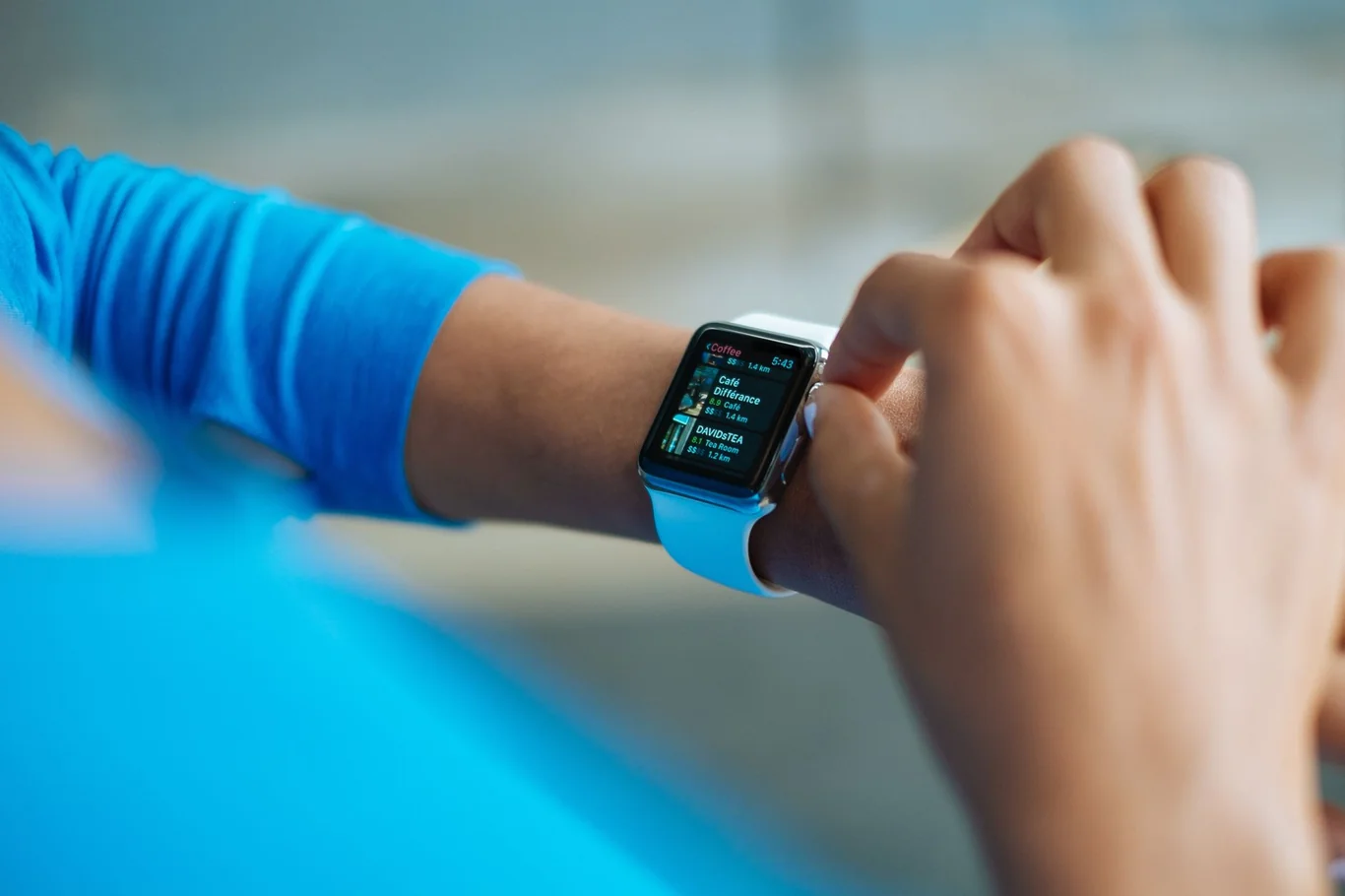
You can answer calls on a smartwatch using the built-in speaker and microphone for hands-free conversation, or by routing audio to wireless earbuds connected to the watch. Call quality depends on your environment and the microphone quality of your specific model, but most flagship smartwatches handle voice calls well for short conversations.
Water resistance is another specification that varies significantly by model, and for athletes who train in the pool, my guide on Apple Watch waterproof ratings covers what the 50-meter standard actually covers in practice.
If you are deciding which Apple Watch generation best fits your needs, my Apple Watch lineup by generation lays out each series side by side.
Users who want health and fitness data without the communication layer should start with my overview of what a fitness tracker is and how the category differs from a full smartwatch.
How to Connect Smartwatch to iPhone or Android
The pairing process is simple but differs based on your phone platform.
For iPhone:
- Charge your watch to at least 50% before first use
- Enable Bluetooth on your iPhone
- For Apple Watch, open the Watch app and tap "Pair New Watch"; for third-party watches, download the brand's companion app from the App Store
- Hold your phone above the watch face when prompted to scan the pairing animation
- Sign in with your Apple ID to enable features like App Store access on the watch
If you need to understand how to connect a smartwatch to an iPhone using a third-party device, the brand companion app handles the entire process with no additional setup required.
For Android:
- Enable Bluetooth on your phone
- Download the manufacturer's companion app (Samsung Galaxy Wearable, Garmin Connect, or Fitbit app) from the Google Play Store
- Open the app and select "Set Up a Device" or "Add Device"
- Follow the in-app pairing steps
- The companion app completes connecting a smartwatch to your phone without app intervention from the phone's settings menu
One important limitation: Apple Watch only fully functions with iPhone. Third-party watches running Wear OS or proprietary platforms support both Android and iOS, but typically offer a reduced feature set when paired with iPhone. This matters before committing to a watch ecosystem that may not serve you if you switch phone brands. Buyers deciding which watch ecosystem to commit to can find a full breakdown of both in my Galaxy Watch and Apple Watch comparison, which covers compatibility, features, and long-term platform lock-in.
My guide on Apple Watch and Android compatibility covers exactly what features break down when you try to run Apple Watch outside the iPhone ecosystem.
For a full breakdown of current Apple Watch pricing across every model and configuration, my Apple Watch price guide covers what each tier actually adds.
For those who prefer a device without ecosystem restrictions, my overview of the best fitness trackers covers alternatives with broader platform compatibility.
Seniors who need simpler setup and larger displays will find the most user-friendly options in our guide to the best fitness tracker for seniors.
SIM Cards, Standalone Use, and Going Phone-Free
A cellular-enabled smartwatch contains either a physical nano SIM card or a built-in eSIM (an electronic SIM soldered to the circuit board). This is what a sim card for smartwatch functionality enables: the watch connects to the cellular network independently, without your phone nearby.
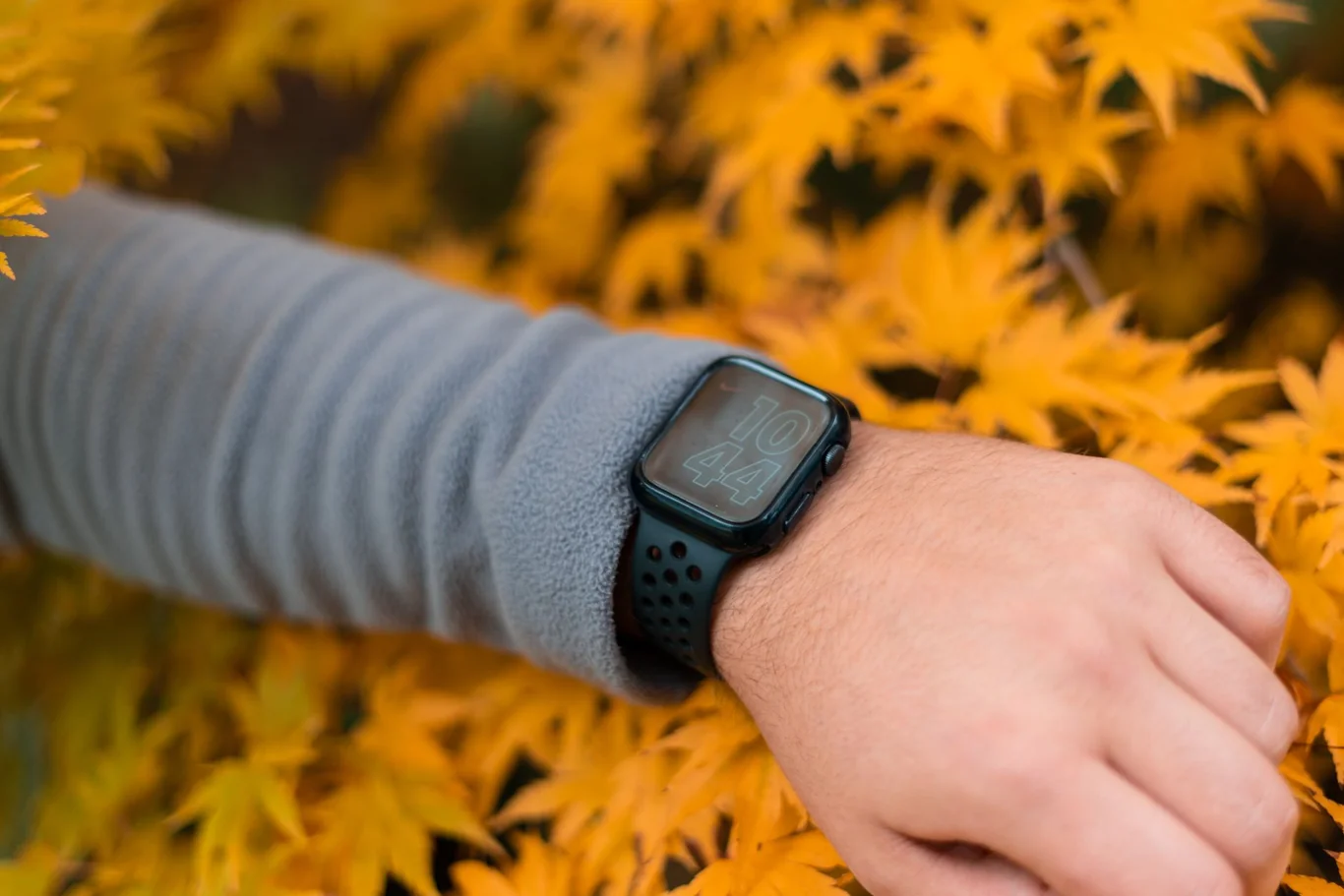
How to use a smartwatch without a phone depends on the type of cellular capability your device includes:
- LTE/cellular smartwatch: Makes calls, sends texts, streams music, and receives notifications independently. Requires a separate cellular plan from your carrier (typically added as a monthly extra to your existing phone plan).
- Bluetooth-only smartwatch: Needs to stay within Bluetooth range of your paired phone for most notifications and data syncing to work.
- Wi-Fi-capable smartwatch: Syncs data and receives some notifications over Wi-Fi even when your phone is elsewhere, but cannot make standalone cellular calls.
A scoping review of 35 smartwatch healthcare studies confirmed that standalone cellular connectivity is increasingly important for remote patient monitoring applications, where phone independence enables continuous, uninterrupted health data collection (8).
Scenario | Bluetooth-only | Wi-Fi | LTE/Cellular |
Notifications without phone | No | Partial | Yes |
Make/receive calls alone | No | No | Yes |
GPS tracking standalone | Some models | Some models | Yes |
Stream music without phone | No | Some models | Yes |
Battery life impact | Low | Medium | High |
Runners who want GPS tracking without carrying a phone will find device-specific recommendations in our best fitness tracker for runners guide.
How to Charge a Smartwatch for the First Time
How to charge a smartwatch for the first time is straightforward, and following the correct process helps preserve long-term battery health.
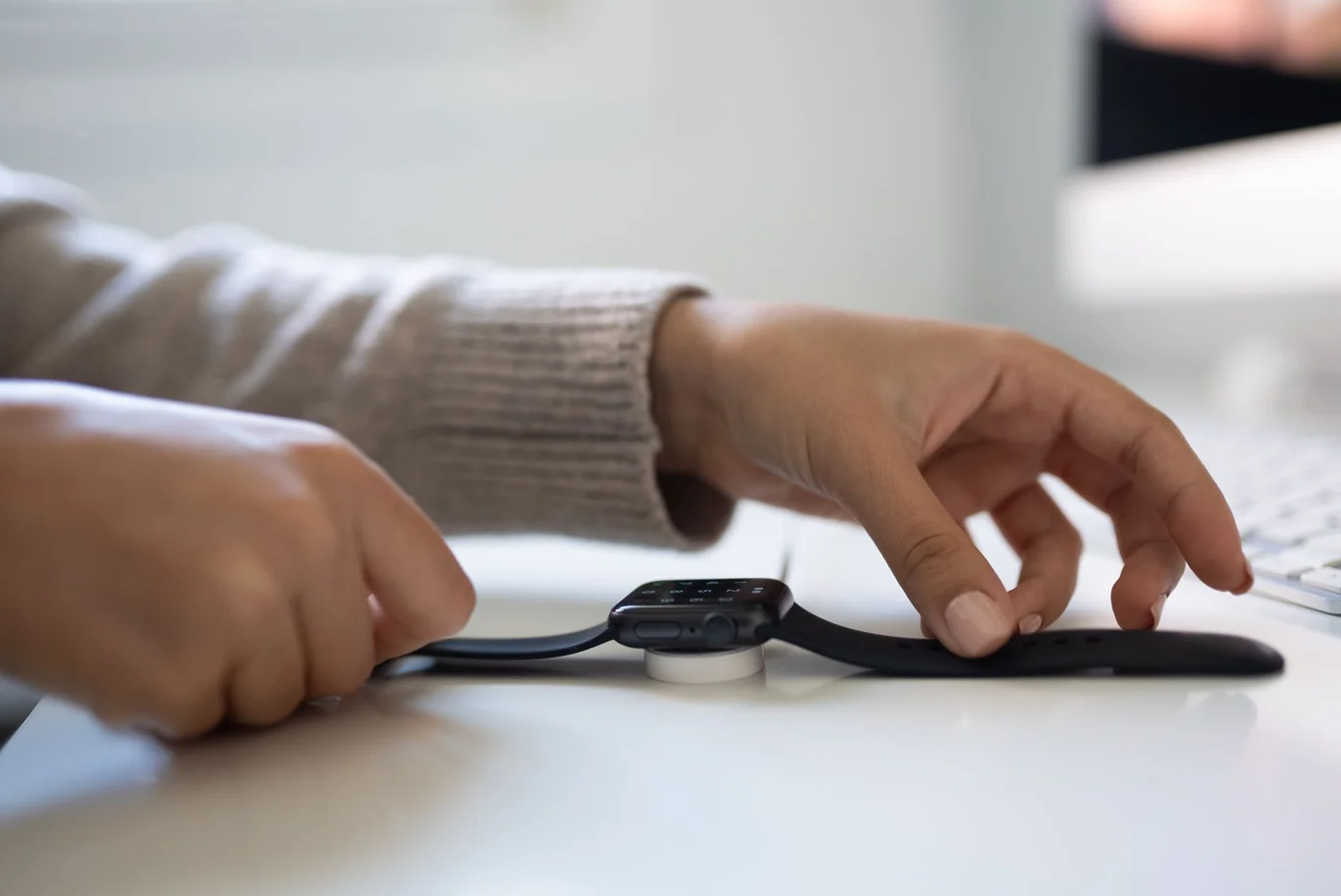
Step-by-step first charge process:
- Remove the watch from packaging and locate the magnetic charging cable included in the box
- Attach the magnetic charger to the back of the watch - most modern smartwatches use magnetic snap-on or pogo pin connectors that click into place
- Plug the cable into a USB-A or USB-C power adapter (5V/1A output is sufficient; avoid fast chargers unless the brand explicitly supports them)
- Charge to 100% before first use - some brands recommend this for initial battery calibration
- Expect the first full charge to take 1.5 to 3 hours depending on battery capacity (150 to 650 mAh is typical for modern devices)
After that first charge, most smartwatches require charging every 1-2 days for full-featured use. GPS-intensive workouts, always-on displays, and LTE connectivity all accelerate discharge significantly. Some sport-focused devices like the Garmin Fenix series can last 10-14 days in basic GPS mode due to larger batteries.
Tips to maximize battery life between charges:
- Disable the always-on display setting unless you actively need constant time visibility
- Turn off LTE mode when your phone is within Bluetooth range
- Reduce screen brightness to the lowest comfortable level
- Limit background app refresh for apps you check manually anyway
Features of a Smartwatch - The Full Breakdown
Beyond health and communication, the features of smartwatch devices span a wide range depending on price tier and brand.
My step-by-step guide on how to track workouts covers the methods, apps, and data points that produce the most useful training records over time.
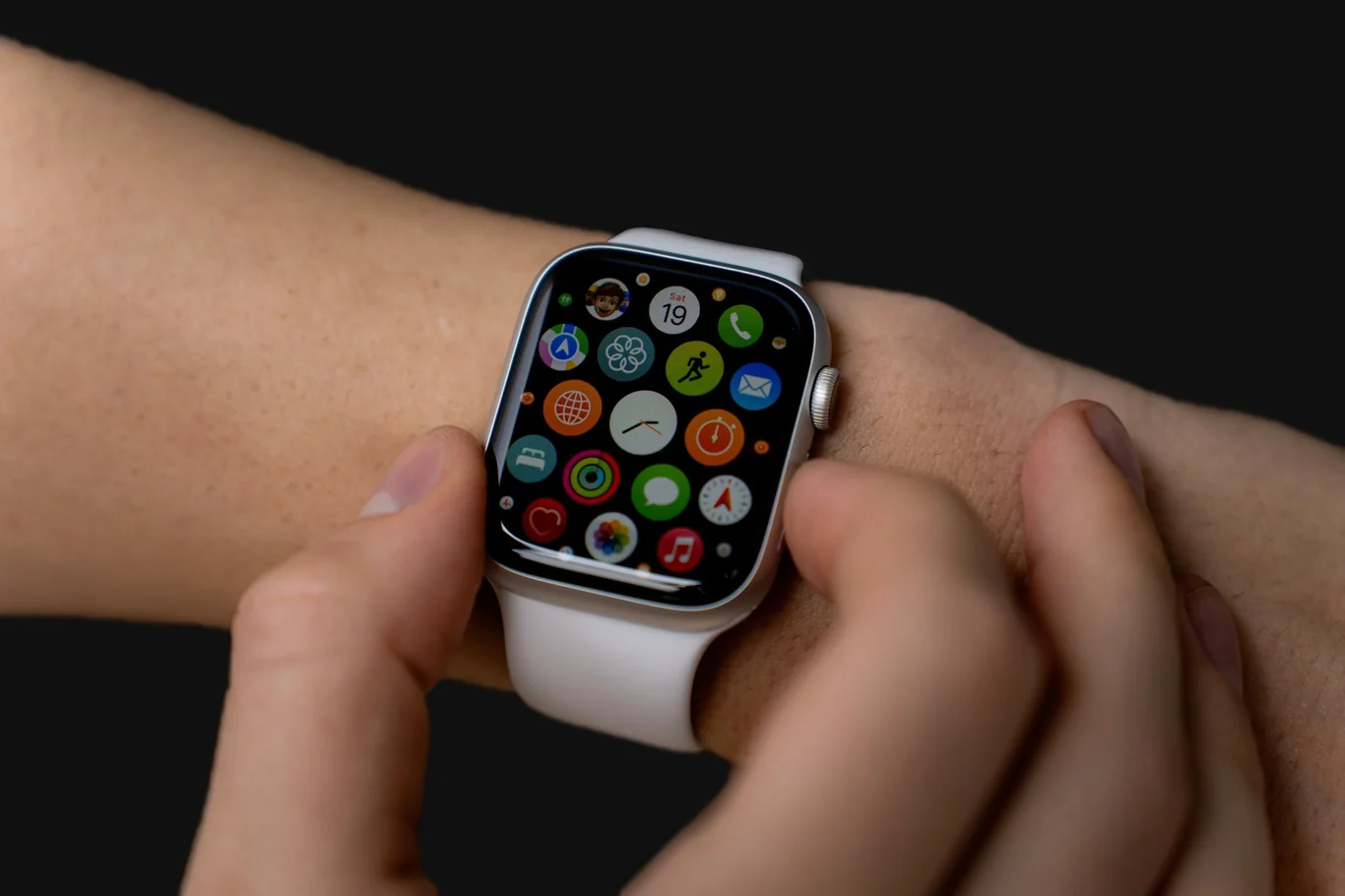
Here is what you can expect at each level:
Core features (nearly all smartwatches include):
- Heart rate monitoring and step counting
- Notification mirroring from your paired phone
- Timer, stopwatch, alarm, and world clock
- Sleep tracking
- Weather display
- Multiple sport modes including walking and running
Mid-range additions ($150 to $400):
- Built-in GPS for route mapping without your phone
- Blood oxygen (SpO2) monitoring
- NFC for contactless mobile payments (Apple Pay, Google Pay)
- Voice assistant (Siri, Google Assistant, or Alexa)
- Music storage and Bluetooth audio streaming to earbuds
- Swim-proof design with water-resistance ratings
Premium-tier features ($400 and above):
- Standalone LTE cellular connectivity
- ECG for atrial fibrillation detection
- Body temperature sensor for cycle tracking and illness alerts
- Blood pressure monitoring (select devices)
- Fall detection and emergency SOS with automatic contact alerting
- Advanced sleep staging with respiratory rate and blood oxygen tracking
- VO2 max estimation and training load analysis
Feature | Basic | Mid-range | Premium |
Heart rate + steps | Yes | Yes | Yes |
Built-in GPS | No | Yes | Yes |
Mobile payments | Rare | Yes | Yes |
LTE connectivity | No | Some | Yes |
ECG | No | No | Yes |
Emergency SOS | No | Some | Yes |
Typical battery life | 5-7 days | 2-5 days | 1-3 days |
Men looking for a device that balances feature depth with all-day wearability will find detailed recommendations in our guide to the best fitness tracker for men.
Reasons to Reconsider Before Buying a Smartwatch
Knowing what a smartwatch does well is important, but understanding its realistic limitations prevents buyer's remorse. Here are the most common reasons people reconsider or eventually stop wearing their device:
- Battery life demands daily attention: Most full-featured smartwatches last 18 to 36 hours between charges. Users who travel frequently or forget to charge find this disrupts the habit of wearing one consistently.
- Notification overload builds over time: The convenience that feels useful initially often becomes a source of distraction after a few weeks. Many users end up disabling most notifications, which removes a core selling point.
- Health data can create unnecessary anxiety: Normal heart rate variability spikes, imperfect sleep stage readings, and occasional false positive alerts can trigger concern in users who interpret every metric as clinically significant.
- Smartwatches are not medical devices: Despite sophisticated sensors, consumer-grade devices are not FDA-cleared diagnostic tools. Calorie burn estimates carry meaningful error margins, and no consumer smartwatch replaces a clinical diagnosis.
- App ecosystems remain limited: Small screens and limited processing power mean most tasks are still faster on your phone, which most users keep within reach anyway.
- Cost versus utility can be a mismatch: If you plan to use only one or two features, a dedicated fitness tracker at a fraction of the cost may serve you equally well.
- Cross-platform restrictions limit flexibility: Committing to the Apple Watch ecosystem, for example, locks you in when you switch phone brands.
For those who realize a simpler device would cover their needs, our guide to the best ankle fitness tracker covers an alternative form factor worth considering.
Is a Smartwatch Right for You - Making the Decision
A smartwatch makes the most sense when you actively use three or more of its core feature areas. If you plan to use fitness tracking to improve performance, need call and notification access during workouts, and will rely on GPS regularly, the investment tends to pay off. If your primary goal is step counting and sleep monitoring, a dedicated fitness tracker typically delivers the same core metrics for less money and with longer battery life.
My guide on longest smartwatch battery life covers how the top performers in each tier compare on real-world endurance across both smartwatch and fitness tracker categories.
Buyers deciding between the two most popular platforms will find a detailed breakdown in my comparison of Garmin and Apple Watch accuracy across heart rate, GPS, and calorie estimation.
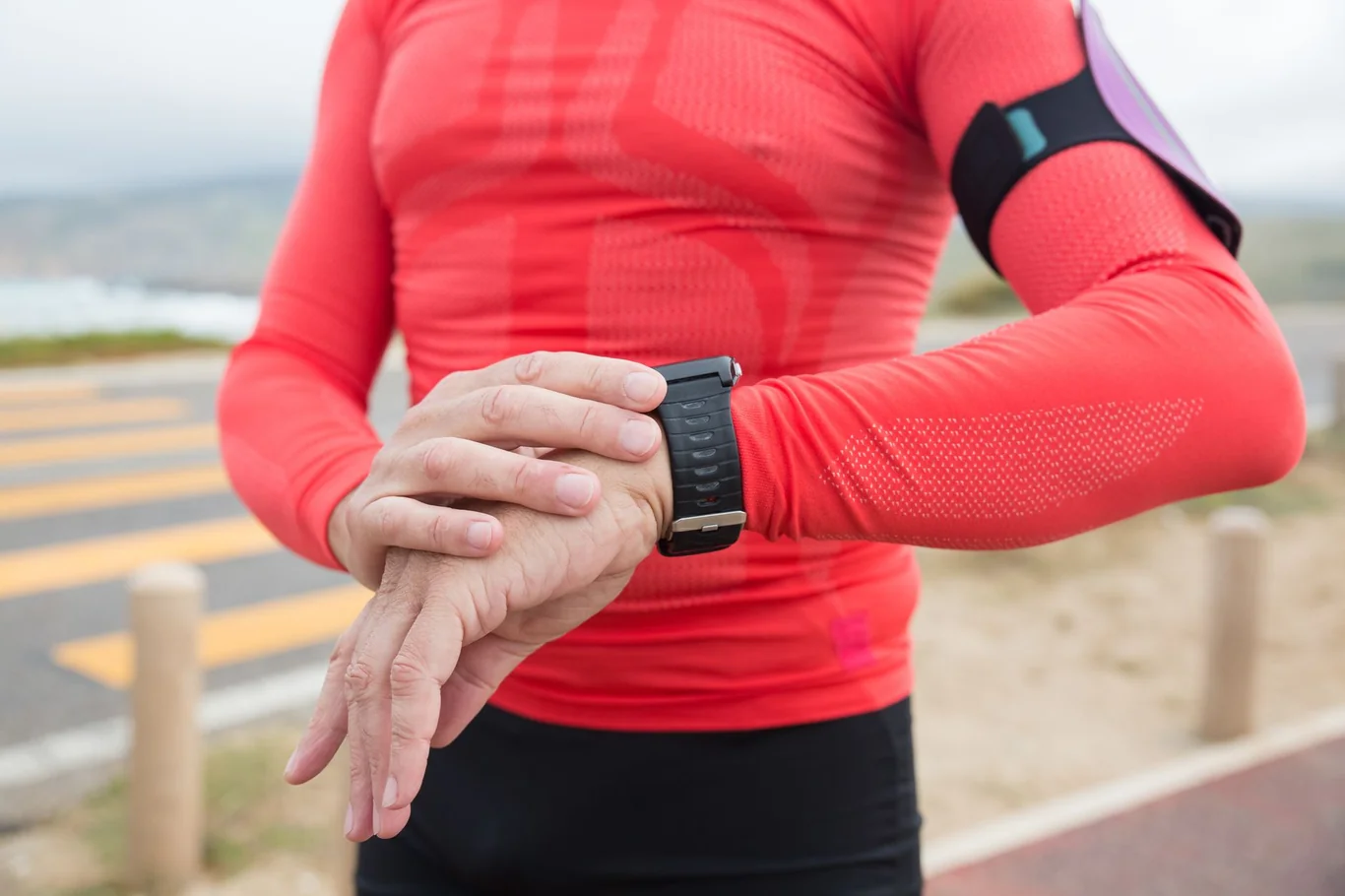
Our recommendation for most first-time users: start with a mid-range device that covers GPS, heart rate, and contactless payments, and give it 30 days of consistent use before deciding if the feature depth justifies daily wear.
For readers who prefer to start even simpler, my post on the basic pedometer watch covers the dedicated step-counting devices that skip GPS and heart rate entirely in favor of battery longevity and zero setup friction.
My dedicated breakdown of whether a smartwatch is worth the cost works through the categories of users who get long-term value and those who tend to abandon it within months.
Research consistently shows that wearable devices increase physical activity in meaningful ways when users engage actively with the data.
For a full category breakdown of how smartwatches, fitness trackers, smart rings, and medical monitors compare across health metrics and daily use, my guide to wearable devices covers where each category is strongest and what trade-offs to expect.
For most users ready to buy, my guide to the top fitness watches for health monitoring covers the best-performing options across budget tiers.
FAQs
What are the disadvantages of smart watches?
The main disadvantages of smart watches include short battery life (typically 1-2 days for full-featured use), notification overload that often increases distraction over time, and health data that can create unnecessary anxiety without providing clinically actionable diagnostic information. Cost is also a significant consideration, with quality devices ranging from several hundred to over a thousand dollars, while cross-platform compatibility restrictions can lock you into a specific phone ecosystem when you change devices.
Can a smartwatch be used without a phone?
A smartwatch can be used without a phone if it includes built-in LTE or eSIM cellular capability, which allows it to make calls, receive texts, and connect to the internet independently through a carrier plan. Bluetooth-only models require your phone to remain within Bluetooth range for most features to function, though GPS tracking and locally stored music work independently on many devices.
Can you answer calls on a smartwatch?
You can answer calls on a smartwatch using its built-in speaker and microphone for hands-free conversation, or by routing audio to connected wireless earbuds. The feature works on most mid-range and premium smartwatches when paired with your phone via Bluetooth, or independently on LTE-enabled models that maintain their own cellular connection.
Can I leave my phone at home and use my smartwatch?
You can leave your phone at home with a cellular-enabled smartwatch for calls, texts, music streaming, and GPS navigation, but Bluetooth-only models lose most of their functionality when out of range of your phone. An LTE smartwatch requires an active cellular plan added to your existing carrier account, typically as a monthly add-on line.
How to connect smartwatch to android phone?
To connect a smartwatch to an Android phone, enable Bluetooth on your phone, download the manufacturer's companion app from the Google Play Store, and follow the in-app pairing instructions for your specific device. Most Android-compatible watches complete the entire pairing process within the companion app without requiring you to navigate your phone's Bluetooth settings manually. Android users deciding which smartwatch to pair can find all the top-rated options for the platform compared in my best smartwatch for Android comparison.
References:
- Helmer P, Hottenrott S, Rodemers P, et al. Accuracy and systematic biases of heart rate measurements by consumer-grade fitness trackers in postoperative patients: Prospective clinical trial. J Med Internet Res. 2022;24(12):e42359. doi:10.2196/42359
- Liu Y, Lu Y, Wu J, et al. Accuracy and reduced sleep disruption of a wearable smartwatch for nocturnal blood pressure monitoring: A validation study. J Clin Hypertens. 2025;27(11):e70183. doi:10.1111/jch.70183
- Robbins R, Weaver MD, Sullivan SS, et al. Accuracy of three commercial wearable devices for sleep tracking in healthy adults. Sensors (Basel). 2024;24(20):6532. doi:10.3390/s24206532
- Mehrabadi MA, Azimi I, Sarhaddi F, et al. Sleep tracking of a commercially available smart ring and smartwatch against medical-grade actigraphy in everyday settings: Instrument validation study. JMIR Mhealth Uhealth. 2020;8(11):e20465. doi:10.2196/20465
- Evenson KR, Goto MM, Furberg RD. Systematic review of the validity and reliability of consumer-wearable activity trackers. Int J Behav Nutr Phys Act. 2015;12:159. doi:10.1186/s12966-015-0314-1
- Singh B, Zopf EM, Howden EJ. Effect and feasibility of wearable physical activity trackers and pedometers for increasing physical activity and improving health outcomes in cancer survivors. J Sport Health Sci. 2021;11(2):184-193. doi:10.1016/j.jshs.2021.07.008
- Li R, Li Y, Wang L, et al. Wearable activity tracker-based interventions for physical activity, body composition, and physical function among community-dwelling older adults. J Med Internet Res. 2025;27(1):e59507. doi:10.2196/59507
- Hosseini MM, Hosseini STM, Qayumi K, Hosseinzadeh S, Sajadi Tabar SS. Smartwatches in healthcare medicine: Assistance and monitoring; A scoping review. BMC Med Inform Decis Mak. 2023;23:248. doi:10.1186/s12911-023-02350-w