
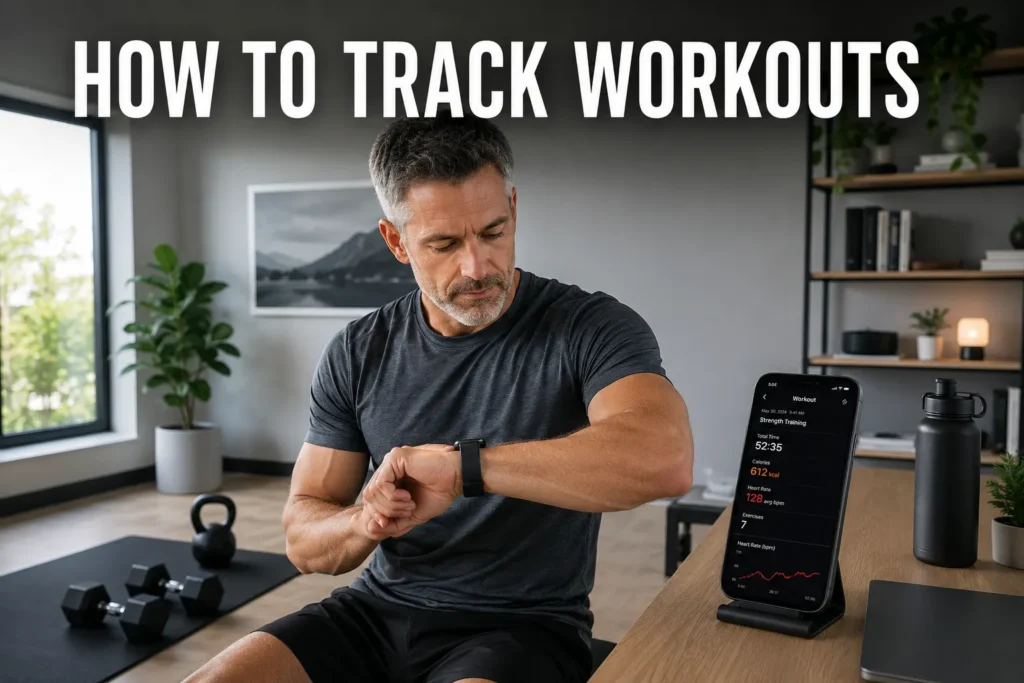
Knowing how to track workouts is one of the most practical habits you can build for long-term fitness progress. Without a reliable system, it is genuinely difficult to know whether you are getting stronger, overdoing it, or repeating the same session indefinitely. We've found that people who log consistently make better training decisions - not because tracking is complicated, but because having your numbers removes the guesswork. This guide covers five effective methods, the best free apps, how to track on iPhone, how to use Excel for gym progress, and what the research says about why consistent tracking actually works.

How to Track Workouts - 5 Methods That Actually Work
The right tracking method depends on your goal, your tolerance for technology, and how much data you genuinely want. There is no universally best system - the most effective method is the one you will maintain week after week.
For readers whose primary tracking goal is daily step count rather than session data, my post on the step-counting pedometer watch covers the dedicated devices that automate that single metric without requiring an app or regular charging.
Here is a breakdown of the five most practical options, with the clearest guidance on when each one makes sense.
- Dedicated workout tracking apps - Apps like Strong, Hevy, and Fitbod let you log sets, reps, weight, and rest time in real time. They store your full session history automatically and surface progress trends without any extra data work on your part.
- Wearable fitness trackers and smartwatches - Devices like the Apple Watch, Garmin Forerunner, and Fitbit capture heart rate, calorie burn, duration, and daily steps passively. They work best for cardio-focused training and for gym-goers who prefer automatic data collection over manual entry. If you are weighing device types, the fitness tracker vs smartwatch comparison is worth reading before committing.
- Paper logs and notebooks - A physical workout log remains one of the most reliable methods for strength training. It requires no setup, no battery, and no screen time between sets - keeping your focus on the session rather than a device.
- Spreadsheets (Excel or Google Sheets) - Custom spreadsheets give you complete control over which variables to track, including volume load, weekly tonnage, and progress visualized through charts. Best suited for data-focused athletes with some spreadsheet familiarity.
- Apple's native Fitness and Health apps - For anyone with an Apple Watch paired to an iPhone, the built-in Fitness app logs exercise minutes, active calories, and heart rate automatically. It is a convenient starting point, though limited for detailed strength training records.
Method | Best For | Cost | Setup Time |
Workout Apps | Strength training, gym sessions | Free to paid | 5-10 minutes |
Wearables | Cardio, steps, recovery | Device cost | Minimal |
Paper Log | Minimalist, no-tech preference | Near zero | Instant |
Excel / Sheets | Custom data, advanced analytics | Free | 30-60 minutes |
Apple Fitness+ | Apple Watch + iPhone users | Included | Minimal |
For people newer to wearable devices, our guide to the best ankle fitness tracker walks through the most practical lightweight options for tracking cardio and daily movement without a bulky wrist device.
Why Tracking Your Workouts Builds Better Results
Self-monitoring is one of the most evidence-backed strategies for improving exercise outcomes. A 2024 systematic review and meta-analysis found that physical activity interventions with feedback mechanisms were significantly more effective (d=0.29) than those without feedback, across 19 studies (1). When you can see your numbers, you make better decisions about load, intensity, and recovery - not just feel like you are making progress.
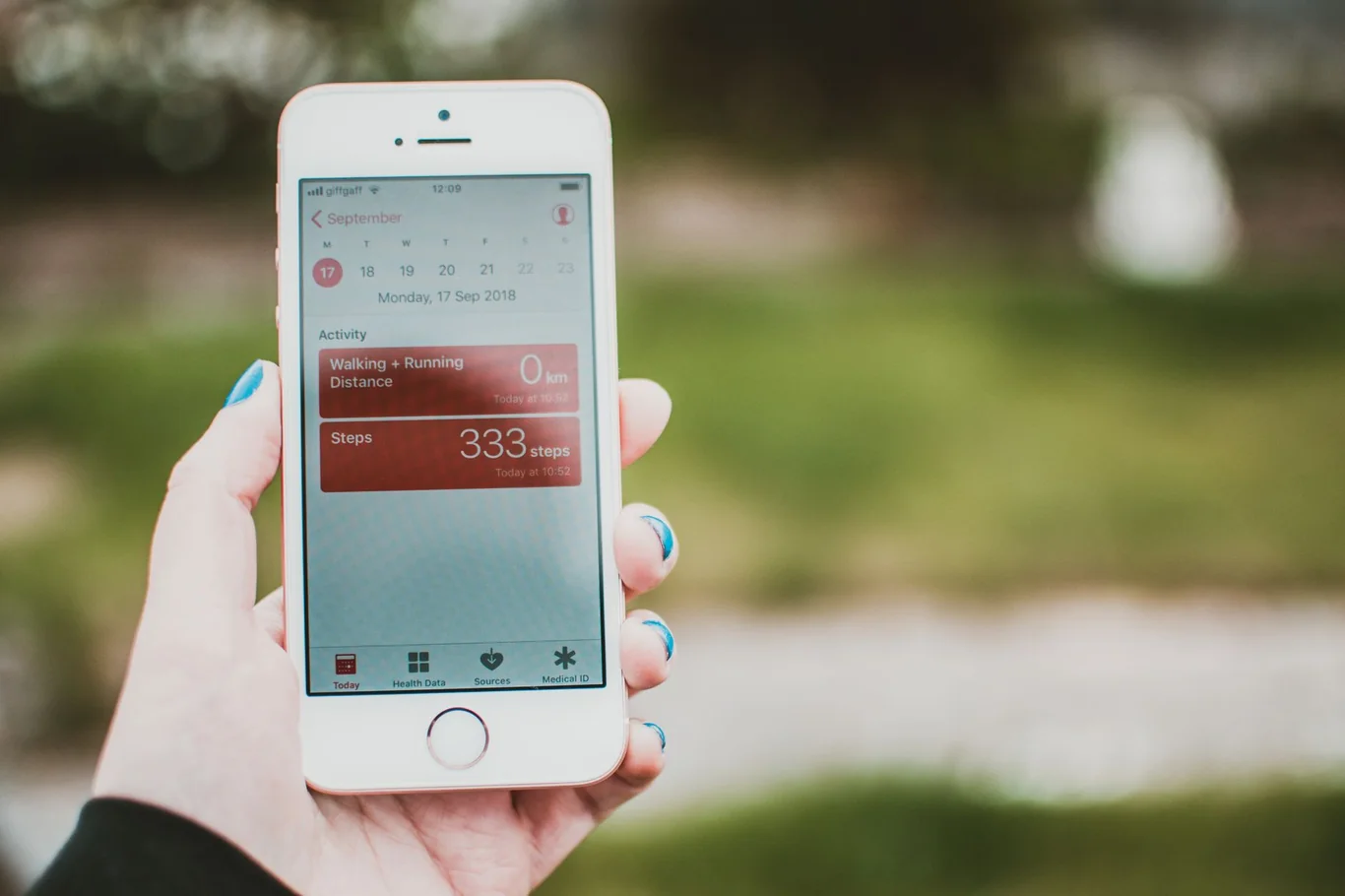
The most direct benefit of consistent logging is the ability to apply progressive overload deliberately and verifiably. An RCT published in PeerJ with 43 trained participants found that tracking either load progression or repetition progression produced equivalent gains in muscle hypertrophy and strength (2). Without a log, progressive overload becomes guesswork. With one, it becomes a measurable, repeatable process.
Tracking also surfaces performance patterns that memory alone cannot catch. We use a notes field in our own training log to record sleep quality and daily stress level - two variables that consistently explain most of our session-to-session performance swings. That kind of insight takes weeks of logged data to accumulate, which is exactly why showing up and logging early in a program matters most.
My guide on how to use a fitness tracker walks through the setup and daily habits that turn raw data into consistent, actionable feedback.
Regular self-monitoring is also associated with meaningful weight management outcomes. An observational analysis of thousands of digital tracker users found that adherent workout logging correlated with an additional 0.38-0.60% monthly weight loss during high-tracking periods compared to non-tracking periods (3). The mechanism is consistent: tracking converts passive effort into active, measurable behavior.
My guide to the best fitness trackers for workout logging covers the devices that make data collection passive enough to sustain long-term.
The Best Way to Track Workouts for Free
The best way to track workouts for free is through one of the purpose-built apps that provide a full feature set without a subscription. These are the options that consistently earn the strongest recommendations from gym-goers who have tested multiple tools and stuck with one long-term.
For readers who want step counts specifically without any app setup, my guide on tracking steps without technology covers the most reliable no-app methods ranked by accuracy and convenience.
- Strong - one of the most widely used free logging apps, with one-tap set entry, a deep exercise library, and unlimited workout history on the free tier.
- Hevy - clean interface with support for custom exercises, workout templates, and social sharing. Core logging is free with no significant feature walls blocking daily use.
- StrengthLog - the most consistently cited genuinely free option: no ads, no paywalled core features, and no upsell pressure during sessions.
- Nike Training Club - the best free choice for guided and bodyweight sessions, with a large library of structured workouts.
- Google Fit - lightweight, compatible with both Android and iOS, and useful for basic step counting and cardio session logging.
In our experience, apps with zero in-session ad interruptions make the biggest practical difference in logging consistency - which is one reason StrengthLog earns such strong word-of-mouth despite limited marketing. For people who want passive data collection alongside a free app, a best budget fitness tracker adds automatic heart rate and calorie data without requiring a paid software subscription.
Most trackers in this range sync directly with the apps above via Bluetooth, which removes manual entry for cardio sessions entirely. A best calorie tracker for active people often turns out to be a wearable rather than a standalone app, since wrist-based sensors capture continuous movement throughout the day rather than just tracked sessions.
How to Track Workouts on iPhone
The best way to track workouts on iPhone depends on whether you use a paired Apple Watch. With an Apple Watch, the native Fitness app captures exercise minutes, heart rate data, active calorie burn, and workout summaries automatically for every session you start. To access your full history:
- Open the Fitness app on your iPhone.
- Tap Summary at the bottom of the screen.
- Scroll below your activity rings to see recent workout entries.
- Tap any workout entry to expand it - including heart rate zones, calorie splits, and route maps.
- Use the calendar icon to navigate to older sessions by month.
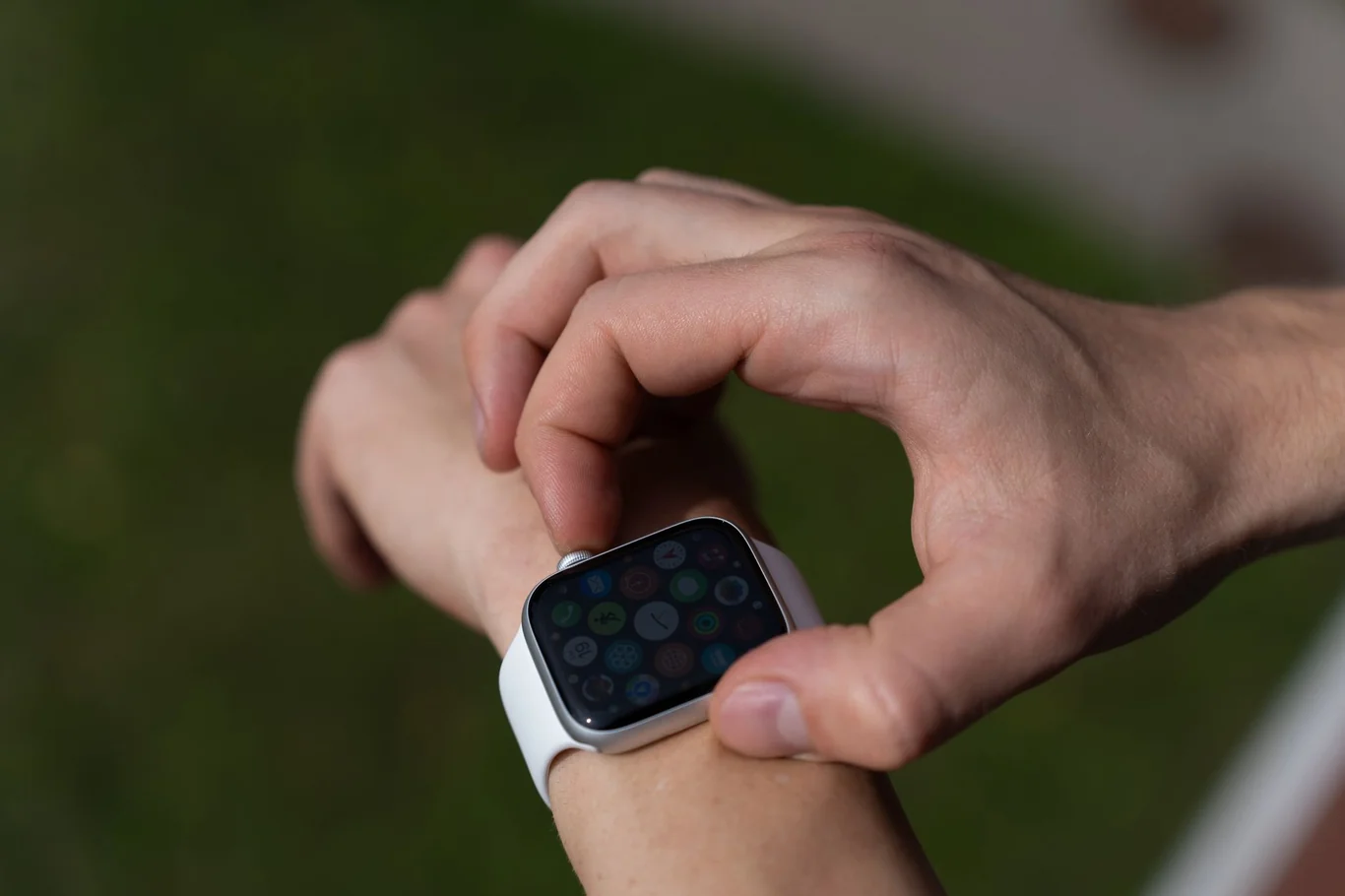
The key limitation of the native Fitness app is that it does not log individual sets, reps, or weights for strength training. For that level of detail, a third-party app like Strong or Hevy fills the gap cleanly - running alongside the Fitness app and syncing duration and calorie data to the Health app automatically. The Health app acts as a central data hub where your watch and third-party apps consolidate in one place, which is worth checking if you use more than one tracking tool.
For people specifically trying to see how to see past workouts on Apple Fitness+, the Fitness app retains your complete history from your first paired session forward - no data is deleted unless you manually remove it. You can also export a full backup through the Health app under your profile settings as an XML archive. If you are weighing whether an Apple Watch suits your needs, the what is a fitness tracker and is Garmin or Apple Watch more accurate guides cover the practical trade-offs in detail before you commit to a platform.
How to Track Gym Progress in Excel
For athletes who want maximum control over their training data, learning how to track gym progress in Excel is a worthwhile one-time setup investment. A well-structured spreadsheet lets you log any variable you want, run formulas on your session data, and build charts that make month-over-month progress visible at a glance.
For runners who want to pair structured data logging with a wearable, my running fitness tracker guide covers the devices that best combine GPS, heart rate, and pace data.
- Create a new workbook with one tab per training day or muscle group - Push, Pull, and Legs is a practical and manageable starting structure.
- Set up columns: Date, Exercise, Sets, Reps, Weight, RPE (1-10), and Notes.
- Add a volume column using the formula =C2*D2*E2 (sets times reps times weight) to calculate total volume load per exercise per session automatically.
- Insert a line chart plotting weight or volume over time for your main lifts - this is where the data becomes visually meaningful and motivating.
- Build a summary tab using SUMIF or SUMPRODUCT to pull weekly volume totals per lift, so you can verify whether overall training volume is trending upward across blocks.
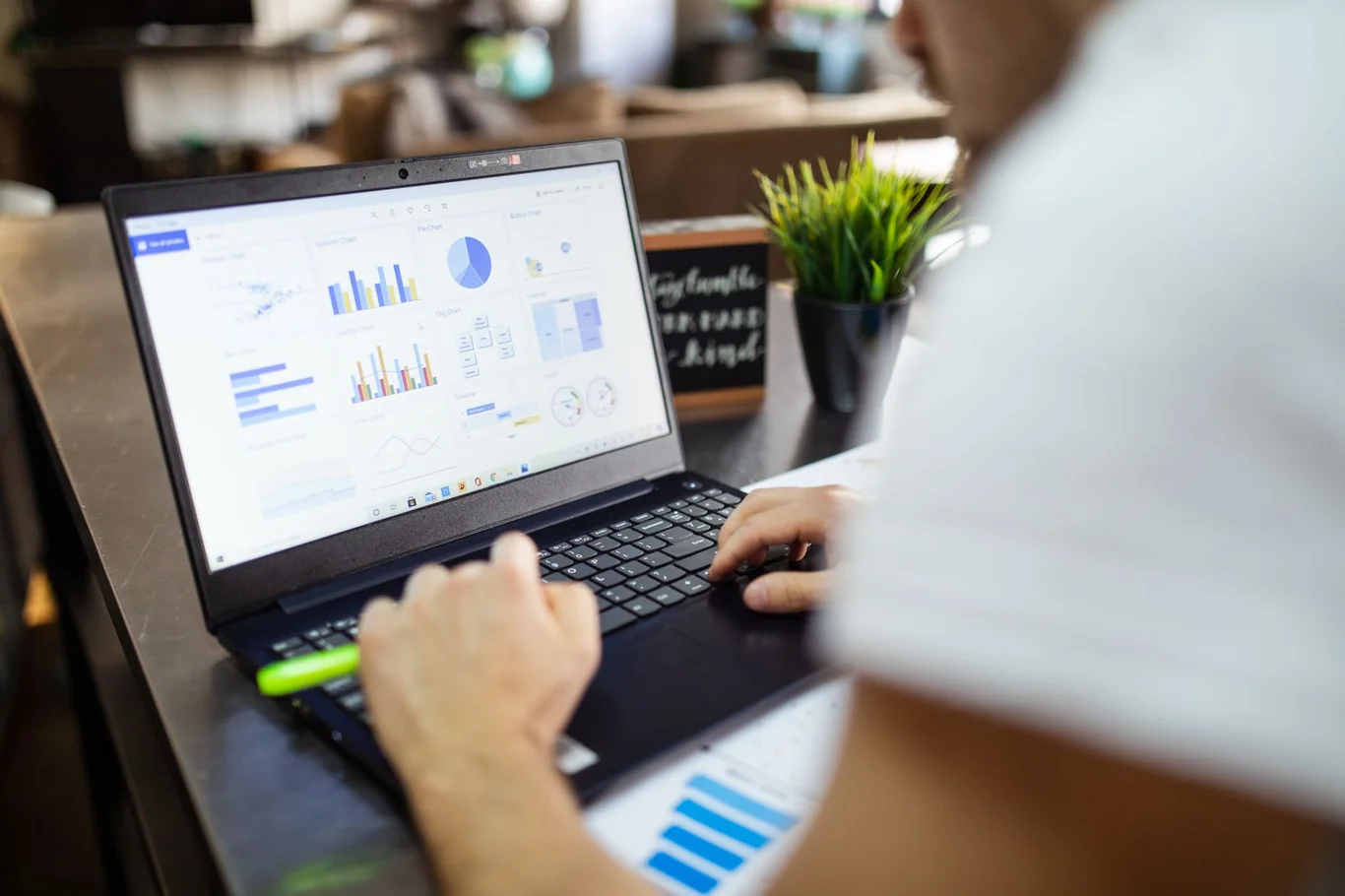
We have used a version of this spreadsheet system alongside a wearable for the past two years, and it surfaces progression stalls significantly faster than any app we have tried. For people who prefer cloud access between sets, Google Sheets is a free alternative with identical formula and charting capabilities - no Microsoft 365 subscription required, and your log stays accessible on any device.
Athletes logging high-intensity or functional training sessions will find purpose-built options in my top fitness tracker for CrossFit guide.
Goal | Key Metrics to Log |
Muscle Building | Sets, reps, weight, RPE, rest time |
Fat Loss | Session duration, calorie burn, daily steps, body weight |
Endurance | Distance, time, pace, heart rate zone |
General Fitness | Session duration, exercise variety, perceived exertion |
Rehab / Recovery | Pain level (0-10), range of motion, modified exercises |
How to Build a Workout Tracking Habit That Lasts
Understanding how to track workouts is the first step.
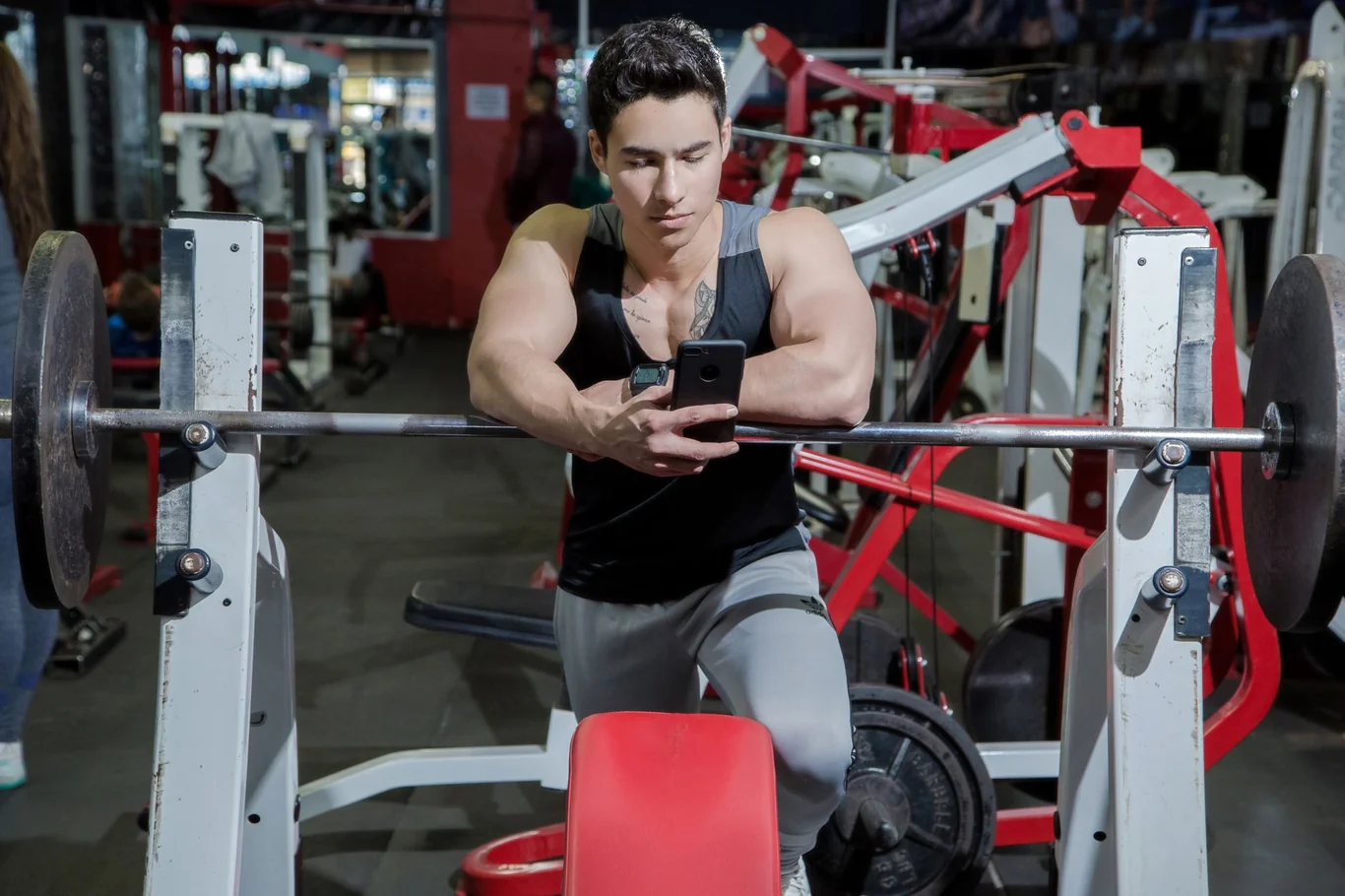
Staying consistent long enough for the data to compound into useful insight is the harder challenge. Research shows that health habits - including exercise logging - take a median of 59 to 66 days to automate, with individual ranges extending up to 154 days, and self-monitoring identified as one of the most effective behavior-change techniques during that formation window (4).
The practical implication: the first two months are where most people either build the habit or lose it.
Choosing a top fitness watch that automates data collection removes one of the biggest friction points during that critical early period.
These evidence-supported strategies help reduce the friction of early habit formation:
- Start with the minimum viable log - track only exercise name, sets, and weight for the first three weeks. Add complexity after logging feels routine, not before.
- Log immediately after each set, not at the end of the session. Working memory is less reliable than most people assume, and rest-period logging takes under 10 seconds with a well-designed app.
- Attach logging to an existing environmental cue - placing your phone face-up on the bench before every set is a simple, repeatable prompt. Small cues outperform willpower over weeks.
- Review your log once per week for five minutes. The review step makes the data actionable, which is the most powerful reinforcement for continuing to log the following week.
A longitudinal review of 15 studies found a bidirectional relationship between habit strength and physical activity behavior - stronger habits predict more consistent training, and more consistent training reinforces those habits over time (5). Pushing through the first 60 days is enough to shift tracking from effortful to automatic. Adding best fitness tracker for sleep data during this period also helps - seeing how sleep quality affects your logged performance gives the review step far more useful signal.
For people new to tracking, a wearable is often the lower-friction entry point than a manual log. A meta-analysis of 23 randomized controlled trials found that wearable activity trackers significantly increased physical activity time and step counts at both post-intervention and maintenance follow-up periods (6). A best fitness tracker for seniors or a device matched to your specific activity level reduces the cognitive load of starting a new routine - passive data collection requires no ongoing discipline to maintain.
What to Track in Every Session
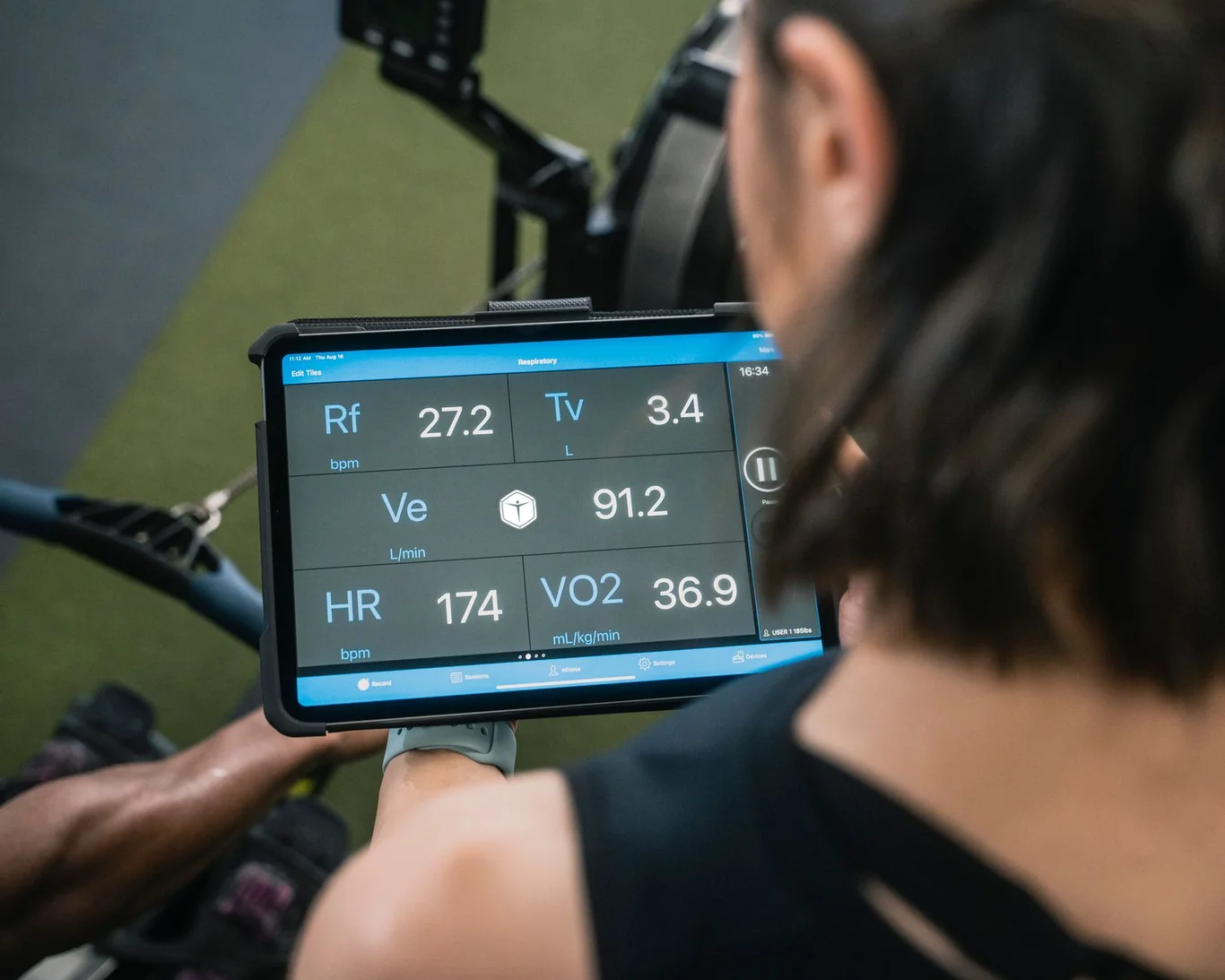
Before settling on a method, it is worth clarifying which data points actually matter for your goals. Most people either log too much (creating overhead that kills the habit) or too little (missing the signals that drive smarter programming decisions). We recommend prioritizing weight lifted and total volume - sets times reps times weight - above all other metrics for strength training, since these two numbers tell most of the meaningful story about whether training is progressing.
For heart rate-based training zones to be useful, the underlying sensor must be reliable - my breakdown of smartwatch heart rate accuracy covers what the research shows across activity types and device categories.
Session Type | Must-Log | Optional |
Strength Training | Exercise, sets, reps, weight | RPE, rest time, form notes |
Running / Cycling | Distance, time, pace | Heart rate zones, cadence |
HIIT / Circuit | Duration, perceived exertion | Calorie burn, circuit structure |
Yoga / Mobility | Duration, session type | Areas targeted, how you felt |
For cardio-dominant training, heart rate zones are the most valuable secondary metric after duration. And for people also tracking best fitness tracker for men options, pairing a device with a dedicated strength app covers all zones of a mixed training routine without requiring two separate logging systems.
What to look for in a fitness tracker depends significantly on which training style dominates your routine. A runner prioritizes GPS accuracy and pace metrics. A lifter benefits from session logging integration and a best fitness tracker for weight lifting that can detect exercise type. Matching the device to your actual training - rather than the most feature-rich option on the market - saves both money and the frustration of a device that does not fit your workflow.
Building a System That Grows With You
The most effective tracking method is the one you will realistically maintain through busy weeks and missed sessions. For some people, that is a notebook kept in the gym bag. For others, it is an app synced to a smartwatch that logs everything automatically. Our practical recommendation is to start with the lowest-friction option already available to you - and add complexity only once the basic habit is stable.
If your system relies on a smartwatch, my comparison of Garmin versus Apple Watch accuracy covers which platform produces more reliable data across heart rate, GPS, and step counting.
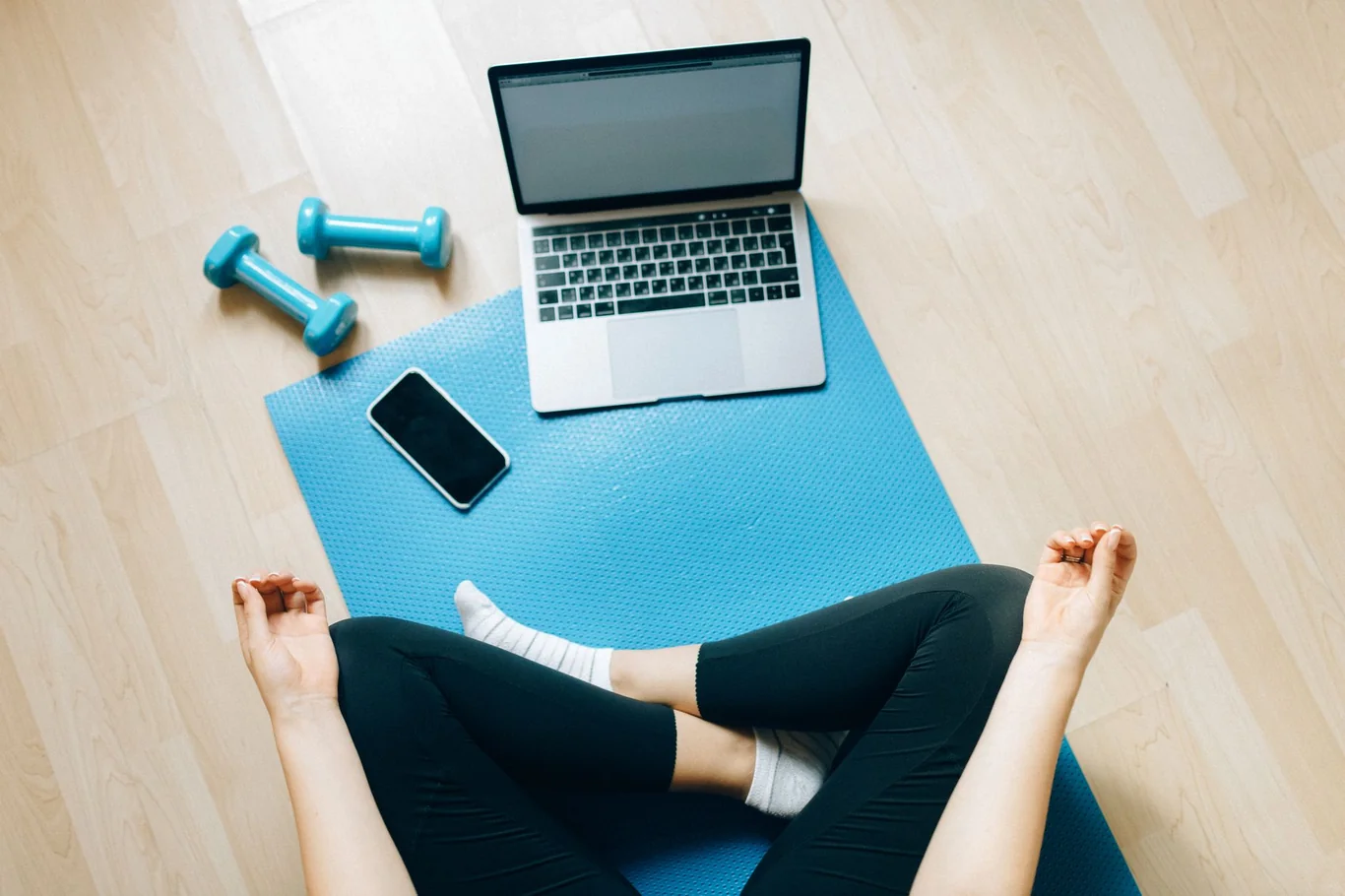
If you own an Apple Watch, start with the native Fitness app and add a dedicated strength logging app like Strong or Hevy within the first week. If you prefer no technology, a pocket notebook is more effective than a complex app you will abandon by week three. We would also suggest pairing any manual log with at least a basic wearable for passive metrics like steps and resting heart rate - the combination covers gym sessions and daily movement without doubling your logging effort.
Understanding what does a smartwatch do beyond workout logging matters when deciding whether a smartwatch or a dedicated tracker is the better fit for your logging setup.
FAQs
What is the 3-3-3 rule for workouts?
The 3-3-3 rule for workouts refers to a simple session structure in which you complete 3 sets of 3 different exercises for 3 rounds, often used as a starting template for beginners or circuit-style training. It provides a consistent, repeatable format without requiring complex periodization or programming knowledge.
Is there an app I can use to track my workouts?
There are many apps you can use to track your workouts, with Strong, Hevy, and StrengthLog among the most widely recommended for strength training and Nike Training Club and Google Fit for general fitness. Most of these apps offer free tiers that cover the core logging features the majority of gym-goers actually need.
Can my phone track my exercise?
Your phone can automatically track some forms of exercise - including steps, walking distance, and basic activity metrics - through built-in sensors and apps like Apple Health on iPhone or Google Fit on Android. For accurate heart rate data or detailed strength training records, pairing your phone with a dedicated wearable tracker or smartwatch produces significantly more reliable results.
How do I track my workout without my watch?
To track your workout without a watch, open a dedicated app on your phone - such as Strong, Hevy, or Fitbod - and log each exercise, set, rep count, and weight as you complete it during the session. A paper notebook in your gym bag is an equally effective and completely friction-free option that requires no battery, no syncing, and no screen unlock between sets.
How to see past workouts on iPhone?
To see past workouts on your iPhone, open the Fitness app, tap Summary, scroll below your activity rings, and tap the calendar icon to browse sessions by month. If your workouts were logged through a third-party app, check that app's history section directly, or open the Health app where most third-party fitness apps consolidate their workout data automatically.
References:
- Krukowski RA, Denton AH, König LM. Impact of feedback generation and presentation on self-monitoring behaviors, dietary intake, physical activity, and weight: a systematic review and meta-analysis. Int J Behav Nutr Phys Act. 2024;21(1):5. doi:10.1186/s12966-023-01555-6
- Plotkin DL, Coleman AS, Van Every D, et al. Progressive overload without progressing load? The effects of load or repetition progression on muscular adaptations. PeerJ. 2022;10:e14142. doi:10.7717/peerj.14142
- Pourzanjani A, Quisel T, Foschini L. Adherent use of digital health trackers is associated with weight loss. PLoS One. 2016;11(4):e0152504. doi:10.1371/journal.pone.0152504
- Singh B, Murphy A, Maher C, Smith AE. Time to form a habit: A systematic review and meta-analysis of health behaviour habit formation and its determinants. Healthcare (Basel). 2024;12(23):2488. doi:10.3390/healthcare12232488
- Feil K, Allion S, Weyland S, Jekauc D. A systematic review examining the relationship between habit and physical activity behavior in longitudinal studies. Front Psychol. 2021;12:626750. doi:10.3389/fpsyg.2021.626750
- Li R, Li Y, Wang L, et al. Wearable activity tracker-based interventions for physical activity, body composition, and physical function among community-dwelling older adults: Systematic review and meta-analysis of randomized controlled trials. J Med Internet Res. 2025;27(1):e59507. doi:10.2196/59507