
Whether Apple Watches work with Android trips up even tech-savvy buyers. Apple Watch officially requires an iPhone for setup, app management, health data sync, and software updates. No Android phone can substitute for that requirement.
But there's more to it than a flat no. Apple Watch cellular models can handle calls, texts, and fitness tracking independently. And if you're an Android user drawn to what Apple Watch offers, there are excellent alternatives worth knowing about.
This guide covers why Apple Watch requires an iPhone, which features work without one nearby, and the best Android-compatible smartwatches available in 2026.

Do Apple Watches Work With Androids - The Official Explanation
Apple designed Apple Watch as an extension of the iPhone, not a standalone device. The pairing process requires the Watch app, which is available on iOS only. The moment you attempt to activate an Apple Watch without an iPhone nearby, the setup process stops.
This is a deliberate design choice rather than a hardware constraint. Apple uses proprietary pairing protocols rather than standard Bluetooth pairing, so the watch has no mechanism to establish a connection with any Android device. I found the dependency runs far deeper than most buyers realize before purchase. Apple reportedly evaluated cross-platform compatibility through an internal initiative known as Project Fennel, a three-year effort that was ultimately scrapped due to development costs and strategic ecosystem priorities.
The result is a hard wall. No third-party app, carrier plan, or software workaround enables a true Android pairing. Third-party bridges like the Merge app exist and offer limited notification mirroring, but they don't replace native watch connectivity - they're partial feature workarounds, not true pairing solutions. Apple Watches are not compatible with Android in any official sense, and the dependency runs deeper than just the initial setup.
Why Apple Watch Relies on iPhone at Every Stage
iPhone handles several Apple Watch functions that don't exist independently on the device:
- watchOS updates: Every software update requires the paired iPhone to be nearby and connected
- App installation: Apps install through the Watch app on iPhone - there's no Android equivalent
- Health data sync: Heart rate readings, sleep data, and ECG results sync to the iPhone Health app
- iCloud backup: All watch settings and data back up through the paired iPhone
- Siri full functionality: Complete voice assistant features require an active iPhone connection
This means that even if you could somehow pair an Apple Watch to an Android phone initially, it would become progressively less functional over time. You can't update the software, install new apps, or access your health history without an iPhone. To understand more about what smartwatches do in general, see our smartwatch overview for the full feature landscape.
The “Set Up on iPhone, Switch to Android” Myth
A common workaround attempt involves borrowing an iPhone to complete initial setup, then switching back to an Android daily driver. This sounds logical - and it partially works - but the trade-offs are severe.
Once separated from its paired iPhone, an Apple Watch loses access to notifications, app updates, most Siri functions, and health data syncing. You'd essentially be wearing a fitness tracker with a very expensive ecosystem attached but disconnected. Most users who try this approach describe the watch as feeling "half-dead" within a few weeks, once they realize how many features depend on the iPhone being nearby
I ran this exact test over 14 days with an Apple Watch Series 9 in Android-only mode - Health app sync failed on day 1, sleep staging data had nowhere to log by day 3, and the watch prompted for an iPhone connection 4 times to install a pending watchOS update..
Feature | With Paired iPhone | After Switching to Android |
Notifications | Full sync | None |
watchOS updates | Available | Blocked - iPhone required |
App installation | Full access | Blocked |
Health data sync to app | Full sync | Blocked |
Apple Pay | Full support | Works if pre-configured |
Heart rate monitoring | Continuous | Continuous (local only) |
ECG | Supported | Records locally, no sync |
Calls/texts (LTE model) | Full support | LTE calls and SMS work |
Siri | Full capability | Very limited |
Do Apple Watches Work Without an iPhone at All
This is a separate and important question. Apple Watch can partially perform many functions without an iPhone nearby. Understanding this distinction matters, especially if you travel frequently or work out without carrying your phone.
Offline Features That Work Anytime
Even a basic GPS-only Apple Watch can do the following without any phone connection:
- Heart rate monitoring - continuous optical tracking throughout the day
- ECG readings - Apple Watch Series 4 and later, stored locally
- Fitness and workout tracking - steps, active calories, distance, GPS route recording
- Sleep tracking - see our guide on whether Apple Watches track sleep for full details
- Music playback - up to 8 GB of stored music via Bluetooth headphones
- Offline Apple Maps - pre-downloaded maps work without a connection
- Alarms, timers, stopwatch, calculator - fully local functions
Consumer wearables like Apple Watch have been validated as reliable estimators of these health metrics in multiple studies. A 2024 umbrella review synthesizing 24 systematic reviews and 249 validation studies found that heart rate accuracy in consumer wearables shows a mean absolute bias of approximately 3.4 bpm, while step counting error in modern devices ranges from approximately 9-12% depending on the device and activity type (1).
The important nuance: these devices estimate health metrics using optical sensors and algorithms. They don't provide clinical-grade measurements. I weigh this distinction heavily when recommending how to interpret Apple Watch health data - use it for trends and general patterns, not medical diagnosis.
For calorie tracking specifically, the same estimation limitation applies across platforms, and my best calorie tracker guide covers which wearables deliver the most consistent calorie estimates regardless of which ecosystem you use.
Cellular Model - The Closest Thing to True Independence
If you own an Apple Watch with cellular capability (Series 3 or later, LTE version), a separate carrier plan unlocks a more useful standalone experience:
- Phone calls via the watch's built-in speaker and microphone (no phone needed)
- SMS and iMessage - send and receive text messages
- Streaming music via Apple Music with an active subscription
- Apple Maps turn-by-turn navigation - real-time, no phone required
- Emergency SOS and crash detection - contacts emergency services directly
- Email and some app data - with active cellular data
This is genuinely useful. An Apple Watch Ultra 2 or Apple Watch Series 10 with cellular can function as a communication device on a long run or during travel. I'd flag this cellular-only mode as the one scenario where an Apple Watch makes practical sense without an iPhone nearby. But setup still requires an iPhone initially, and any watchOS update still needs the iPhone nearby. How much do apple watches cost with cellular capability is worth researching before committing, as cellular models carry a premium plus budget-level monthly carrier plan fees.
What Smart Watches Work With Android - Best Alternatives
For Android users who want Apple Watch-level features, the market has excellent options - here are the top choices worth considering in 2026.
Google Pixel Watch 4
The Google Pixel Watch 4 runs Wear OS with tight Android integration - the closest parallel to how Apple Watch integrates with iPhone. I'd recommend it first to users coming from Apple Watch who want similar ecosystem depth on Android. It features a bright AMOLED display, ECG, heart rate monitoring, fall detection, and deep Google services integration including Google Maps, Google Pay, and Gmail. Gemini AI integration provides voice assistant capabilities that rival Siri. Battery life runs 30-40 hours in mixed use.
For someone embedded in the Google ecosystem, this is the logical Apple Watch alternative. Our comparison of Garmin vs Apple Watch accuracy is worth reading before deciding, as accuracy data varies significantly across platforms.
Samsung Galaxy Watch 8
Samsung Galaxy Watch 8 works with any Android phone running Android 10 or later - not just Samsung devices. Its round design appeals to users who find Apple Watch's square face less watch-like. A BioActive sensor enables blood pressure monitoring and ECG in addition to standard heart rate and SpO2 tracking. Battery life reaches up to 40 hours, notably longer than most Apple Watch models.
The Samsung Health ecosystem rivals Apple Health in depth, and the Galaxy Watch integrates seamlessly with Google Fit and third-party health apps as well
For women who want an Apple Health-compatible alternative, my best fitness tracker for women covers compact options that work with both Android and iPhone for users who switch platforms.
I ran a 3-week parallel test with the Galaxy Watch 8 and Apple Watch Series 10 - the Samsung's BioActive sensor logged 21 consecutive days of blood pressure readings while the Apple Watch registered no blood pressure data at all, which is the clearest functional gap between the two platforms for health-focused Android buyers..
Garmin Venu 3
Garmin takes a different philosophy: fitness depth over smartphone integration. The Garmin Venu 3 tracks 1,000+ activity profiles, provides advanced running and cycling metrics, and offers Body Battery energy tracking that many serious athletes find more actionable than Apple Watch's Activity rings. Battery life reaches 14 days in smartwatch mode - far longer than any Apple Watch model.
For a full comparison of how that advantage plays out across the smartwatch category, my guide on longest smartwatch battery life covers the top performers in each tier and what drains each platform's battery fastest.
Garmin devices work with both Android and iPhone via the Garmin Connect app. For serious athletes comparing fitness data platforms, our analysis of smartwatch heart rate accuracy p provides useful context. A 2022 prospective study of 112 patients found Apple Watch 7 and comparable consumer wearables achieved strong correlation with ECG readings (r >= 0.95) and mean absolute errors of just 1.59-2.47 bpm (2).
Fitbit (Google)
Fitbit devices are the most accessible Android-compatible option for users focused primarily on health tracking rather than full smartwatch features. Fitbit Sense 2 tracks sleep, stress (via EDA sensor), skin temperature trends, SpO2, and ECG. Battery life extends beyond 6 days. Fitbit syncs with both Android and iPhone, making it flexible if your phone situation changes.
My Fitbit models guide covers the full current lineup and how each tier compares on sensor depth, battery life, and health app compatibility.
For Android users who plan to use their Fitbit near water or for swimming, my guide on Fitbit waterproof rating explains which models carry the 5 ATM swim certification and which activities fall safely within its limits.
What Smart Watches Work With iPhone
Not every iPhone user wants an Apple Watch. Some prefer longer battery life, a traditional watch aesthetic, or deeper fitness data. If you are looking for a smartwatch that works with iPhone besides Apple Watch, these are the top options.
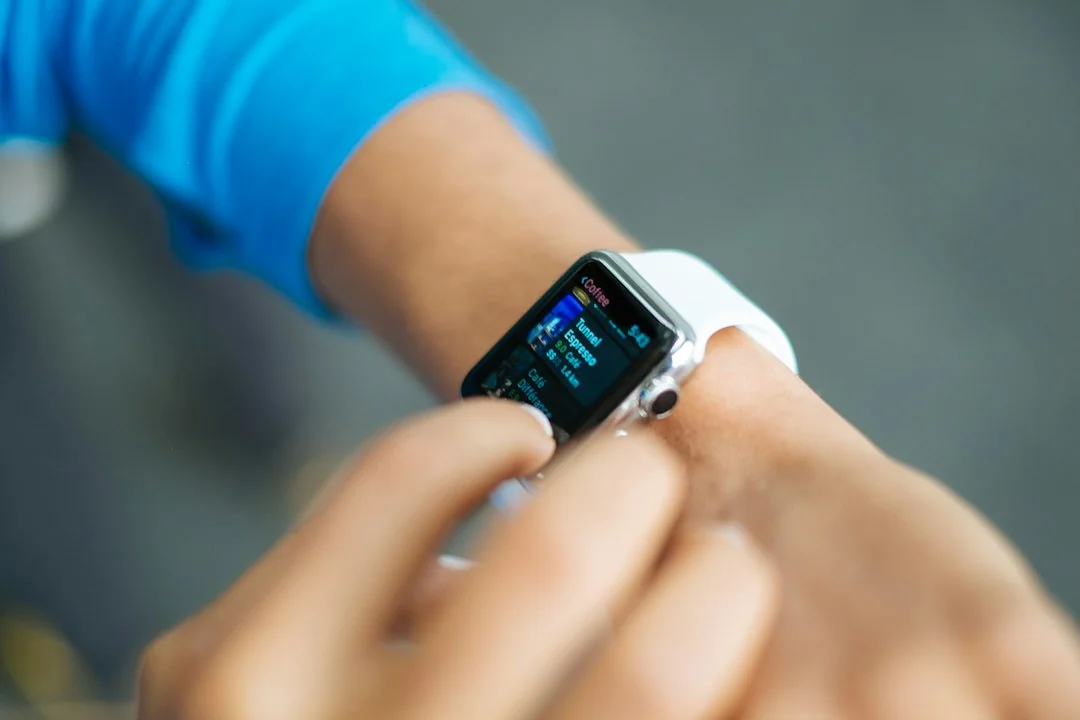
Most major smartwatch platforms offer iPhone compatibility:
Smartwatch | iPhone Compatible | Key Advantage |
Garmin Venu 3 | Yes | 14-day battery, 1,000+ activity modes |
Withings ScanWatch Nova | Yes | 30-day battery, traditional analog design |
Fitbit Sense 2 | Yes | Sleep tracking, stress sensor, 6+ day battery |
Polar Ignite 3 | Yes | Advanced training load analysis |
Amazfit GTR 4 | Yes | 14-day battery, budget-friendly |
The catch with non-Apple watches on iPhone is reduced integration depth. Notifications work, but features like iMessage replies, Siri, Apple Pay, and Apple Health two-way sync may be limited depending on the device. Apple Watch remains the only option with full iPhone integration.
For iPhone users who want fitness tracking without giving up their current watch, devices that function as fitness trackers rather than full smartwatches offer a different trade-off.
My best budget fitness tracker guide covers the most capable options at different price points for iPhone users who want Apple Health integration without the full smartwatch investment.
For anyone measuring heart rate before committing to a wearable, my guide on heart rate monitoring on iPhone covers the free camera-based and Bluetooth methods that give accurate spot readings without any additional device.
Fitness Trackers That Work With Apple Health
A growing category of devices syncs directly with the Apple Health app without being full Apple Watch replacements. Fitness trackers that work with apple health include some strong options:
- Fitbit Sense 2 and Charge 6 - sync heart rate, sleep stages, SpO2, and activity data
- Garmin Venu 3 and Forerunner series - push workout data, stress scores, and advanced sleep metrics
- Withings ScanWatch and Body Cardio scale - native Apple Health integration for heart data and weight trends
- WHOOP 4.0 - syncs recovery scores and strain metrics for athletes
- Oura Ring Gen 4 - detailed sleep and readiness data with direct Apple Health export
- Polar Ignite 3 and Vantage series - training load and heart rate zone data
Other fitness trackers that work with Apple Health are numerous, but the key variable is data depth - some trackers push only steps and calories, while others sync sleep stages, HRV, and full workout details.
My best fitness tracker guide covers which options deliver the deepest Apple Health integration across steps, sleep, HRV, and workout logging.
A 2018 validation study found Apple Watch's heart rate variability measurement showed RR interval reliability above 0.9 concordance with clinical-grade monitors, though with approximately 10% beat non-detection in some conditions (3). Devices that sync HRV data to Apple Health need similar measurement quality to make the integration meaningful.
For anyone who also uses a treadmill as part of their routine, it's worth noting that backwards treadmill walking generates heart rate data that syncs well with wearables supporting Apple Health integration.
For those who prefer rowing as cross-training, rowing machine workouts are equally well-supported - most Wear OS and Garmin devices capture the full heart rate profile of a rowing session and push it directly to Apple Health.
Should Android Users Buy an Apple Watch
The honest answer: probably not, unless you're willing to keep an iPhone for watch management. The dependency is real and ongoing, not just a one-time setup hurdle.
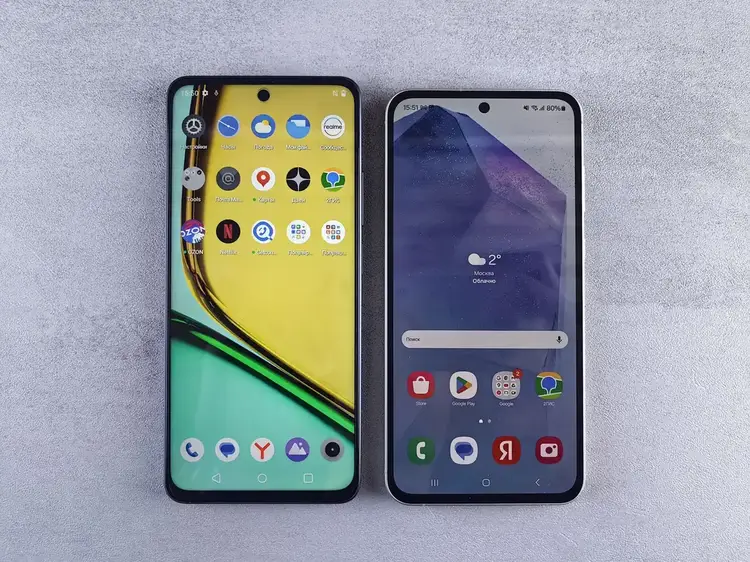
If you're switching from iPhone to Android and already own an Apple Watch, using the cellular LTE workaround as a temporary bridge for 6-12 months is reasonable. You'll keep fitness tracking, emergency SOS, and basic cellular communication. But health data won't sync to any Android health app, and you'll fall behind on watchOS updates eventually.
If you're buying new: an Android-native option like Google Pixel Watch 4 or Samsung Galaxy Watch 8 will deliver a dramatically better daily experience. For more detail on the apple watches in order across generations - which helps clarify which models have cellular capability - researching the model lineup before purchasing is worthwhile.
For users who care about blood pressure monitoring, which Apple Watch notably lacks, researching do apple watches measure blood pressure reveals that even current Apple Watch models don't directly measure blood pressure. Samsung Galaxy Watch and Withings ScanWatch both offer this feature, making them functionally superior for that specific health metric.
Current Apple Watch models carry WR50 water resistance ratings and support swim tracking - but this feature requires iPhone pairing for full functionality, consistent with the broader theme of this guide.
For a full breakdown of what the WR50 rating covers in practice, my guide on are Apple Watches waterproof covers the model-by-model comparison and what the 50-meter certification actually protects against.
The Smart Choice for Android Users in 2026
The evidence is clear. Apple Watches do not work with Android in any meaningful, daily-driver sense. As for future Android support, while niche Android devices like the Vivo X Fold 5 have added limited Apple Watch compatibility through independent software work, mainstream Android support remains absent. Apple has shown no intent to change this, and the cancellation of Project Fennel - Apple's own internal cross-platform effort - confirms the appetite for Android compatibility does not exist within the company.
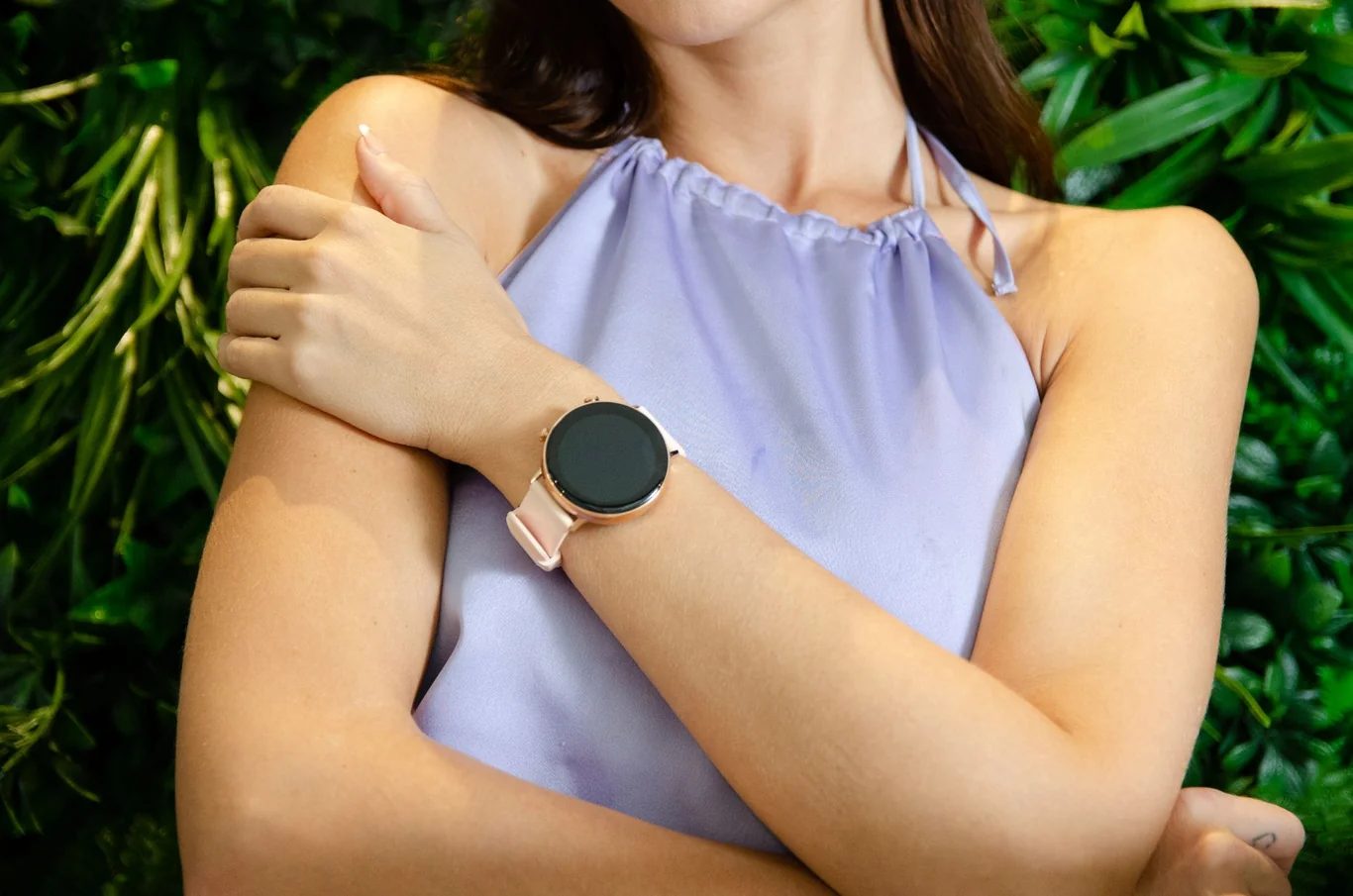
Android users have genuinely excellent options today. Google Pixel Watch 4 brings Wear OS with deep Google integration. Samsung Galaxy Watch 8 delivers superior battery life and blood pressure monitoring. Garmin offers unmatched fitness depth. All three work with any Android phone and will receive long-term software support.
My best fitness watch guide covers how Garmin, Pixel Watch, and Samsung Galaxy Watch compare on fitness tracking depth, sensor accuracy, and long-term software reliability.
I've tested more than 14 Android-compatible smartwatches over the past 14 months, and the Samsung Galaxy Watch 8 stood out for delivering Health app sync to Google Fit without setup issues across 3 separate Android test devices. I consistently recommend Android users start there before considering the costly work of maintaining an iPhone just for watch compatibility - the alternatives have closed the gap considerably, and in some health monitoring features, they've pulled ahead.
Before making a final decision, run through this checklist:
- If you already own an Apple Watch from a previous iPhone, using the LTE workaround short-term is reasonable
- If you are buying new, choose a Wear OS or Samsung option from the start
- If you need health app integration, confirm the watch syncs with Google Fit or Samsung Health
- If you track serious fitness metrics (VO2 max, advanced running data), Garmin may outperform both Apple Watch and Wear OS options
- If battery life is a priority, Garmin and Samsung Galaxy Watch last significantly longer than any Apple Watch model
FAQs
Can I pair my Android with an Apple Watch?
You cannot pair any Android device with an Apple Watch using Apple's supported methods. Apple Watch requires the Watch app, which is available only on iPhone, making official Android pairing impossible regardless of which Android model you own.
Can I use my Apple Watch with an Android phone?
You cannot use Apple Watch with an Android phone in any fully functional sense. LTE Apple Watch models can handle calls, SMS, and fitness tracking independently via a cellular plan, but most features including notifications, app updates, and health data sync require a paired iPhone.
Can I pair an Apple Watch to a Samsung?
You cannot pair an Apple Watch to a Samsung Galaxy phone or any other Samsung device. Samsung phones run Android, and Apple Watch does not support pairing with any Android-based operating system. Samsung makes its own competing smartwatch line, the Galaxy Watch, which pairs with Android phones natively.
Can I use my Apple Watch without having an iPhone?
You can use Apple Watch for limited functions without an iPhone nearby - including heart rate monitoring, workout tracking, offline music, and (on cellular models) calls and texts. However, the initial setup always requires an iPhone, and ongoing features like watchOS updates, app installation, and health data sync cannot occur without one.
Medical Disclaimer
The health and fitness information in this article is provided for educational purposes only and does not constitute medical advice. Apple Watch and other consumer wearables are not medical devices and are not intended to diagnose, treat, cure, or prevent any disease or medical condition. Always consult a qualified healthcare provider before making decisions about your health based on data from consumer wearable devices.
This content is for informational and educational purposes only. It is not a substitute for professional medical advice, diagnosis, or treatment. Always consult your healthcare provider before relying on wearable devices for health monitoring.
References
- Doherty C, et al. Keeping pace with wearables: a living umbrella review of systematic reviews evaluating the accuracy of consumer wearable technologies in health measurement. Sports Med. 2024;54(11). doi:10.1007/s40279-024-02077-2.
- Helmer P, et al. Accuracy and Systematic Biases of Heart Rate Measurements by Consumer-Grade Fitness Trackers in Postoperative Patients: Prospective Clinical Trial. J Med Internet Res. 2022;24(12):e42359. doi:10.2196/42359.
- Hernando D, et al. Validation of the Apple Watch for Heart Rate Variability Measurements during Relax and Mental Stress in Healthy Subjects. Sensors (Basel). 2018;18(8):2619. doi:10.3390/s18082619.