
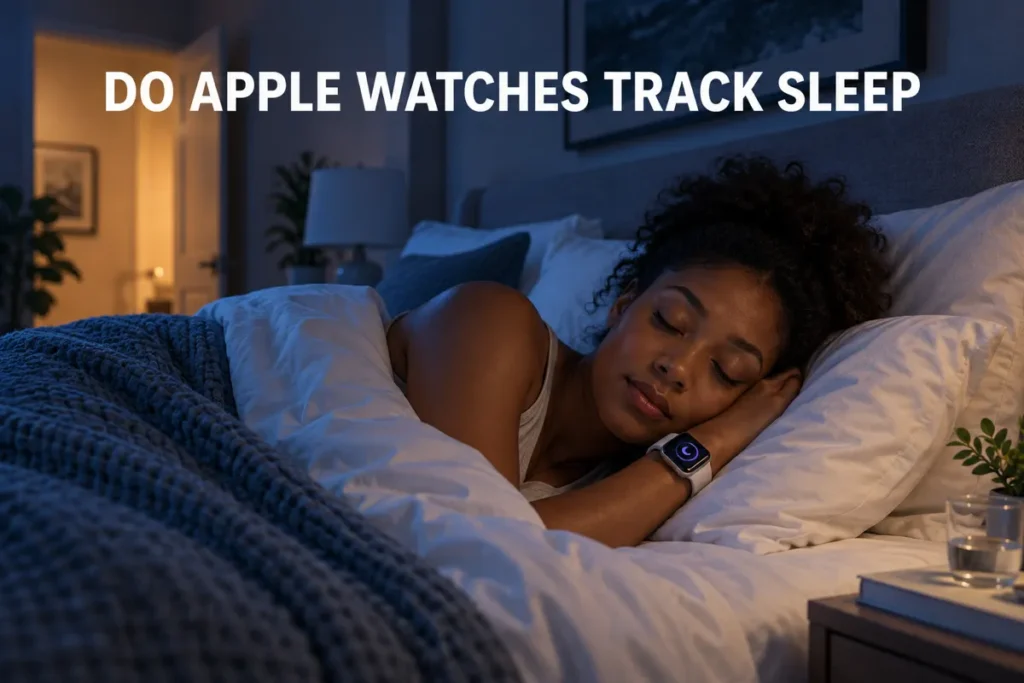
Do Apple Watches track sleep? Yes, every current model tracks sleep automatically through the Apple Sleep app, logging Core, REM, and Deep sleep stages plus a 0-100 Sleep Score in watchOS 26. I have conditioned professional tennis players and competitive athletes at elite training academies, where recovery shapes every training week, and I have worn an Apple Watch to bed for most of the last three years while comparing what the app reports with how the athletes I coach actually feel and train. This guide separates what the data gets right from what it only estimates. The more useful question is whether the numbers are reliable enough to guide real decisions about your sleep. Below, I cover how Apple Watch sleep tracking works, what the research says about its accuracy, and what you can reasonably trust from your nightly results.
Do Apple Watches Track Sleep: And How Well Does the Data Actually Hold Up
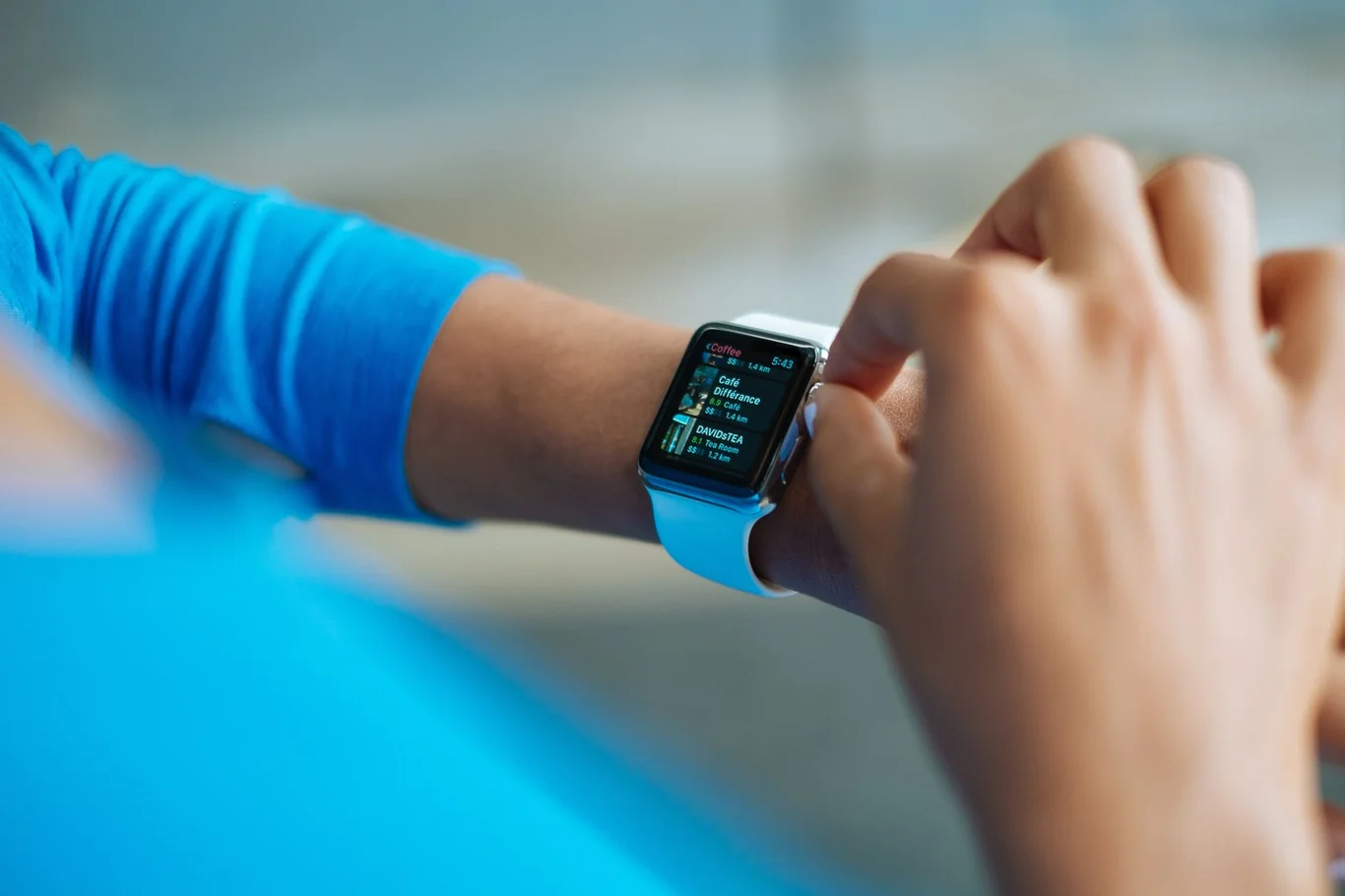
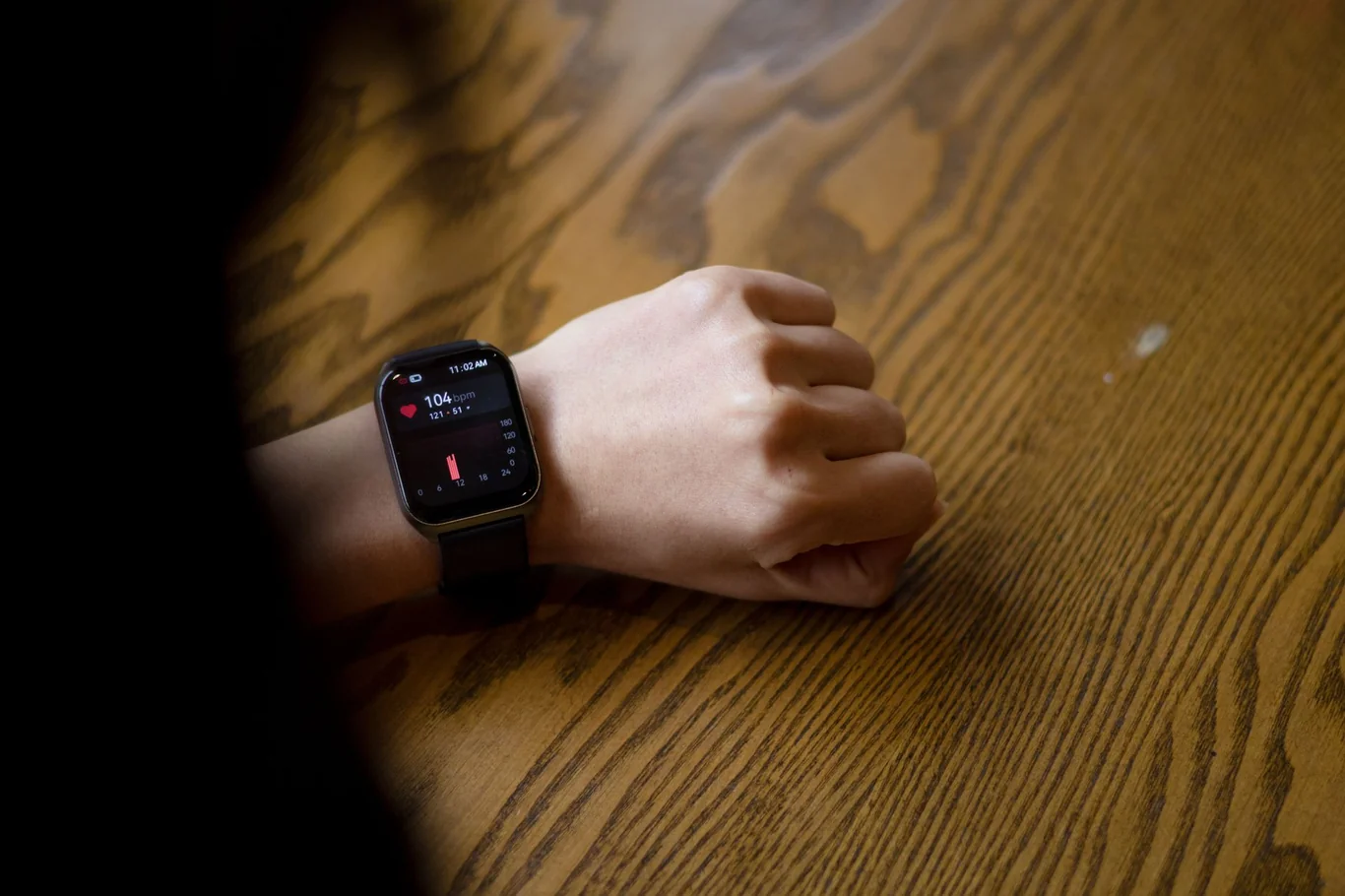
Apple Watches do track sleep, and for most users, the feature runs automatically once set up. The Apple Sleep app uses the watch's accelerometer and optical heart rate sensor to detect when you fall asleep, when you wake, and which sleep stages you cycle through overnight. Apple's on-device machine learning classifies each 30-second block of your night into one of four states: Awake, Core, REM, or Deep sleep. From watchOS 8, the watch also logs respiratory rate throughout the night as an additional health signal.
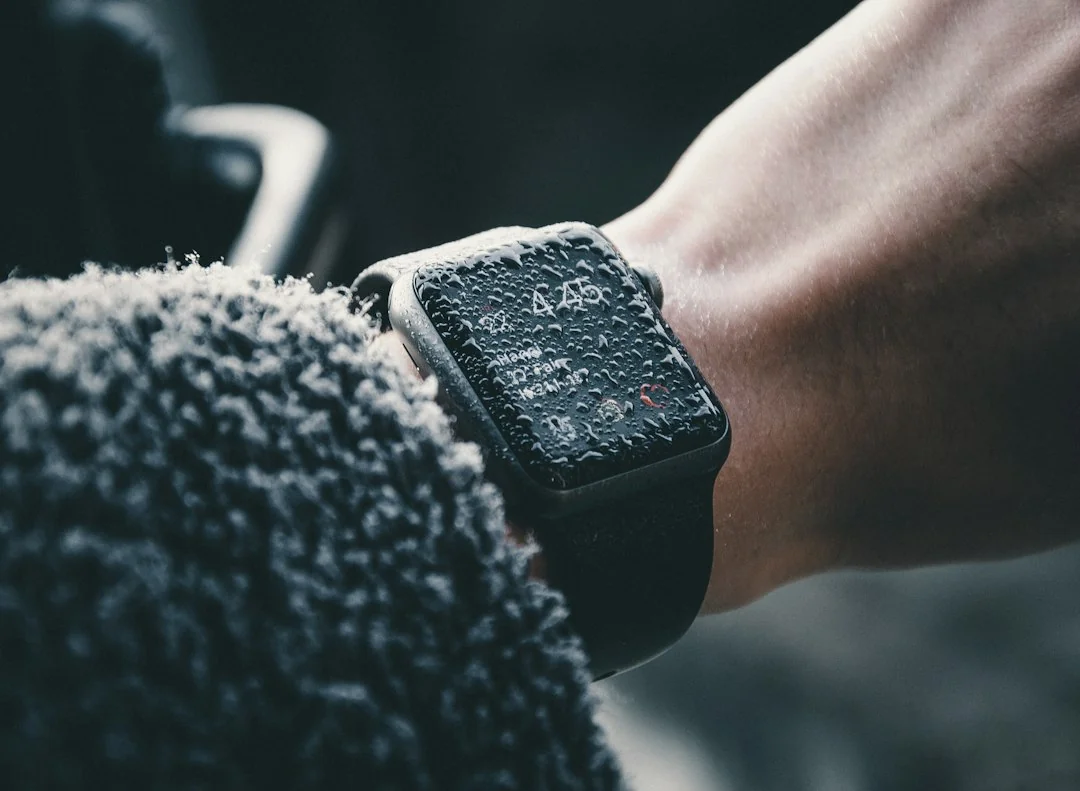
The good news: Apple Watch is reliably accurate at detecting whether you're asleep or awake at any given moment. The challenge is sleep staging - determining the specific stage you're in - and that's where a more measured interpretation is warranted.
Sleep tracking is a good example of what a smartwatch does beyond step counting and notifications. It is genuinely useful for spotting patterns, tracking how lifestyle changes affect your rest, and building awareness of your nightly habits over time. Clinical precision is a different standard entirely, and the research is clear on where consumer wearables stand.
How Apple Watch Detects Sleep: The Technology Beneath the Wrist
Apple Watch estimates sleep using three primary data inputs working in combination:
- Accelerometer - detects wrist movements that signal stillness (sleep) or motion (wakefulness and stage transitions)
- Optical heart rate sensor - tracks heart rate and heart rate variability patterns, which shift predictably across sleep stages
- On-device machine learning - trained on large datasets collected alongside clinical polysomnography to classify sensor signals into sleep categories
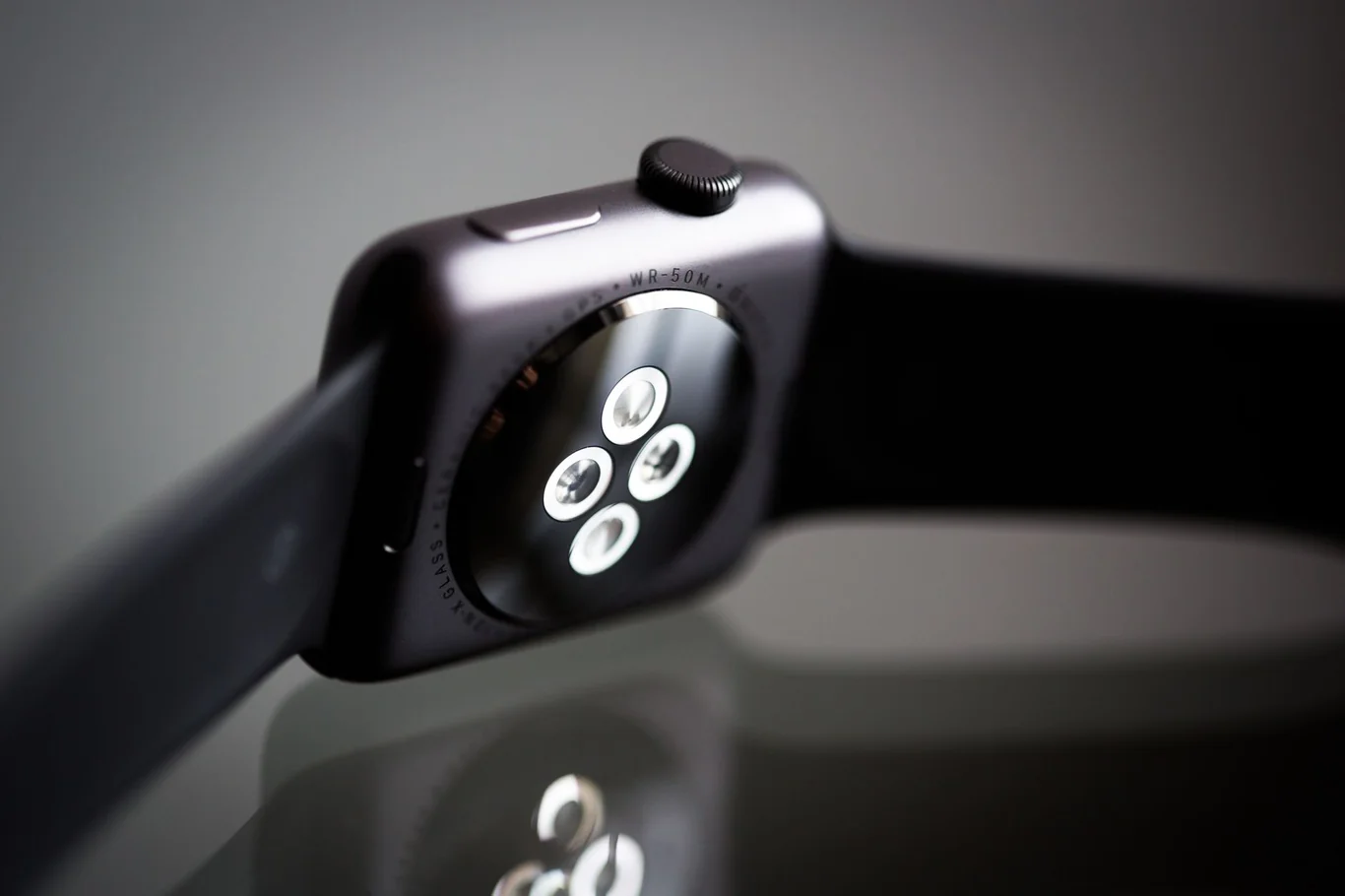
Series 8 and later also includes a wrist temperature sensor that contributes supplemental data during sleep, though temperature sensing is a secondary input rather than a primary stage-classification driver.
The combination of photoplethysmography (PPG) and motion sensing is the core approach used across most consumer wearables, including Fitbit, Garmin, and Oura Ring. A systematic review of 90 peer-reviewed studies on wearable sleep staging found that PPG combined with accelerometry typically achieves 65-75% classification accuracy for sleep staging, compared to 80-90% for EEG-based clinical systems (1).
That gap exists for a clear reason: the gold standard for sleep measurement, polysomnography, or PSG, uses electrodes placed on the scalp, face, and chest to capture brain waves directly. A wrist sensor works with far less physiological signal. That constraint applies to the entire sensor category, Apple Watch included.
Apple Watch Sleep Stages: What Gets Tracked and How Accurately
Apple Watch tracks four states each night. The research validation numbers below come from a 2024 study comparing Apple Watch Series 8 against polysomnography (2):
Sleep Stage | Sensitivity | Notes |
Awake | 97% | Strongest performance - sleep-wake detection is highly reliable |
Core sleep | 86.1% | Solid accuracy for light sleep classification |
REM | 82.6% | Reasonably reliable; stable across nights |
Deep sleep | 50.5% | Least reliable - algorithm frequently underestimates this stage |
Apple Watch Series 8 achieves 97% sensitivity in sleep-wake detection and strong overall accuracy against PSG. For total sleep time, the watch showed no significant difference from PSG-measured values in this study (2). Those are genuinely strong results for a consumer wrist device.
Which of these features you get depends on where your model sits among the Apple Watch generations. Basic sleep tracking (duration only) requires watchOS 7 or later, available on Series 3 and newer. Sleep stages (Core, REM, Deep) require watchOS 9 and Series 4 or later; Series 3 can track sleep duration and respiratory rate but not individual sleep stages.
Deep Sleep: The Hardest Stage for Apple Watch to Detect
Deep sleep is where accuracy drops most significantly. The 2024 validation study found that Apple Watch underestimated deep sleep by an average of 43 minutes and overestimated light sleep by 45 minutes. This pattern suggests the algorithm frequently misclassifies deep sleep as Core sleep rather than missing it entirely.
A 50.5% sensitivity rate means the watch correctly identifies deep sleep blocks only about half the time. Single-night readings should not be treated as precise measurements. Deep sleep supports physical recovery, immune function, and memory consolidation, which makes it the most clinically relevant stage to track accurately, and also the hardest. I still find the trend useful: when my own deep sleep average drifts down across three or four weeks, it usually lines up with a heavier training block or later nights, and that pattern is the signal worth acting on.
REM and Core Sleep: More Reliable Readings
REM sleep detection is considerably more reliable at 82.6% sensitivity, and this stage tends to be stable across participants and nights. Core sleep detection at 86.1% sits in a reasonable range for behavioral tracking purposes.
A 2026 systematic analysis of consumer wearable sleep technology noted that motion-based devices tend to systematically overestimate total sleep and underestimate wakefulness, and that PPG sensors show reduced accuracy across different skin tones, a limitation the research community continues to investigate (3). This applies across the entire sensor category, Apple Watch included.
Apple Watch Sleep Score: What Your Number Actually Means
The apple watch sleep score is a 0-100 daily metric introduced in watchOS 26. It combines three components:
Component | Description |
Sleep duration | Hours slept measured against your personal sleep goal |
Sleep quality | Estimated time in each stage, based on overnight heart rate patterns |
Schedule consistency | How closely your actual bedtime and wake time matched your scheduled Sleep window |
A score of 70-100 is generally interpreted as good, though Apple has not published exact percentile benchmarks. The scoring was recalibrated in watchOS 26.2, changing how consistency is weighted - earlier scores are no longer directly comparable to post-update results. Sleep Score requires Apple Watch Series 6 or later (or Apple Watch SE 2nd generation, or any Ultra model); Series 4 and Series 5 track sleep stages but do not display a Sleep Score.
I'd treat the Sleep Score primarily as a behavioral feedback tool rather than a health metric. It rewards consistent schedules and adequate duration, which are evidence-based pillars of sleep hygiene. Where it falls short is in capturing sleep quality independent of timing - a night of fragmented, unrestful sleep can still score 85 if duration and schedule targets are met.
The score also does not account for blood oxygen levels, HRV trends, or respiratory disturbances, even though the watch records several of those signals separately. I check them on their own in the Health app rather than expecting the score to summarize them.
HRV is the one I look at most often. In my own logs, a lower-than-usual overnight value tends to follow a hard interval day or a short night, and knowing the normal HRV ranges by age keeps you from reading too much into one low number.
How to Set Up Sleep Tracking on Apple Watch
Tracking sleep on an Apple Watch requires a few minutes of setup, then runs automatically each night. Here is the complete process for tracking sleep on an Apple Watch:
Step-by-Step Setup
- Open the Health app on your iPhone and navigate to Browse > Sleep
- Tap Get Started and follow the prompts to set your sleep goal (7-9 hours is the broadly accepted range for most adults, per established clinical sleep guidelines)
- Set a Sleep Schedule with consistent bedtime and wake time that matches your actual routine
- Enable Sleep Focus - this dims the watch face and silences notifications during your sleep window
- Optionally, configure the Wind Down routine in the same Sleep settings to create a pre-sleep buffer period with reduced screen access and calming app suggestions
- On your Apple Watch, confirm the schedule is active by opening the Sleep app and checking your next scheduled sleep window
The Apple Sleep app stores and visualizes all nightly data in Apple Health on your iPhone. Open Health, navigate to Browse > Sleep, and select any past date to see a detailed stage breakdown and your Sleep Score. The Health app surfaces daily, weekly, monthly, and 6-month trend views; use the weekly and monthly views for meaningful pattern analysis rather than relying on single-night readings. I review my own data once a week in the weekly view, which takes about two minutes and tells me more than seven separate morning checks.
Apple Watch requires an iPhone for every function, including sleep tracking, and Apple Watch Android compatibility does not exist in any supported form. When an athlete I work with uses an Android phone, I point them to Fitbit or Garmin for a similar sleep tracking experience.
Battery Requirements for Reliable Overnight Tracking
Battery management is frequently underestimated as a factor in sleep tracking reliability:
- Minimum recommended charge before bed: 30% or higher
- Typical overnight drain: 10-25% per 8-hour sleep period
- Sleep Focus enabled: reduces background activity and extends overnight battery life
- Low-Power mode impact: reduces drain but may limit heart rate sampling frequency
Apple's recommended routine is to charge the watch for 30-45 minutes during a wind-down period before bed, then wear it through the night. If you consistently wake to missing sleep data, low battery before the sleep window ends is the most common cause. I've found that building the pre-bed charge into an evening routine, 30 minutes while reading or stretching, removes the friction entirely and keeps the data consistent week over week. If a daily charge is a dealbreaker, watches with the longest smartwatch battery life can cover several nights between charges.
Apple Watch Sleep Tracking Compared to Fitbit and Other Wearables
A frequently asked question is whether Apple Watch or a dedicated device like Fitbit or Oura Ring provides more accurate sleep data. The honest answer: no consumer wearable approaches clinical PSG accuracy, but there are meaningful differences across devices at specific sleep stages.
If sleep data is the main reason you want a wearable, I'll be honest: the best fitness tracker for sleep may not be an Apple Watch, because a band with multi-day battery life is easier to wear every single night. Two athletes I coached last season switched to a band for exactly that reason after losing four or five nights a month to charging.
Metric | Apple Watch Series 8 | Fitbit Charge 4 |
Sleep-wake detection | 97% sensitivity | ~95% |
REM sensitivity | 82.6% | 86.5% (~4-min mean difference from PSG) |
Deep sleep sensitivity | 50.5% | ~75% |
Data source | Robbins et al., Sensors 2024 | Schyvens et al., JMIR 2024 |
A 2024 systematic review comparing Fitbit Charge 4, Garmin Vivosmart 4, and WHOOP against PSG found that Fitbit Charge 4 achieved 86.5% REM sensitivity and approximately 75% deep sleep sensitivity, outperforming Apple Watch at those specific stages (4). Note these figures come from separate validation studies with different participant populations, so direct cross-device comparisons carry caveats.
Fitbit's own Sleep Score, available across most current Fitbit models, uses a similar 0-100 system to Apple's, with comparable weighting on duration and disruptions. Both are behavioral feedback tools with similar clinical standing. Apple Watch's main advantages are ecosystem depth (seamless iPhone Health integration, workout syncing, and activity tracking in a single device) rather than superior sleep staging accuracy. When a client wants one device for both training load and sleep, I usually start them with the top fitness watches instead of a sleep-only band, because the workout data matters as much as the nightly numbers.
For users wanting deeper sleep analytics than the native app provides, third-party apps like AutoSleep, Sleep++, and Pillow are available on the App Store and offer expanded metrics, historical charts, and alarm optimization that the built-in Sleep app does not include. My tip: give any of them at least two weeks of nightly wear before you judge it, because a few nights tell you very little about any sleep algorithm.
Common Reasons Apple Watch Sleep Tracking Fails
If your watch consistently returns missing data or noticeably inaccurate readings, several well-documented causes are worth checking.
Missing sleep data (no stages recorded):
- Sleep Focus was not enabled or was turned off during the night
- Watch battery dropped below approximately 15% before the sleep window ended
- Bedtime fell outside the scheduled sleep window set in the Sleep app
Inaccurate wake-time or stage detection:
- Brief movements such as rolling over or a short bathroom trip can be logged as multi-minute awakenings
- The 30-second epoch system flags motion above a set threshold as wakefulness, even for brief events
Consistently low Deep sleep readings:
- As the research above shows, 50.5% sensitivity means single-night deep sleep readings are imprecise by design
- Avoid comparing individual nights; track 2-4 week averages to identify meaningful patterns
Data shifts after a software update:
- watchOS updates occasionally reset Sleep settings or alter how stage classification weighting is applied
- If your scores changed sharply after an update, re-confirm your sleep goal and schedule settings in the Sleep app
An observational study monitoring Apple Watch Series 10 wear across a nursing cohort found high wear compliance and minimal missing data over extended monitoring periods, which suggests missed nights are the exception when the device is properly configured (5). In my experience, a gap in the data almost always traces back to settings or battery rather than a faulty watch; the last three missing nights I troubleshot for clients were all caused by a Sleep Focus schedule that no longer matched their real bedtime.
Overnight heart rate is the same sensor stream that feeds sleep staging, and the watch reads it far more easily while you lie still than during exercise. That is one reason smartwatch heart rate accuracy tends to be at its best during sleep.
Is Apple Watch Sleep Tracking Worth Using: A Practical Summary
So, do Apple Watches track sleep well enough to use? For behavioral feedback on your sleep habits, yes; for clinical diagnosis, no. Total sleep time, schedule consistency, and week-over-week pattern shifts are reliable enough to guide real decisions about routine and recovery. Deep sleep minute counts on any single night are not. I'd treat this data as directional rather than diagnostic.
If you are buying a watch mainly for sleep, you do not need the newest model. Sleep Score runs on Series 6 or later, SE 2nd generation, and any Ultra with watchOS 26, with no subscription required, so older generations at lower Apple Watch prices can do the job. If you are open to other brands, I would also compare it against the best fitness trackers overall before buying, since several of them last close to a week per charge.
Pairing sleep data with consistent habits, such as a regular bedtime, fewer screens before bed, and keeping hard training away from the last hours before sleep, gives the nightly output more actionable context. What I recommend to the athletes I coach is simple: change one habit at a time and judge it by the weekly average, never by a single night's score. When I moved one player's last hard conditioning session from the evening to the early afternoon, the improvement in his sleep only became clear after about three weeks of averages, not after the first night.
FAQs
How do I get my Apple Watch to track my sleep?
To get your Apple Watch to track your sleep, open the Health app on your iPhone, navigate to Sleep, and complete the setup to enable Sleep Focus and set a nightly sleep schedule. The watch then tracks automatically each night as long as it has adequate battery - at least 30% before bed - and Sleep Focus is active during your scheduled sleep window.
Is it good to wear an Apple Watch while sleeping?
Wearing an Apple Watch while sleeping is generally beneficial for tracking quality and safe for most people - Apple designed the watch and Sleep app with overnight wear in mind. Some users notice mild wrist irritation from extended band contact, and the 10-25% overnight battery drain requires planning a brief charge session into your evening wind-down routine, but neither is a health concern for the vast majority of wearers.
Why are people getting rid of Apple watches?
Many users who stop wearing Apple Watches cite battery life management as the primary frustration - daily charging and timing it around sleep tracking creates ongoing friction, particularly when switching from Fitbit or Garmin devices that offer multi-day battery life. Others report dissatisfaction with sleep score reliability following watchOS updates that changed how scores are weighted, making historical comparisons unreliable.
Do cardiologists recommend Apple watches?
Cardiologists generally do not recommend Apple Watch as a standalone diagnostic tool for cardiac or sleep conditions, though most acknowledge its value for atrial fibrillation detection - that specific feature is FDA-cleared on Series 4 and later. It is useful for surfacing patterns that prompt clinical conversations, particularly when AF alerts appear, but evaluation and diagnosis remain the appropriate path through a qualified healthcare provider.
How does iPhone track sleep without watch?
iPhone can track sleep using motion data from its built-in accelerometer when the phone is placed on or near your bed, accessed through the Health app's Sleep section. This method captures approximate sleep duration and rough timing but does not provide heart rate data or sleep stage estimates - capabilities that require the Apple Watch's optical heart rate sensor.
This content is for informational and educational purposes only. It is not a substitute for professional medical advice, diagnosis, or treatment. Always consult with your healthcare provider before starting any new fitness program or using fitness technology for health monitoring.
We are always looking for expert inputs to make our content even better and more useful.
References
- Imtiaz SA. A Systematic Review of Sensing Technologies for Wearable Sleep Staging. Sensors (Basel). 2021;21(5):1562. doi:10.3390/s21051562.
- Robbins R, Weaver MD, Sullivan JP, Quan SF, Gilmore K, Shaw S, Benz A, Qadri S, Barger LK, Czeisler CA, Duffy JF. Accuracy of Three Commercial Wearable Devices for Sleep Tracking in Healthy Adults. Sensors (Basel). 2024;24(20):6532. doi:10.3390/s24206532.
- Klier K, Masur L, Düking P. Consumer-oriented (Wearable) Sleep Technology: A Systematic SWOT Analysis and Recommendations for Athletes and Fitness Enthusiasts. Frontiers in Sports and Active Living. 2026;8:1872518. doi:10.3389/fspor.2026.1872518.
- Schyvens A-M, Van Oost NC, Aerts J-M, Masci F, Peters B, Neven A, Dirix H, Wets G, Ross V, Verbraecken J. Accuracy of Fitbit Charge 4, Garmin Vivosmart 4, and WHOOP versus Polysomnography: Systematic Review. JMIR mHealth and uHealth. 2024;12:e52192. doi:10.2196/52192.
- Lim SH, Aloweni F, Ong P, Ang SY. Validation and Feasibility of a Consumer-Grade Wearable Sleep Monitoring Device and an Exploratory Evaluation of Sleep Characteristics and Associated Factors Among Nurses: Observational Cohort Study. JMIR Nursing. 2026;9:e96912. doi:10.2196/96912.