
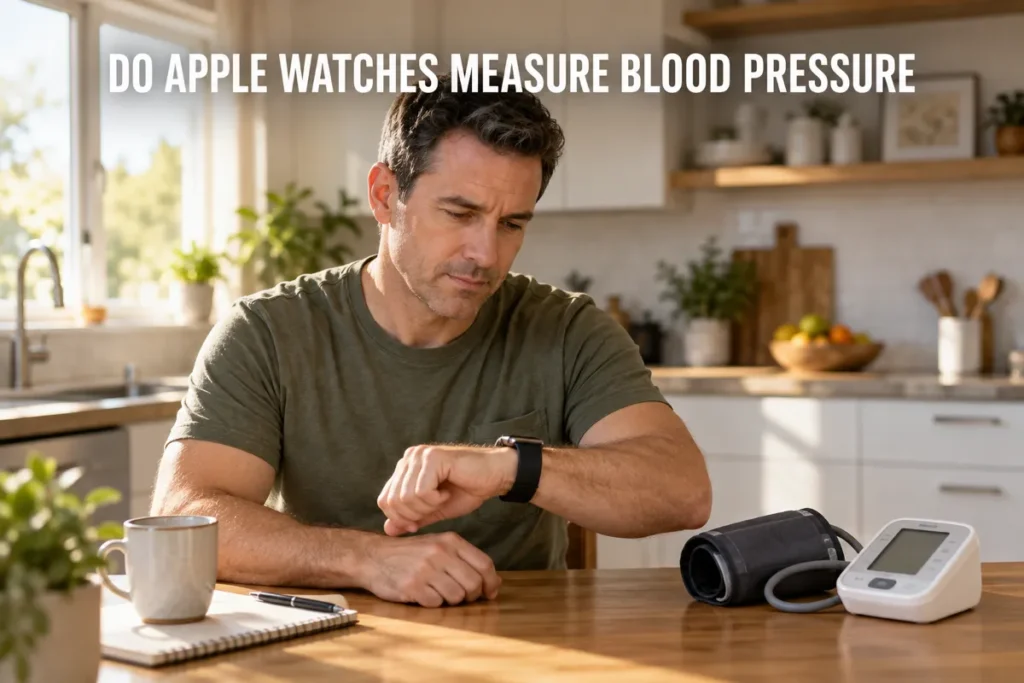
No. An Apple Watch does not measure blood pressure and gives no blood-pressure reading. On Series 9 or later and Ultra 2 or later (not SE), hypertension notifications analyze optical heart sensor data over 30-day periods and can notify you of possible hypertension; for actual numbers you need a validated upper-arm cuff.
An Apple Watch does not measure blood pressure and gives no blood-pressure reading, so the short answer to "do Apple Watches measure blood pressure" is no. Hypertension notifications on Series 9 or later and Ultra 2 or later (not SE) analyze optical heart sensor data over 30-day periods and can notify you of possible hypertension (1). The FDA cleared that feature in September 2025 as notification software (2). It screens; it does not diagnose, and only a cuff gives you the numbers. Below: how the notification works, how often it missed hypertension in the FDA-reviewed study, and how to measure at home with a validated upper-arm cuff.
Do Apple Watches Measure Blood Pressure: The Direct Answer
Can an Apple Watch measure blood pressure directly? No. No Apple Watch model shows a systolic or diastolic value, and the hypertension feature is cleared as notification software, not as a blood-pressure monitor. It is not intended to replace traditional methods of diagnosis, to monitor hypertension treatment effect, or to be used as a method of blood pressure surveillance (2).
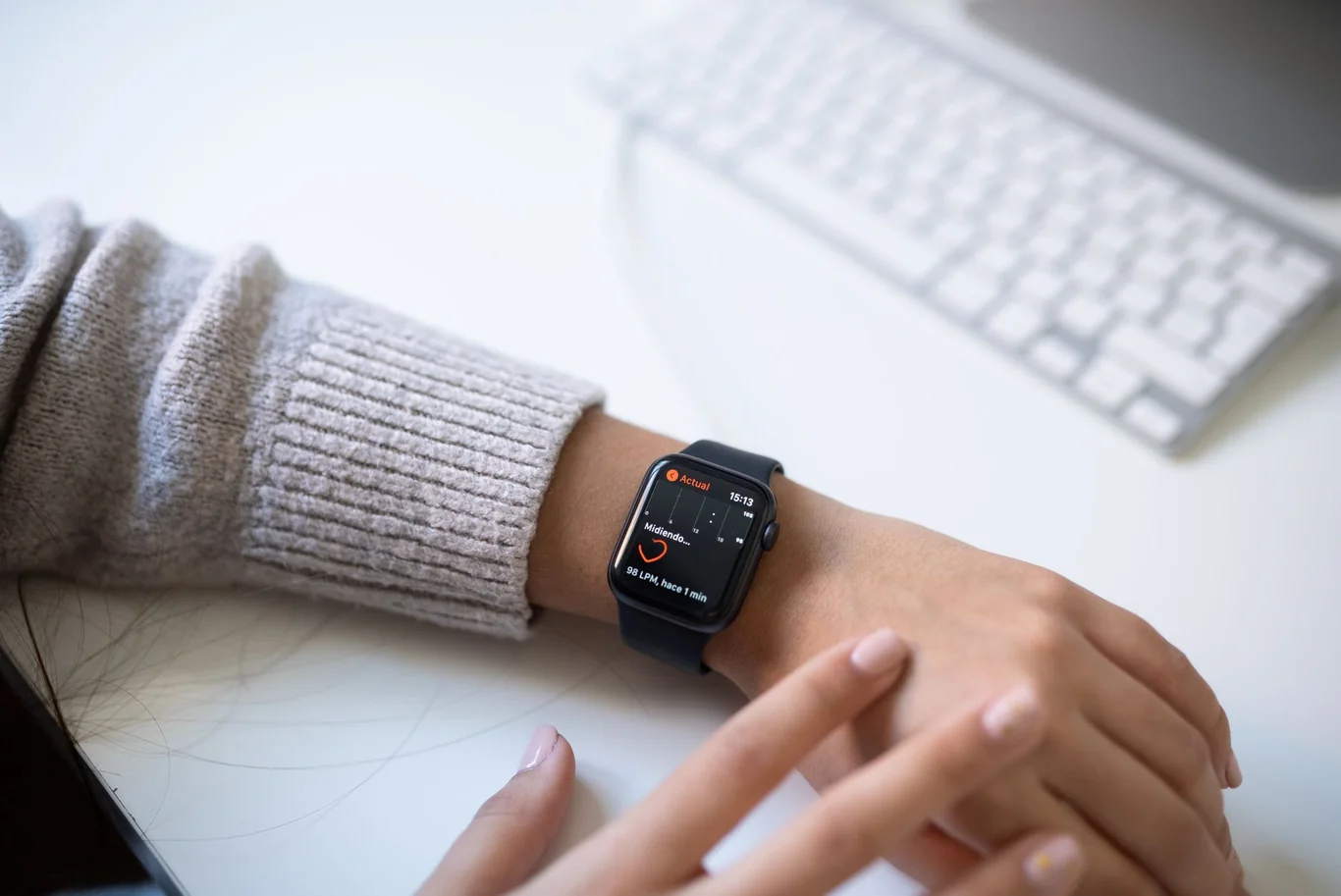
The watch collects photoplethysmography (PPG) data from its optical heart sensor during the day, and a machine-learning model on the watch scores each usable signal for hypertension risk. The paired iPhone combines those scores over a 30-day evaluation period, which starts on the day you set the feature up, and shows a notification when it finds a pattern suggestive of hypertension (1) (2). When the watch has collected too little data, no notification appears at all (2).
In the clinical validation the FDA reviewed, 2,229 adults with no hypertension diagnosis enrolled, wore an Apple Watch for 30 days and measured their blood pressure with an FDA-cleared home cuff as the reference; 1,863 of them gave enough data for the main analysis. Hypertension meant an average systolic pressure of 130 mm Hg or higher or a diastolic pressure of 80 mm Hg or higher. The feature notified 41.2% of the people who had hypertension (sensitivity) and stayed silent for 92.3% of those who did not (specificity). For stage 2 hypertension, sensitivity was 53.7% (2).
In plain numbers: about 6 in 10 people with hypertension in that study got no notification, and about 8 in 100 people without hypertension got one. Neither figure is the chance that a notified person has hypertension. The absence of a notification does not indicate the absence of hypertension (2), and not all people with hypertension receive a notification (1). After a notification, the next step is to discuss it, together with your blood pressure measurements, with your healthcare professional. The Health app also prompts you to set up a Blood Pressure Log and measure with a third-party cuff for 7 days (1).
Reading a silent watch as normal blood pressure. In the study the FDA reviewed, the feature notified fewer than half of the people who had hypertension, so a quiet watch tells you nothing about your numbers. Check them with a cuff.
These are the blood pressure categories as the American Heart Association publishes them (page last reviewed August 14, 2025). They apply to cuff readings in mm Hg; the watch gives you no number to place in them (3):
| Category | Systolic mm Hg (top number) | Diastolic mm Hg (bottom number) |
|---|---|---|
| Normal | Less than 120 | and less than 80 |
| Elevated | 120 to 129 | and less than 80 |
| Stage 1 hypertension (high blood pressure) | 130 to 139 | or 80 to 89 |
| Stage 2 hypertension (high blood pressure) | 140 or higher | or 90 or higher |
| Severe hypertension (no symptoms) or hypertensive emergency (symptoms: call 911) | Higher than 180 | and/or higher than 120 |
For the last row, the AHA's own advice applies. If the top number is higher than 180 and/or the bottom number is higher than 120, wait 1 minute and take your blood pressure again. If the second reading is just as high and you have none of the symptoms below, you likely have severe hypertension and should contact your healthcare professional. If it is that high and you have any of these symptoms, call 911: chest pain, shortness of breath, back pain, numbness, weakness, change in vision or difficulty speaking. Only a doctor or other medical professional can confirm a high blood pressure diagnosis (3).
Who can turn hypertension notifications on: you must be 22 or older, not pregnant and never diagnosed with hypertension, with an Apple Watch Series 9 or later or Ultra 2 or later, an iPhone 11 or later and Wrist Detection turned on. The feature is not available on Apple Watch SE, and it has to be available in your country or region. Hypertension notifications might not be available on Series 12 or Ultra 4 in your region while additional regulatory clearances for these models are in process. With an active pregnancy logged in the Health app, the feature cannot be turned on (1).
How Wearable Blood Pressure Technology Actually Works
Every wrist wearable that offers anything about blood pressure starts from a pulse signal at the wrist. What differs is how the result has been checked against a cuff.
Photoplethysmography: The Optical Sensor Inside Apple Watch
Apple Watch reads your pulse with an optical heart sensor. Light from the sensor enters the skin, and the amount reflected back changes with each pulse of blood. That signal is photoplethysmography (PPG), and it is the data the hypertension feature analyzes (2). It is also the signal behind heart rate on the watch, which is why researchers keep trying to turn it into a blood-pressure estimate.
A 2025 study paired 668,080 wrist PPG readings from 32,152 European users of an Aktiia cuffless wrist monitor with upper-arm cuff readings, then scored machine-learning models against the cuff in 4,823 of them. PPG alone correlated with cuff systolic pressure at r = 0.53 and diastolic at r = 0.58; adding age, sex and body mass index raised that to 0.63 and 0.67 (4). A correlation is not a reading: it says the estimate moves with the cuff on average, not that your own number would be right.
Why Estimation Falls Short of Clinical Measurement
An automatic upper-arm cuff works the other way round. It squeezes the arm and reports systolic and diastolic pressure in mm Hg, and it is the monitor type the AHA recommends for home use (5). A wrist estimate infers pressure from the shape and timing of the pulse instead. Many cuffless devices also need individual calibration with a cuff, and whether that calibration holds over time is one of the accuracy issues the European Society of Hypertension (ESH) says validation must address (6). The same optical signal gives you smartwatch heart rate readings; turning it into a pressure value adds the modelling and calibration steps that are still open questions.
The ESH position on clinical use is direct. Its working group noted that ESH guidelines do not recommend cuffless devices for the diagnosis and management of hypertension, and that the validation protocols written for cuff monitors are inadequate for cuffless devices (6). For an older reader who mainly wants activity and heart-rate data, simple fitness trackers for seniors cover that job, and blood pressure stays with a cuff.
In my view, that settles it for today's watches: screening on the wrist, numbers from a cuff.
What the Research Shows About Wearable BP Accuracy
Part of the problem is that there is no agreed test yet. In 2023 the ESH wrote that no generally accepted protocols existed for validating cuffless devices, and it proposed six tests: accuracy at rest, robustness to the position of the device, accuracy when pressure falls with treatment, changes between waking and sleep, rises with exercise, and stability of the cuff calibration over time. Which of them apply depends on the device (7).
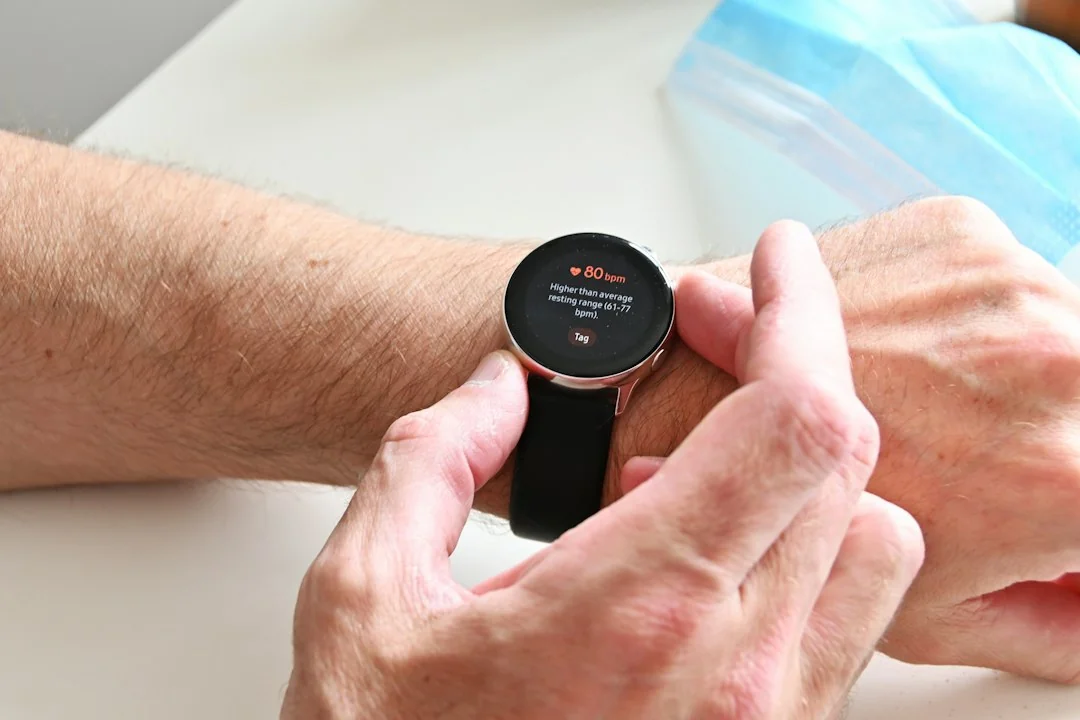
For Apple Watch, there is no blood-pressure reading to validate. The study the FDA reviewed measured something else: how often a 30-day notification matched hypertension confirmed with a home cuff (2). Heart rate is a separate question, and the one behind most Garmin versus Apple Watch accuracy comparisons. A good heart-rate sensor does not turn a watch into a blood-pressure monitor.
What this means in daily use:
- No Apple Watch model gives a blood-pressure reading; the hypertension feature is notification software cleared by the FDA (2)
- A notification means possible hypertension: a reason to measure with a cuff and talk to your healthcare professional (1)
- No notification does not mean no hypertension (2)
- The ESH does not recommend cuffless estimates from any brand for diagnosing or managing hypertension (6)
- If you already have a hypertension diagnosis, the feature is not intended for you, and a validated upper-arm cuff is the tool (2) (5)
Which Smartwatch Can Actually Measure Blood Pressure
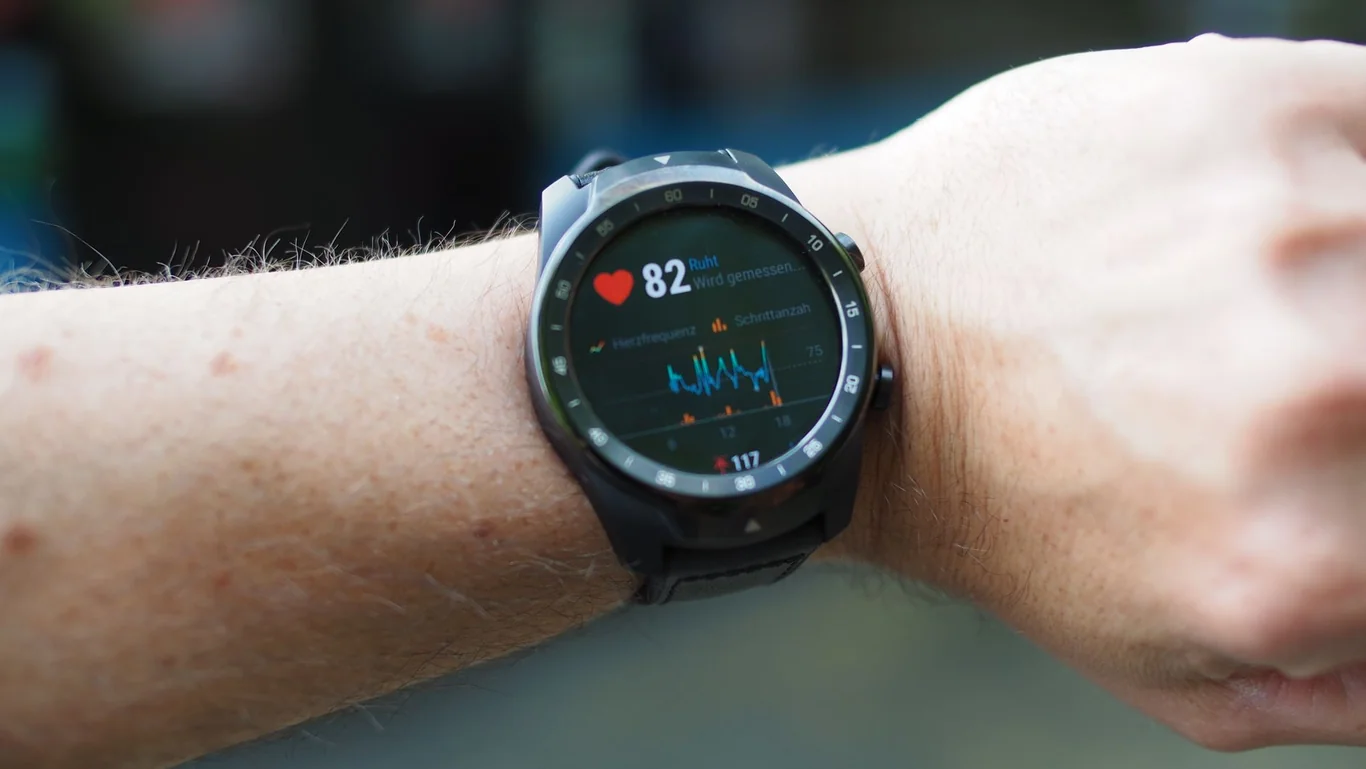
No current Apple Watch shows a reading in mm Hg; the current lineup is Series 12, Ultra 4 and SE 3 (8). The table compares the main kinds of wrist and arm devices that come up when people ask which smartwatch can measure blood pressure. It covers device types and features, not every model on sale:
| Device | What you get | How it works | Cuff calibration or check | Status |
|---|---|---|---|---|
| Apple Watch Series 9 or later, Ultra 2 or later | No reading; a possible-hypertension notification | Optical heart sensor data over 30-day periods | - | FDA-cleared notification feature (K250507) |
| Galaxy watch with Samsung Health Monitor | Blood-pressure figures after calibration | Watch sensor, calibrated with an upper-arm cuff | At setup, then every 28 days | Not for US blood-pressure monitoring; not for diagnosis (Samsung) |
| WHOOP Blood Pressure Insights | Wellness insights | - | - | Not FDA-authorized; FDA enforcement decision on the modified version |
| Automatic upper-arm cuff | Systolic and diastolic reading in mm Hg | Cuff inflates on the bare upper arm | Accuracy check at an appointment about once a year | Recommended by the AHA; choose a validated model |
The Samsung blood pressure function for compatible Galaxy watches runs in the Samsung Health Monitor app and needs calibration at setup and every 28 days with a third-party upper-arm cuff. It cannot be used to monitor blood pressure in the United States and is not intended for the diagnosis of disease (9). WHOOP's Blood Pressure Insights received an FDA warning letter in July 2025 stating that the FDA had not authorized it for any use, including the measurement or estimation of blood pressure (10). In June 2026 the FDA wrote that it does not intend to enforce device requirements for the modified version; that is an enforcement decision, not a clearance (11). Wrist and finger monitors are not recommended by the AHA because they give less reliable readings (5). A dash in the table means neither the maker nor the FDA states it. If you mainly want heart-rate, sleep and activity data, I'd pick from the top-rated fitness watches and keep blood pressure with a cuff.
Blood Pressure Monitors for Apple Health Integration
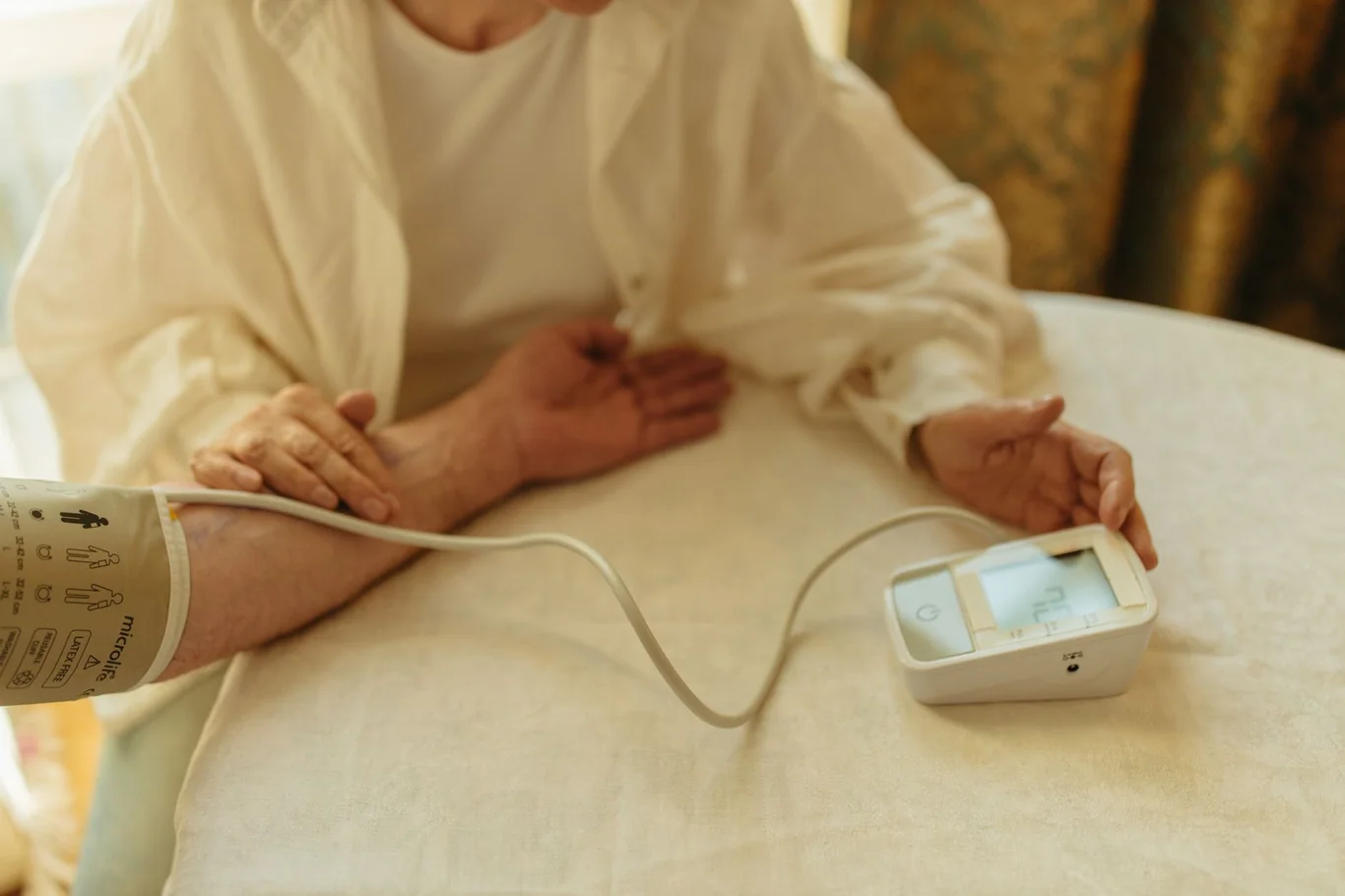
If you want blood pressure numbers on your iPhone, the device that produces them is a cuff. The Health app stores the readings you enter, and its Blood Pressure Log turns them into a report (12). Apple's guide calls automatic upper-arm cuffs the most accurate option (12), which matches the AHA's recommendation (5).
What to Look for in a Blood Pressure Monitor for Apple Health
Before you choose one, check these five points:
- Automatic upper-arm cuff: the AHA recommends this type and does not recommend wrist or finger monitors (5)
- Validated for you: pick a validated monitor (validatebp.org lists options), and for a senior, a pregnant person or a child, one validated for that group (5)
- Correct cuff size: measure around your upper arm; a cuff that is too small or too large gives inaccurate readings, and between sizes the larger cuff is generally the better choice (12)
- Confirmed Apple Health sync: the maker's page for that exact model number should state that readings go to the Health app; without it, you can still enter readings by hand
- Memory you can take along: a monitor with built-in memory can go with you to appointments, and a completed Health app log exports as a PDF (5) (12)
How to Shortlist a Monitor That Works With Apple Health
This section names no model, because validation and Health support differ model number by model number. Here is the shortlist method instead:
- Start from the validated device options at validatebp.org, the listing the AHA points to (5)
- Keep only automatic upper-arm models sold with a cuff that fits your arm
- Open the maker's page for each remaining model number and confirm Apple Health sync; a brand name alone does not tell you which of its models connect
- Take the monitor you buy to your next appointment, so your healthcare professional can check that you use it correctly and that it matches the office equipment (5)
My recommendation for most readers is the simplest cuff that passes those four checks. An arm resting on a table also makes the AHA position, cuff at heart level, easy to repeat (5).
How to Check Blood Pressure on Your iPhone
Your iPhone cannot measure blood pressure on its own. Camera apps that read a fingertip over the lens pick up the pulse, which is a reasonable way to check heart rate on iPhone, but a pressure figure from that signal is a cuffless estimate, and the ESH does not recommend cuffless devices for diagnosing or managing hypertension (6).
Reliable Blood Pressure App Options for iPhone
The useful apps store cuff readings and help you share them. The built-in Health app covers the essentials (12):
- Learn About My Risk for Hypertension: 7 days of morning and evening measurements, used in a report you can share with your doctor; this option is selected automatically when you start the log from a Possible Hypertension notification
- Monitor My Hypertension: daily measurements for 4 weeks, to help you and your doctor understand what impacts your condition
- Manual entry: date, time, systolic and diastolic values, stored under Heart, Blood Pressure
- Your cuff maker's app: useful when it syncs readings into the Health app for your exact model; check the maker's page before relying on it
When the log completes, you can tap Export PDF to share your measurements with your doctor. The log is a separate feature from the watch: values you log do not influence hypertension notifications in any way (12).
Logging Readings in the Apple Health App
To add a reading by hand (12):
- On your iPhone, open the Health app
- Tap the Browse tab
- Tap Heart, then Blood Pressure
- Tap Add a Measurement
- Enter the date, time, systolic and diastolic values, then tap Add
A connected cuff saves the typing, but only when its maker confirms that your exact model syncs with Health. The whole setup runs on an iPhone: the hypertension feature and the log both need an iPhone 11 or later (1) (12), so readers asking about Apple Watch and Android phones should know that neither part runs on an Android phone.
Is Apple Building a Blood Pressure Measuring Watch?
No current Apple Watch measures blood pressure. The models Apple sells today are Series 12, Ultra 4 and SE 3 (8), and their blood-pressure feature, where it exists, is the notification described above.
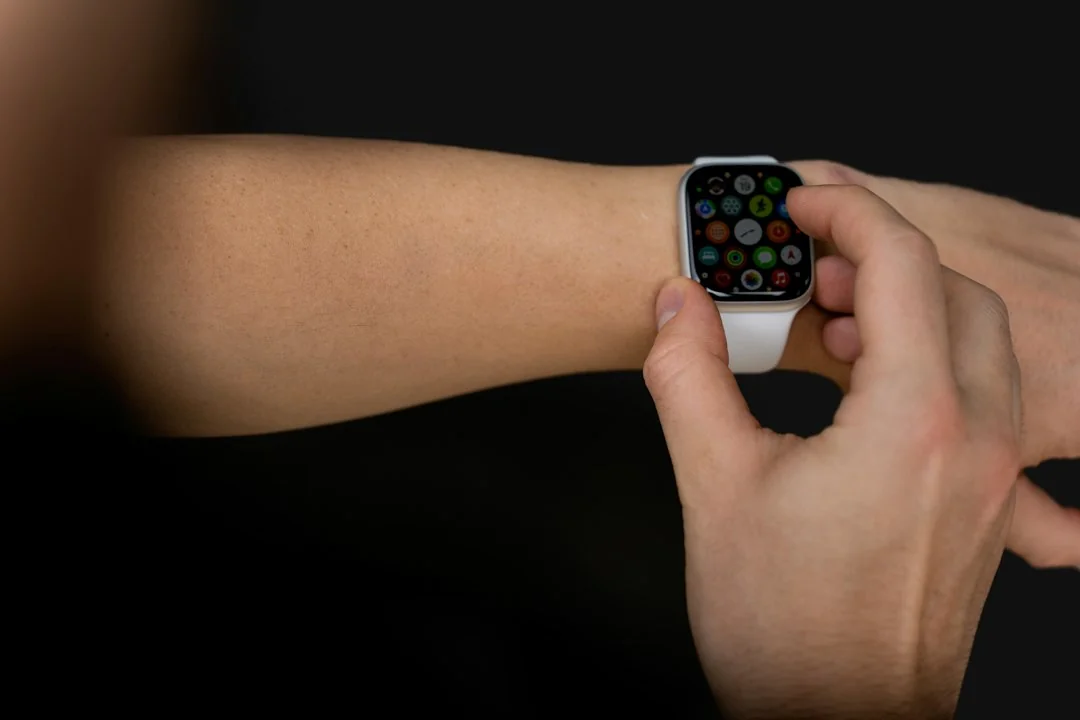
Will the Apple Watch Series 12 alert you to high blood pressure? Series 12 and Ultra 4 list hypertension notifications, but the feature might not be available on these two models in your region while additional regulatory clearances are in process; the SE 3 has none (1). The FDA cleared the feature on September 11, 2025 (2), and it runs on Series 9 or later and Ultra 2 or later (1), so an Apple Watch Series 9 (2023) can already notify you. It still cannot measure your blood pressure. A watch that shows a pressure number would need validation of its own.
The bar for a cuffless reading is high even in good conditions. In a 2022 validation study of the Cloud DX Vitaliti wearable, 20 adults recovering from surgery in a cardiac intensive care unit were analyzed; the device was calibrated against an arterial catheter and checked minutes later. Seated in bed, its mean systolic error was -0.621 mm Hg (SD 4.640); lying down, 2.722 mm Hg (SD 5.207). The check covered only a short window right after calibration (13). That is far from a consumer watch worn through a normal day, which is why the ESH tests cover exercise, sleep and recalibration (7).
In my view, the watch is for passive screening where the feature is available, and the cuff is for the numbers.
If you are thinking about upgrading an older watch only for this feature, first confirm that the model qualifies (Series 9 or later, Ultra 2 or later, not SE), then look at current Apple Watch prices.
Using Apple Watch Smartly for Blood Pressure Awareness
The feature has a narrow, useful job. It is cleared for adults 22 and over who have not been diagnosed with hypertension (2), so the people it can help most are those who have not had their blood pressure checked in a long time and wear the watch anyway.
If a notification arrives, the Health app prompts you to start a Blood Pressure Log with a third-party cuff, set up for 7 wake-up and 7 bedtime measurements; a log that is not completed closes after 6 months (12). Then take the notification and your readings to your healthcare professional (1).
- 30 MINPlan ahead No smoking, caffeinated drinks or exercise in the 30 minutes before you measure. Empty your bladder.
- ARMBare upper arm Remove the clothing over the arm you will use. Either arm works; readings on the two usually differ little.
- 5 MINBe still Sit with your back supported, feet flat and legs uncrossed, and rest quietly for at least five minutes. Do not talk or use the phone.
- HEARTSit correctly Support your arm on a flat surface at heart level. The bottom of the cuff sits directly above the bend of the elbow, on bare skin.
- 2 READSRepeat and record Measure at the same time every day. Take two readings one minute apart and record both.
Rules for combining Apple Watch with a real monitoring routine:
- After a notification, complete the 7-day log, then share the PDF with your doctor (12)
- Do not stop taking blood pressure medication without checking with your healthcare professional, whatever your home readings show (5)
- If you are buying for this feature, check the Apple Watch generations first: Series 9 or later and Ultra 2 or later support hypertension notifications, SE models do not, and neither do older models such as the Series 8 (2022) (1)
- Heart data from Apple Watch sleep tracking and other wellness features is not a blood-pressure reading and does not stand in for one
- Bring the monitor itself to an appointment about once a year, or as its maker directs, to check it against the office equipment (5)
Regular physical activity is one of the heart-healthy habits the AHA lists, next to a balanced diet (3). For easy aerobic sessions, a zone 2 heart rate target is simple to follow, and any well-reviewed fitness tracker can show it. If you have been told your blood pressure is high, ask your healthcare professional what activity suits you.
The Bottom Line on Apple Watch and Blood Pressure
So, do Apple Watches measure blood pressure? No. They give no reading, and the feature they have, hypertension notifications on Series 9 or later and Ultra 2 or later, screens for possible hypertension over 30-day periods and missed most people with hypertension in the study the FDA reviewed (1) (2). A notification is a prompt to measure with a cuff and see a healthcare professional; silence is not reassurance.

I'd treat the two devices as a pair with separate jobs. The watch can flag a pattern you were not looking for. A validated upper-arm cuff, used the AHA way and logged in the Health app, gives you and your doctor the numbers that decisions rest on.
Frequently Asked Questions
Do cardiologists recommend Apple Watch?
Two expert bodies are clear on the key point: the European Society of Hypertension does not recommend cuffless devices for diagnosing or managing hypertension, and the American Heart Association recommends an automatic upper-arm cuff for home readings. Apple's hypertension notifications are cleared as a screening prompt for adults without a diagnosis, not as a blood-pressure monitor, so a notification should lead to cuff readings and a conversation with your healthcare professional.
Which smartwatch can measure blood pressure?
No Apple Watch gives a blood-pressure reading, and Samsung's cuff-calibrated blood pressure function for compatible Galaxy watches cannot be used to monitor blood pressure in the United States and is not intended for diagnosing disease. WHOOP's Blood Pressure Insights are a wellness feature the FDA has not authorized for measuring blood pressure, so for numbers you can act on, use an automatic upper-arm cuff, the type the AHA recommends over wrist or finger monitors.
Is Apple coming out with a blood pressure watch?
None of the Apple Watch models on sale today gives a blood-pressure reading. The Series 12 and Ultra 4 list hypertension notifications, with availability that may depend on your region while clearances are in process, and the SE 3 has none.
How can I check my blood pressure on my iPhone?
Your iPhone cannot measure blood pressure on its own, so you need a cuff: open Health, tap Browse, then Heart, Blood Pressure and Add a Measurement, and enter the date, time, systolic and diastolic values. A cuff whose maker confirms Health sync for your model can send readings automatically, and a completed Blood Pressure Log exports a PDF for your healthcare provider.
 Tech Fitness Lab
Author
Vanja Vukas
I founded Tech Fitness Lab and hold a master's degree from the Faculty of Sport and Physical Education in Novi Sad. I have competed in sport and coached clients, and my writing has appeared on Fitness Volt and BOXROX. I research products from their manuals, spec sheets and warranty terms, and I flag thin evidence.
This content is for informational and educational purposes only. It is not a substitute for professional medical advice, diagnosis, or treatment. Always consult a healthcare provider before making health decisions based on wearable device data. We are always looking for expert inputs to make our content even better and more useful.
References
- Apple Inc. Hypertension notifications on your Apple Watch. Apple Support. Published September 14, 2026. Accessed November 20, 2026.
- US Food and Drug Administration. 510(k) summary K250507: Hypertension Notification Feature (Apple Inc). Cleared September 11, 2025. Accessed November 20, 2026.
- American Heart Association. Understanding blood pressure readings. Last reviewed August 14, 2025. Accessed November 20, 2026.
- Sola J, Arderiu A, Almeida TP, et al. The quest for blood pressure markers in photoplethysmography and its applications in digital health. Front Digit Health. 2025;7:1518322. doi:10.3389/fdgth.2025.1518322.
- American Heart Association. Monitoring your blood pressure at home. Last reviewed August 14, 2025. Accessed November 20, 2026.
- Stergiou GS, Mukkamala R, Avolio A, et al. Cuffless blood pressure measuring devices: review and statement by the European Society of Hypertension Working Group on Blood Pressure Monitoring and Cardiovascular Variability. J Hypertens. 2022;40(8):1449-1460. doi:10.1097/HJH.0000000000003224.
- Stergiou GS, Avolio AP, Palatini P, et al. European Society of Hypertension recommendations for the validation of cuffless blood pressure measuring devices: European Society of Hypertension Working Group on Blood Pressure Monitoring and Cardiovascular Variability. J Hypertens. 2023;41(12):2074-2087. doi:10.1097/HJH.0000000000003483.
- Apple Inc. Compare Apple Watch models. Accessed November 20, 2026.
- Samsung Electronics America. Check your blood pressure using a Galaxy smartwatch. Samsung US Support. Accessed November 20, 2026.
- US Food and Drug Administration. Warning letter to WHOOP, Inc. MARCS-CMS 709755. July 14, 2025. Accessed November 20, 2026.
- US Food and Drug Administration. Letter to WHOOP, Inc. MARCS-CMS 709755. June 17, 2026. Accessed November 20, 2026.
- Apple Inc. Log your blood pressure in the Health app. Apple Support. Published September 14, 2026. Accessed November 20, 2026.
- McGillion MH, Dvirnik N, Yang S, et al. Continuous noninvasive remote automated blood pressure monitoring with novel wearable technology: a preliminary validation study. JMIR Mhealth Uhealth. 2022;10(2):e24916. doi:10.2196/24916.
- Centers for Disease Control and Prevention. Measuring your blood pressure. Last reviewed October 13, 2026. Accessed November 20, 2026.