
No. An Apple Watch is set up from an iPhone, and no Android phone can do it: the Series 12 and Ultra 4 need an iPhone 11 or later with iOS 27 or later. If you use Android, choose a watch built for it, such as the Pixel Watch 5, Galaxy Watch9 or Garmin Venu 4.
Do Apple Watches work with Androids? No. An Apple Watch is set up from an iPhone: the Series 12 and Ultra 4 need an iPhone 11 or later with iOS 27 or later, and no Android phone is on that list.[1]
A watch that is already set up can still make calls, send messages and track workouts away from its iPhone, and a cellular model can do more. If you use an Android phone, a Pixel Watch 5, Galaxy Watch9 or Garmin Venu 4 is the supported choice.
This guide covers what Apple requires, what an Apple Watch does without its iPhone nearby, and the Android-compatible watches I would look at in 2026.
Do Apple Watches Work With Androids: The Official Explanation
Every Apple Watch is set up from an iPhone. The Series 12 and Ultra 4 need an iPhone 11 or later with iOS 27 or later, the SE 3 needs an iPhone 11 or later, and earlier models can be set up with other iPhone models on earlier iOS versions.[1] During setup the iPhone needs Bluetooth on and a Wi-Fi or cellular connection.[1]
No Android phone can stand in for the iPhone at this step, and there is no Android app for it.
I do not recommend tools that claim to connect an Apple Watch to an Android phone. No watch maker supports them, and they are not worth risking your Apple Account or your health data.
Where Apple Watch Relies on iPhone
The iPhone is part of three jobs:
- Setup: every Apple Watch is set up from an iPhone with Bluetooth on and a Wi-Fi or cellular connection.[1]
- Software updates: the watch can update itself from Settings, General, Software Update on Wi-Fi, or through the Apple Watch app on the iPhone. Updating to watchOS 27 requires an iPhone 11 or later, or an iPhone SE (2nd generation) or later, with iOS 27.[2]
- Health history: ECG results are saved in the Health app on the iPhone or iPad.[3]
A watch left without its iPhone keeps a long list of standalone features, covered below. What it does not have is a way to set up or hand over to an Android phone.
The “Set Up on iPhone, Switch to Android” Myth
A common idea is to borrow an iPhone for setup and then carry an Android phone every day. Setup pairs the watch to that iPhone, and there is no step that hands the watch over to an Android phone.
Buying an Apple Watch for an Android phone on the promise of a workaround. Setup needs an iPhone, and the watch stays paired to that iPhone.
The one setup that does not need the wearer to own an iPhone is Apple Watch For Your Kids, formerly Family Setup. It needs a cellular Series 4 or later or SE or later, an iPhone 6s or later with iOS 14 or later for the initial setup, a Family Sharing group where you are the organizer or parent or guardian, and an Apple Account for each person.[4] It is a way to give a child a watch, not a way to pair a watch with an Android phone.
A watch set up this way does without ECG, irregular heart rhythm notifications, Sleep, Wrist Temperature, Blood Oxygen, Cycle Tracking and Apple Pay with a card in Wallet, among other features.[4] The table shows what an Apple Watch keeps when its iPhone is off or out of range.
| Feature | With the iPhone nearby | iPhone off or out of range |
|---|---|---|
| Setup | Done from the iPhone | Not possible |
| Software updates | Through the Apple Watch app, or on the watch itself | Only on the watch over Wi-Fi |
| Calls | Yes | Yes, on Wi-Fi or a cellular model |
| Messages | Yes | Yes, on Wi-Fi or cellular; SMS and MMS on a cellular watch need the paired iPhone powered on |
| Apple Pay | Yes | Yes |
| Heart rate checks | Yes | Yes |
| ECG | On models with the ECG app | Still works on those models |
| Workout tracking | Yes | Yes |
| Siri requests | Yes | Yes, on Wi-Fi or cellular |
Do Apple Watches Work Without an iPhone at All
An Apple Watch keeps many functions when the iPhone is not nearby. What works depends on whether the watch has Wi-Fi, cellular or no connection at all, and not every feature is on every model or in every region.[5] That matters if you travel or train without your phone.
Offline Features That Work Anytime
With no iPhone, Wi-Fi or cellular connection, an Apple Watch still does the following:
- Workout and activity tracking
- Heart rate checks, and ECG readings on models with the ECG app
- Alarm, Timer and Stopwatch, the time and Compass
- Sleep tracking; the guide to Apple Watch sleep data covers what the watch records overnight
- Music, podcasts and audiobooks that you downloaded to the watch
- Apple Pay purchases
- Notes, contacts and calendar
Cellular Model: The Closest Thing to True Independence
A cellular model with a wireless service plan can stay connected away from the iPhone, and that is the closest an Apple Watch gets to independence.[5]
- Phone calls
- Messages; SMS and MMS on a cellular watch need the paired iPhone powered on, though not nearby
- Streaming music and podcasts
- Maps directions and Siri requests
- Weather, reminders and email
A cellular Apple Watch can work as a communication device on a long run or on a trip. Setup still needs an iPhone, and a cellular plan is part of the cost, so Apple Watch pricing matters before you commit. In my view this suits someone who keeps an iPhone, not someone who has left iPhone behind.
What Smart Watches Work With Android: Best Alternatives
Every watch below pairs with an Android phone, and each maker sets its own phone requirements.
Three things decide whether a watch works before any feature does: the minimum Android version, whether the phone brand is supported, and whether the health features you want need one specific phone.
Google Pixel Watch 5
The Google Pixel Watch 5 needs an Android phone running 12.0 or newer, and the previous Pixel Watch 4 needs 11.0 or newer.[6] iPhones are not supported, so the Pixel Watch is an Android-only choice. On LTE models the watch and the Android phone must use the same carrier network for full talk, text and data.[6]
I would put the Pixel Watch 5 first for an Android user who wants the watch from the maker of the operating system.
Samsung Galaxy Watch9
The Galaxy Watch9 and Galaxy Watch Ultra2 work with phones running Android 13 or later with 1.5 GB of RAM. Tablets and Huawei phones are not supported, and the watches are not compatible with iOS.[7] The previous Galaxy Watch8 needs an Android phone with 11.0 or above and at least 1.5 GB of memory.[8]
Check your phone's Android version against the watch's minimum before you order, because a phone below it will not work with the watch.
On the Galaxy Watch Ultra, Watch7 and older Galaxy watches, ECG, irregular heart rhythm notifications and sleep apnea features are available only with Samsung phones.[9] Confirm the same for the Watch9 before you count on those features with another brand of phone.
In my view, anyone with a non-Samsung Android phone should settle this first, because these are the health features a buyer is most likely to want.
Garmin Venu 4
The Garmin Venu 4 works when paired with a compatible iPhone or Android smartphone, and it connects through the Garmin Connect app.[10] Garmin claims up to 12 days of battery life in smartwatch mode. For someone who trains most days, a long battery matters more than extra apps, which is why I would look at a dedicated fitness watch before a phone-first smartwatch.
Garmin's ECG app is limited to select watches and regions and is intended for adults 22 and over, so confirm it for the Venu 4 in your country before you count on it.[10]
How far to trust any wrist heart rate figure is a separate question, covered in the guide to smartwatch heart rate accuracy.
Fitbit (Google)
The Fitbit Sense 2 works with compatible iPhone and Android devices through the Google Health app, the app formerly called Fitbit. Quick replies to texts and app notifications work only when the watch is paired to an Android phone.[11] The current Fitbit lineup has other models as well. In my view, someone who only wants steps, sleep and heart rate should start with a simple fitness tracker before paying for a full smartwatch.
What Smart Watches Work With iPhone
Not every iPhone user wants an Apple Watch. Some prefer a longer battery or a traditional watch look. The table covers only the watches named on this page, not the full lineup, and a dash means the watch has no Android support.
Compatibility of the watches named on this page:
| Watch | Works with iPhone | Works with Android |
|---|---|---|
| Apple Watch Series 12 | iPhone 11 or later, iOS 27 or later | - |
| Galaxy Watch9 | Not compatible with iOS | Android 13 or later, 1.5 GB RAM |
| Pixel Watch 5 | Not supported | Android 12.0 or newer |
| Garmin Venu 4 | Yes | Yes |
| Fitbit Sense 2 | Yes, through the Google Health app | Yes, with the same app |
For an iPhone owner the trade-off is integration depth: quick replies to texts on the Fitbit Sense 2, for example, work only with an Android phone.[11]
Other Watches and Apple Health
Syncing workouts to Apple Health is a job for each maker's phone app, not the watch, and it changes between app versions. If Apple Health sync matters to you, check the maker's current instructions for the exact model before you buy.
Should Android Users Buy an Apple Watch
In my view the answer is no, unless you also keep an iPhone. Setup needs an iPhone, and the watch stays paired to that iPhone after setup.
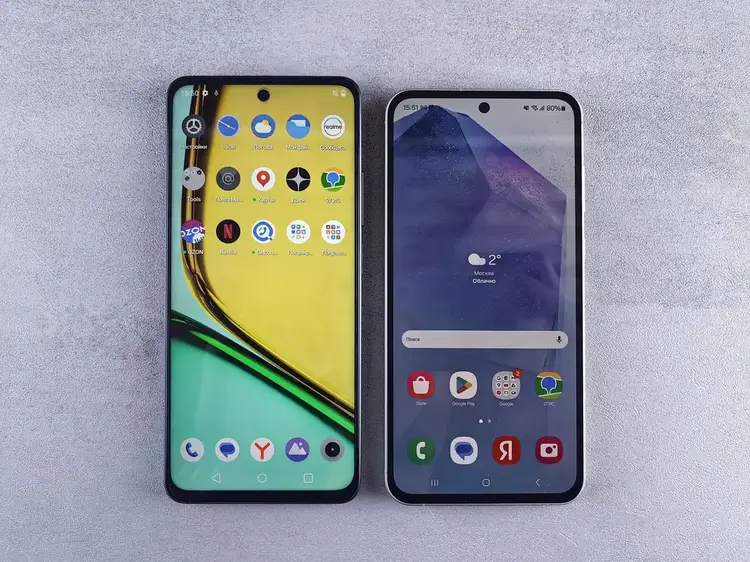
If you are moving from iPhone to Android, an Apple Watch you already own stays paired to its iPhone, not to the new phone. A cellular model can make calls away from that iPhone, but SMS and MMS still need the iPhone powered on and connected.[5] There is no way to set the watch up with, or hand it over to, an Android phone.
Keeping an iPhone just for the watch also means keeping it current. The Series 12 and Ultra 4 need iOS 27 or later, and an iPhone older than the iPhone 11 does not meet the requirement for these models.[1]
If you are buying new, a watch built for Android, such as the Google Pixel Watch 5 or the Samsung Galaxy Watch9, works with an Android phone from day one. Owners of an older Apple Watch can use the Apple Watch release order to find out which generation it is and whether cellular versions were offered.
Apple's hypertension notifications analyze optical heart sensor data over 30-day periods for signs of hypertension; the watch gives no blood pressure readings. They need an iPhone 11 or later and run on the Series 9 or later and the Ultra 2 or later, not on the SE, and may not be available on the Series 12 or Ultra 4 in some regions.[12]
The Series 12 is rated to 50 m (swimproof)[13] and the Ultra 4 to 100 m,[14] both under ISO standard 22810:2010. The Apple Watch water resistance guide explains what those ratings cover, and a rating does not change the iPhone requirement for setup.
The Smart Choice for Android Users in 2026
So, do Apple Watches work with Androids? No: every Apple Watch is set up from an iPhone, and there is no Android setup. The one route that does not need the wearer's own iPhone, Apple Watch For Your Kids, needs a parent's iPhone and a cellular watch.[4]
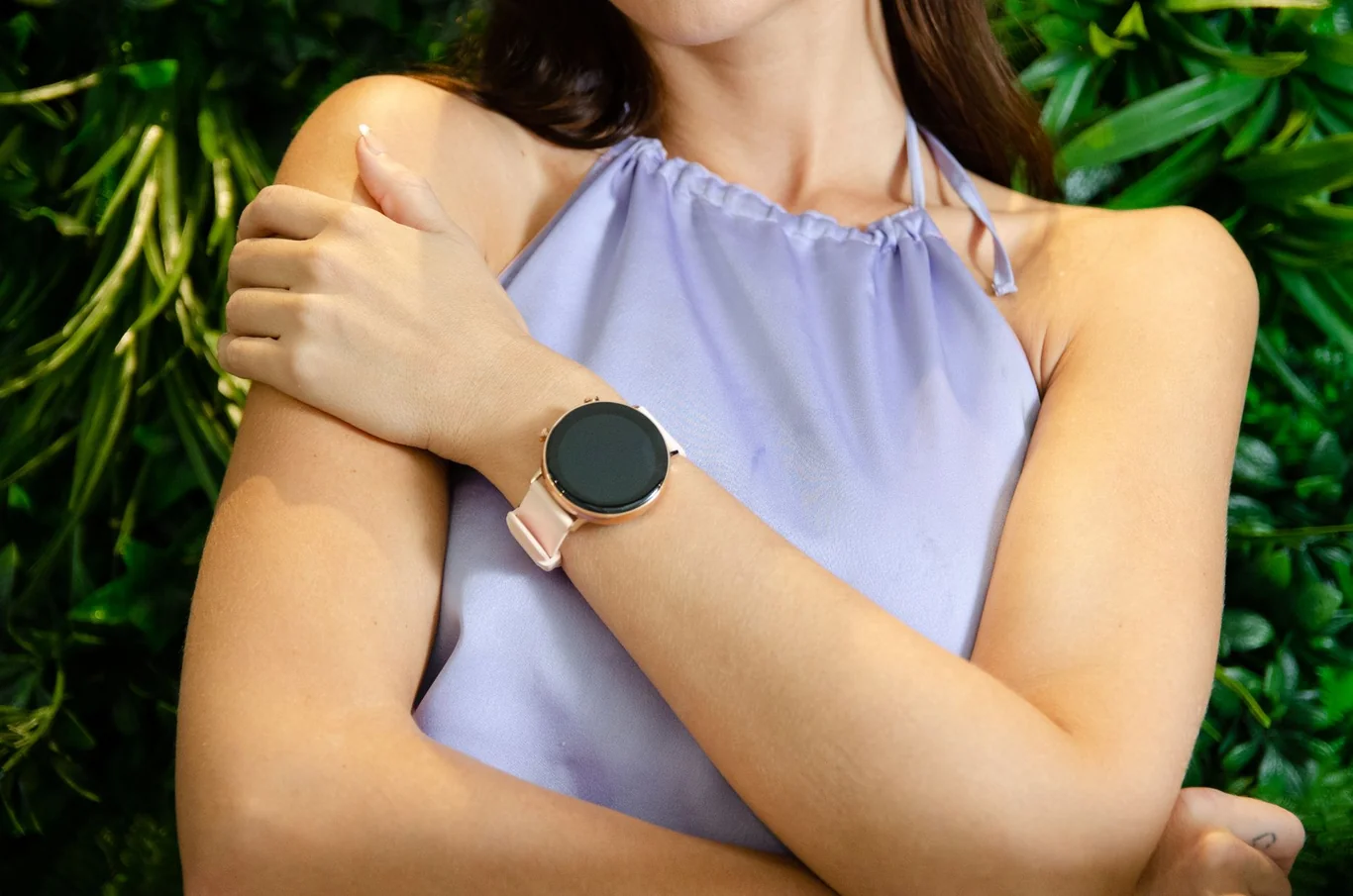
Android users have clear options today. The Google Pixel Watch 5 needs Android 12.0 or newer, the Samsung Galaxy Watch9 needs Android 13 or later, and the Garmin Venu 4 works with both Android and iPhone.
In my view the choice follows the phone. A Samsung Galaxy phone points to the Galaxy Watch9, because Samsung tied ECG and sleep apnea features on its earlier watches to its own phones. Another Android phone points to the Pixel Watch 5 or the Garmin Venu 4, both of which pair with Android phones.
Before making a final decision, run through this checklist:
- If you own an Apple Watch and move to Android, the watch stays paired to its iPhone and cannot move to the new phone
- If you are buying new, choose a watch built for your phone, such as the Pixel Watch 5, Galaxy Watch9 or Garmin Venu 4
- If you want Samsung's ECG or sleep apnea features, check that your phone is a Samsung phone
- If you may switch between iPhone and Android later, the Garmin Venu 4 and Fitbit Sense 2 are listed for both
- If battery life is a priority, compare the makers' own claims for the exact model; Garmin claims up to 12 days for the 45 mm Venu 4
Frequently Asked Questions
Can I pair my Android with an Apple Watch?
No. An Apple Watch is set up only from an iPhone, and an Android phone has no Apple Watch pairing step.
Can I use my Apple Watch with an Android phone?
No: the watch stays paired to the iPhone it was set up with and cannot connect to an Android phone. A Pixel Watch 5, Galaxy Watch9 or Garmin Venu 4 is the supported route for an Android phone.
Can I pair an Apple Watch to a Samsung?
No. Samsung phones run Android, Apple Watch setup needs an iPhone, and Samsung's own Galaxy Watch9 and Watch Ultra2 work with phones running Android 13 or later with 1.5 GB of RAM.
Can I use my Apple Watch without having an iPhone?
Yes, for some functions once it is set up: on Wi-Fi or cellular it can make calls, send messages and stream music, and with no connection it still tracks workouts, heart rate and sleep. Setup itself always needs an iPhone.
The health and fitness information in this article is provided for educational purposes only and does not constitute medical advice. Apple Watch and other consumer wearables are not medical devices and are not intended to diagnose, treat, cure, or prevent any disease or medical condition. Always consult a qualified healthcare provider before making decisions about your health based on data from consumer wearable devices. We are always looking for expert inputs to make our content even better and more useful.
 Tech Fitness Lab
Author
Filip Marić
I am a strength and conditioning coach and I work with professional tennis players. I hold three ISSA certifications and worked as a fitness coach at the Tipsarevic Academy. I also write for Fitness Volt. I judge equipment as a coach: what it trains, how far it lets you progress and what its numbers mean.
References
- Apple. Set up your Apple Watch. Apple Support. Published September 14, 2026. Accessed November 20, 2026.
- Apple. Update your Apple Watch. Apple Support. Published November 12, 2026. Accessed November 20, 2026.
- Apple. Take an ECG with the ECG app on Apple Watch. Apple Support. Accessed November 20, 2026.
- Apple. Set up Apple Watch for a family member. Apple Support. Published October 27, 2026. Accessed November 20, 2026.
- Apple. Use your Apple Watch without your iPhone nearby. Apple Support. Published September 17, 2026. Accessed November 20, 2026.
- Google. Compatibility requirements and region availability for Pixel Watch. Google Pixel Watch Help. Accessed November 20, 2026.
- Samsung. How to connect your Galaxy Watch9 or Watch Ultra2 to your phone. Samsung US Support. Accessed November 20, 2026.
- Samsung. Galaxy Watch8. Samsung US. Accessed November 20, 2026.
- Samsung. Samsung Galaxy smart watch and phone compatibility. Samsung US Support. Accessed November 20, 2026.
- Garmin. Take steps towards a healthier lifestyle with the Venu 4 from Garmin. Garmin Newsroom. Published September 17, 2025. Accessed November 20, 2026.
- Google. How do I get started with Fitbit Sense 2? Google Health Help. Accessed November 20, 2026.
- Apple. Hypertension notifications on your Apple Watch. Apple Support. Accessed November 20, 2026.
- Apple. Apple Watch Series 12 - Technical Specifications. Apple. Accessed November 20, 2026.
- Apple. Apple Watch Ultra 4 - Technical Specifications. Apple. Accessed November 20, 2026.