
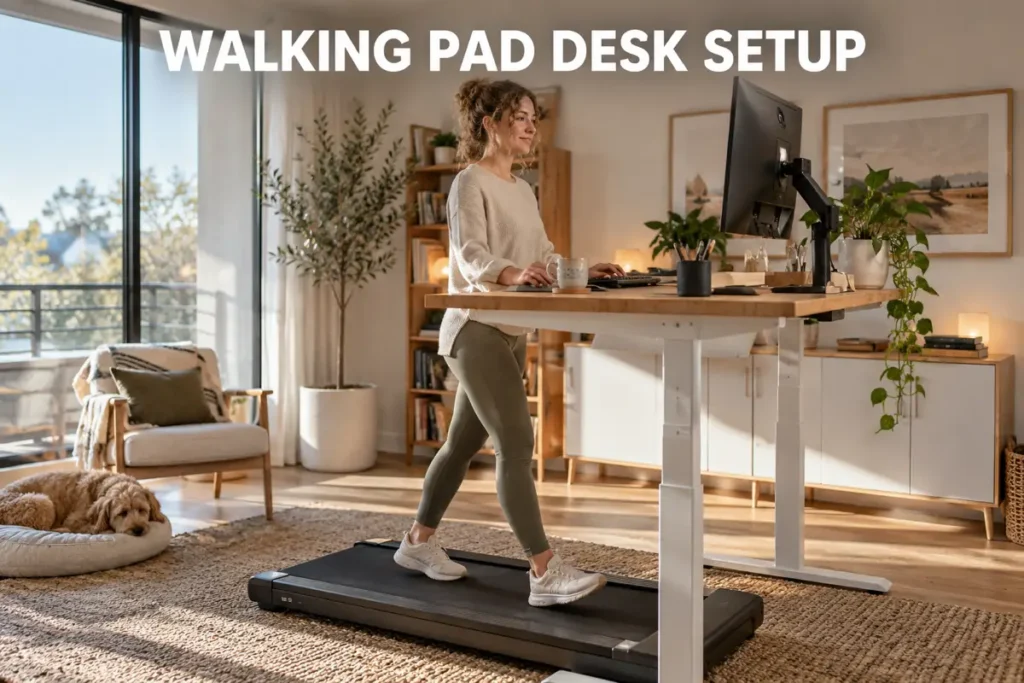
A walking pad desk setup sounds like a painless upgrade - slide a compact pad beneath your desk, pick a slow speed, and start racking up steps while you work. In practice, the wrong desk height, a mispositioned monitor, and no plan for which tasks to walk through will send most people back to their chairs within two weeks. As a sports science professional, I coach clients through movement integration regularly, and I see the same pattern every time: the setup gets rushed, discomfort follows, and the potential benefits never materialize. This guide walks through every component of a walking pad desk setup - the right equipment, exact ergonomic measurements, ideal walking speeds, and honest expectations from the research.

Walking Pad Desk Setup - What You Need to Get Started
Building a functional walking pad desk setup requires more than just the pad itself. Most problems trace back to incompatible equipment choices made before the first step is taken.
Choosing the Right Walking Pad
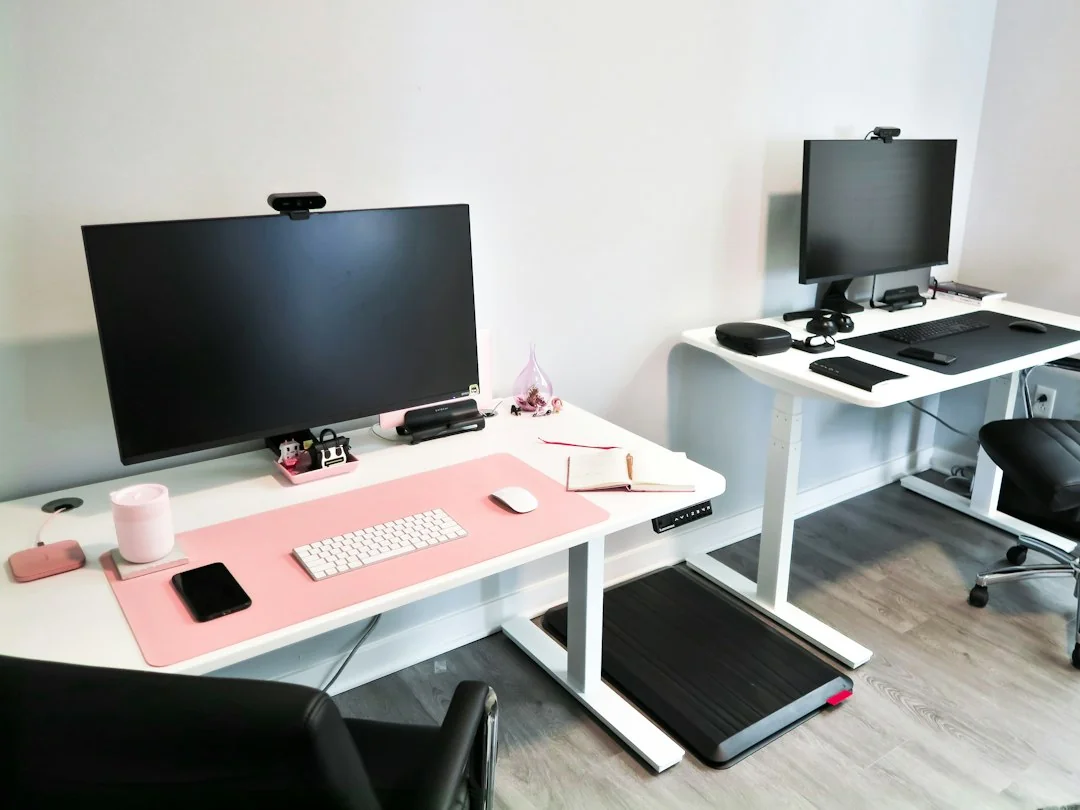
The right walking pad is the foundation of any functional walking pad desk setup. The best walking pad for desk use meets a short list of specifications worth checking before purchasing:
- Belt length: 40 inches minimum for a natural stride at 1.0-2.0 mph without clipping your step
- Weight capacity: most pads support 220-300 lbs; verify against your own weight plus dynamic movement
- Motor type: brushless motors run significantly quieter than brushed equivalents at low speeds, which matters in shared workspaces and during calls
- Noise rating: under-50 dB models exist; expect 50-60 dB from mid-range units at desk-friendly speeds
- Foldability: fold-flat designs store under desks; fold-up models require dedicated wall space
- Incline and handle: a walking pad with incline and handle suits users who want additional calorie burn at the same slow speed, or need a balance anchor during longer sessions
The Sperax walking pad is a widely compared option in this category, known for a slim deck profile that pairs well with sit-stand desks. When comparing options in the walking pads shop, I recommend choosing the pad before the desk because the right desk depends on the pad's specific deck height.
Choosing the Right Standing Desk for Your Walking Pad
A height-adjustable standing desk is not optional for a proper walking pad desk setup. Standard fixed-height desks sit at roughly 29-30 inches - far too low once a walking pad adds 6-8 inches of deck height beneath you. The minimum usable desk height for most walking pads is 48-49 inches, and only a motorized standing desk reaches that reliably.
When evaluating a standing desk for walking pad use, these specs matter most:
- Height range: 48-52 inches at maximum extension - some economy models top out at 46 inches, which will not work with most pads
- Surface width: at least 48 inches to accommodate both a comfortable monitor distance and your working materials
- Weight capacity: verify the desk supports the combined weight of your monitor arm, dual monitors or laptop setup, docking station, and any desktop equipment
- Frame stability at max height: wobble at full extension is the most common standing desk complaint; wider crossbars and dual-motor lifts address this in frames over 60 inches wide
I always tell clients to measure their elbow height while standing on the powered-off pad in walking shoes before purchasing a desk. That number becomes the target keyboard surface height, and it varies 3-4 inches between a 5'4" and a 6'0" person. Getting this measurement right before buying saves the frustration of an expensive return.
A fixed desk for walking pad setups is viable only if the surface already sits at or above 48 inches - uncommon in standard furniture. A keyboard tray mounted below the surface can compensate for a small deficit, though its adjustment range is limited.
Space and Clearance Requirements
Walking pad dimensions vary more than buyers expect - pads range from 45 to 70 inches in length. Measure your available floor space before purchasing. Minimum clearances that prevent problems:
- 3 feet of clear space directly behind the pad for a safe step-off without hitting furniture or walls
- Side clearance of at least 12 inches on each side for natural arm swing without contact
- Desk length should match or exceed the pad width for centered placement and stable footing
Compact apartments and small offices benefit most from fold-flat models, which store under the desk surface when not in use and require no dedicated floor space.
Essential Accessories for Your Walking Workstation
A walking workstation needs supporting equipment to function well. My short list focuses on accessories that solve real problems rather than adding complexity:
- Anti-vibration equipment mat: protects hard floors, prevents the pad from shifting under load, and absorbs footfall impact - high-density rubber, minimum 4mm thick
- Monitor arm: holds the screen at exact walking height across sitting, standing, and walking modes without manual readjustment
- Wireless keyboard and trackball mouse: eliminates cable pull; a trackball mouse is meaningfully easier to use while walking than a standard mouse because the ball stays fixed while your fingers do the pointing
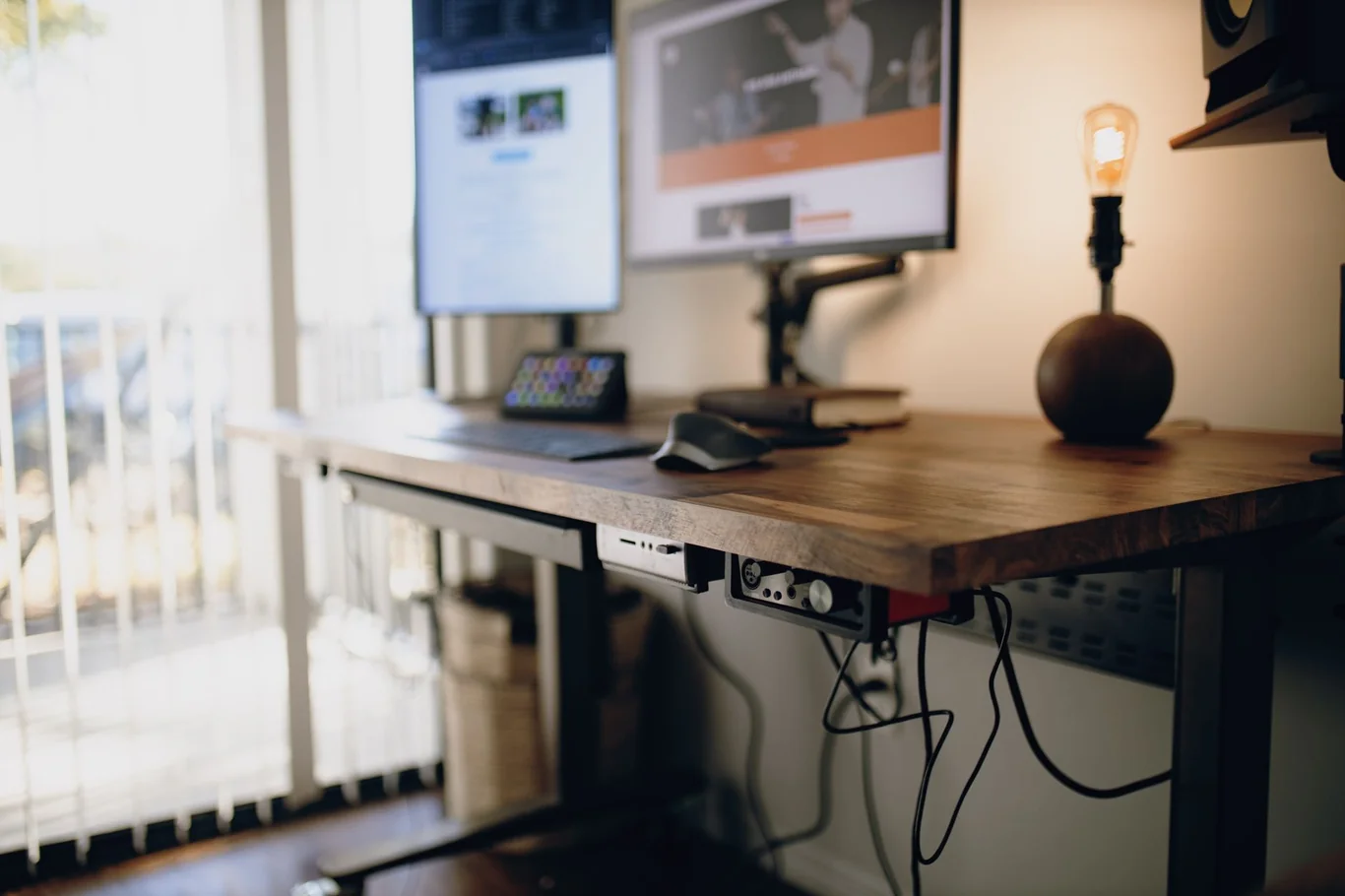
- Cable management tray or spine: routes power cords through the desk frame and keeps them free of the walking belt
- Supportive indoor sneakers: a dedicated pair kept at the desk makes the transition to walking mode fast and consistent
For buyers still comparing equipment options, the best under desk treadmill guide covers models across all price tiers, including a breakdown of the best walking pad treadmill by belt length, motor type, and app compatibility. For low-profile, handle-free models designed specifically for sit-stand desks, the best under desk walking pad category narrows the field further.
How to Get Your Desk Height Right for a Walking Pad
Desk height is the single most consequential measurement in any walking pad desk setup. A surface too low forces forward shoulder flexion; too high and your wrists angle upward, straining the extensor tendons across extended sessions.
Measuring the Right Walking Height
Follow this sequence before committing to any desk height:
- Place the walking pad on the mat in its intended location
- Stand on the powered-off belt in your indoor walking shoes
- Let your arms hang naturally, then bend your elbows to exactly 90 degrees
- Measure from the floor to the bottom of your forearm - this is your keyboard surface target
- Add 0.5-1 inch for keyboard thickness beneath your wrists
For most people, the correct standing desk height for walking lands between 44 and 50 inches. This table gives height-based estimates across common body heights:
Height | Walking desk target height |
Under 5'3" | 44-46 in |
5'3" - 5'6" | 45-47 in |
5'7" - 5'9" | 47-49 in |
5'10" - 6'0" | 48-50 in |
Over 6'0" | 49-52 in |
Under desk treadmill setup tip: save the walking height as a preset on your controller so you can return to the exact position from sitting without re-measuring each time.
Monitor and Screen Position While Walking
With the desk at walking height, the top third of your monitor should sit at eye level when looking straight ahead - not the top edge, not the center. Most people set screens too low, which produces a chin-down posture that compresses the cervical spine during extended walking sessions.
Target positioning numbers:
- Screen distance: 20-26 inches from your eyes (arm's length serves as a useful field check)
- Tilt: 10-20 degrees backward from vertical to reduce glare and support upright posture
- Multi-monitor setups: if using two screens, position the primary monitor directly ahead and the secondary at a 30-degree angle; avoid placing the secondary screen so far off-center that you are repeatedly rotating your cervical spine while walking
A monitor arm solves height and tilt simultaneously and is the most efficient single investment in monitor ergonomics for a walking pad workstation.
What Speed to Walk While Working
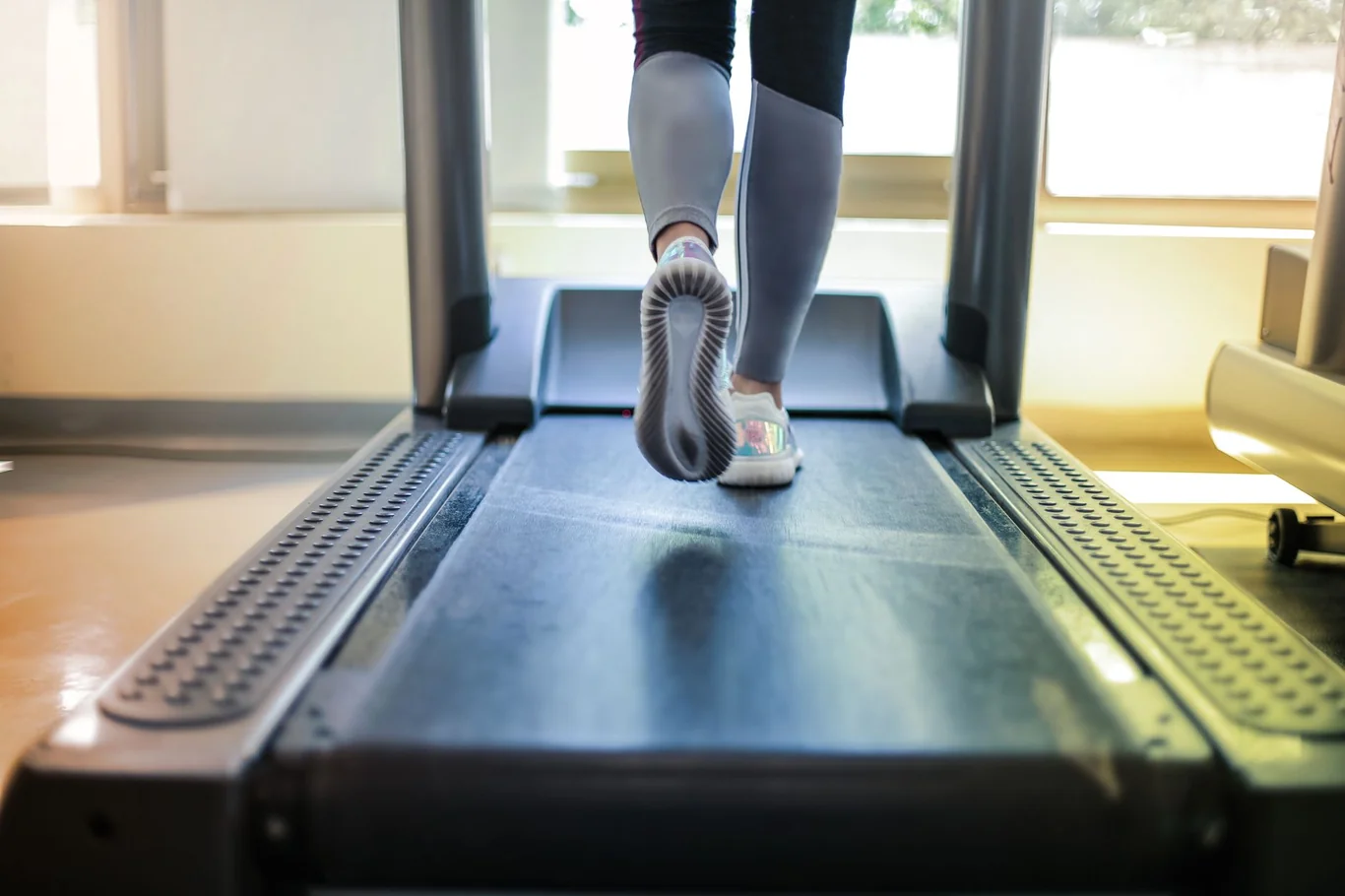
Walking speed is where realistic expectations matter most. Research consistently shows that 1.0-2.0 mph is the productive zone for most knowledge work - fast enough to generate meaningful step counts and calorie expenditure, slow enough to preserve typing accuracy and cognitive function.
A 2021 meta-analysis of 13 studies found that treadmill desk use increased energy expenditure by approximately 105 kcal per hour compared to seated work (1). That is meaningful NEAT - non-exercise activity thermogenesis - the kind of passive caloric burn that compounds across a full workweek without the physiological cost of a dedicated exercise session. I break down how many calories 10,000 steps burn by weight, pace, and terrain in a separate guide.
At 1.5 mph specifically, one randomized controlled trial of 75 healthy participants found that cognitive processing speed, attention and working memory dropped approximately 9% and typing speed slowed by about 13 words per minute, while learning retention was not significantly different from seated work (2). A separate laboratory study of 30 experienced computer operators documented a 6% decrease in typing speed, a 3% increase in typing error rate, and a 14% decrease in mouse pointing speed during treadmill walking versus seated conditions (3).
These numbers are real and worth knowing before you start. Walking while working is not zero-cost to fine motor performance.
However, a 2020 RCT of 137 participants found that active workstation use improved attention and executive control, even as verbal memory declined (4). The pattern is consistent across the literature: creative thinking, attention, and light reading tasks benefit from slow walking; precision typing and verbal memorization tasks do not.
This table summarizes which tasks fit each speed range:
Speed | Task types |
Seated | Detailed writing, code review, spreadsheet analysis, tasks requiring precision |
Standing | Video calls with active note-taking, complex editing, focused discussions |
0.5-1.0 mph | On-camera calls, passive listening, slow-paced reading |
1.0-1.5 mph | Email triage, document review, solo audio calls |
1.5-2.0 mph | Light reading, brainstorming, casual information browsing |
Building a Three-Mode Workday
I advise clients to think of a walking pad desk setup as a gear system for the workday rather than a default mode. The three-phase approach that works best in practice:
- Sit for focused, precision-demanding tasks - code review, detailed writing, spreadsheet analysis
- Stand still for medium-complexity tasks - calls with active note-taking, light editing, video calls
- Walk at 1.0-1.5 mph for low-cognitive-load tasks - email triage, document reading, solo audio calls
Switching between modes every 45-90 minutes follows the natural rhythm of sustained attention and prevents musculoskeletal strain from accumulating in any single posture. I find walking while working most sustainable when it replaces a specific existing behavior, such as sitting during daily email review, rather than competing with all work modes simultaneously.
Ergonomic Details for a Better Walking Workstation
Getting the ergonomics right at walking height changes how your wrists, feet, and floor handle a daily session. Here are the keyboard, mouse, footwear, and mat choices that actually make a difference.
Keyboard and Input Devices
At walking height, keep your keyboard flat or with a slight negative tilt - angled away from you rather than toward you. The standard positive tilt that suits seated desk work becomes uncomfortable quickly when your posture is upright and your core is lightly engaged. Split keyboards reduce ulnar wrist deviation and reward the adjustment period for anyone planning 30 or more minutes of daily walking work.
For mouse use, a trackball mouse deserves serious consideration. The trackball body stays fixed; your fingers do the pointing rather than your whole arm, which makes accurate cursor control meaningfully easier while walking. It also eliminates the small lateral shoulder movement that a standard mouse requires, reducing cumulative fatigue across longer sessions. If you are also weighing non-treadmill alternatives, whether under desk ellipticals work for your specific workstation goal is worth reviewing - the ergonomic trade-offs differ meaningfully.
After transitioning 4 clients to trackball mice during their first month of walking workstation use, wrist fatigue complaints dropped significantly. Two clients who had been stopping sessions early due to cursor-control difficulty continued past the 30-minute mark once the trackball became their standard input device.
Footwear and Mat Selection
Footwear is non-negotiable for safe walking pad use. Barefoot walking, dress shoes, and flat-soled casual footwear all create problems over time - arch fatigue, plantar fascia strain, and in smooth-soled cases, a slip risk on the belt surface. Keep a dedicated pair of supportive indoor sneakers near the desk and treat putting them on as part of your walking session start routine.
For your mat, choose high-density rubber rated for treadmill equipment - not a thin yoga mat, not a carpet offcut. On hardwood and laminate floors, a rubber mat is essential to prevent scratching and pad migration. On low-pile carpet, a mat still improves stability; deep-pile carpet is generally incompatible with walking pads because it creates an unstable base under dynamic load. A proper equipment mat prevents the pad from shifting, reduces vibration transmission through the floor structure (critical in apartments and shared buildings), and absorbs footfall impact sound. I cover treadmill placement on carpet, garage floors, and upstairs rooms in a separate guide.
Managing Noise and Cables in Your Walking Workstation Setup
Noise and cable clutter are two of the most common complaints from people who work near a walking pad every day. Below are practical fixes for both, from motor choice to how you route cords between sitting and standing heights.
Reducing Walking Pad Noise
Most walking pads operate in the 50-60 dB range - roughly equivalent to normal conversational speech. That is acceptable in a private home office but creates friction in shared spaces and during video calls. Noise reduction strategies in order of practical impact:
- High-density equipment mat is the single most effective change - it addresses both vibration transmission and impact sound
- Choose a model with a brushless motor; brushless motors run significantly quieter at low speeds than brushed equivalents
- Follow manufacturer belt lubrication schedules - friction noise from a dry belt is preventable
- A noise-canceling microphone for calls compensates for residual motor sound without changing your hardware setup
For on-camera video calls while walking, I recommend limiting speed to 0.5-1.0 mph and framing your camera so only the upper chest and face are visible. The motion artifact from walking at that speed is minimal and rarely noticed by the other party.
Cable Management for a Clean Setup
The biggest cable management challenge in a walking pad desk setup is the sitting-to-standing transition range. Cables that run cleanly at sitting height pull taut or kink at walking height if not planned for. The solution is a deliberate service loop - a controlled length of extra cable managed through a spine, sleeve, or tray, with enough slack to accommodate the full desk height range.
Steps for a clean cable run:
- Set the desk to maximum walking height
- Route all cables to their devices with zero excess slack at this height
- Lower the desk to sitting height and measure how much additional cable length you need
- Size cable management loops and trays to that measurement
- Secure cables to the desk frame with adhesive clips every 8-10 inches
Keep the walking pad power cable on the side furthest from your feet and run it along the baseboard.
What the Research Says About Walking While Working
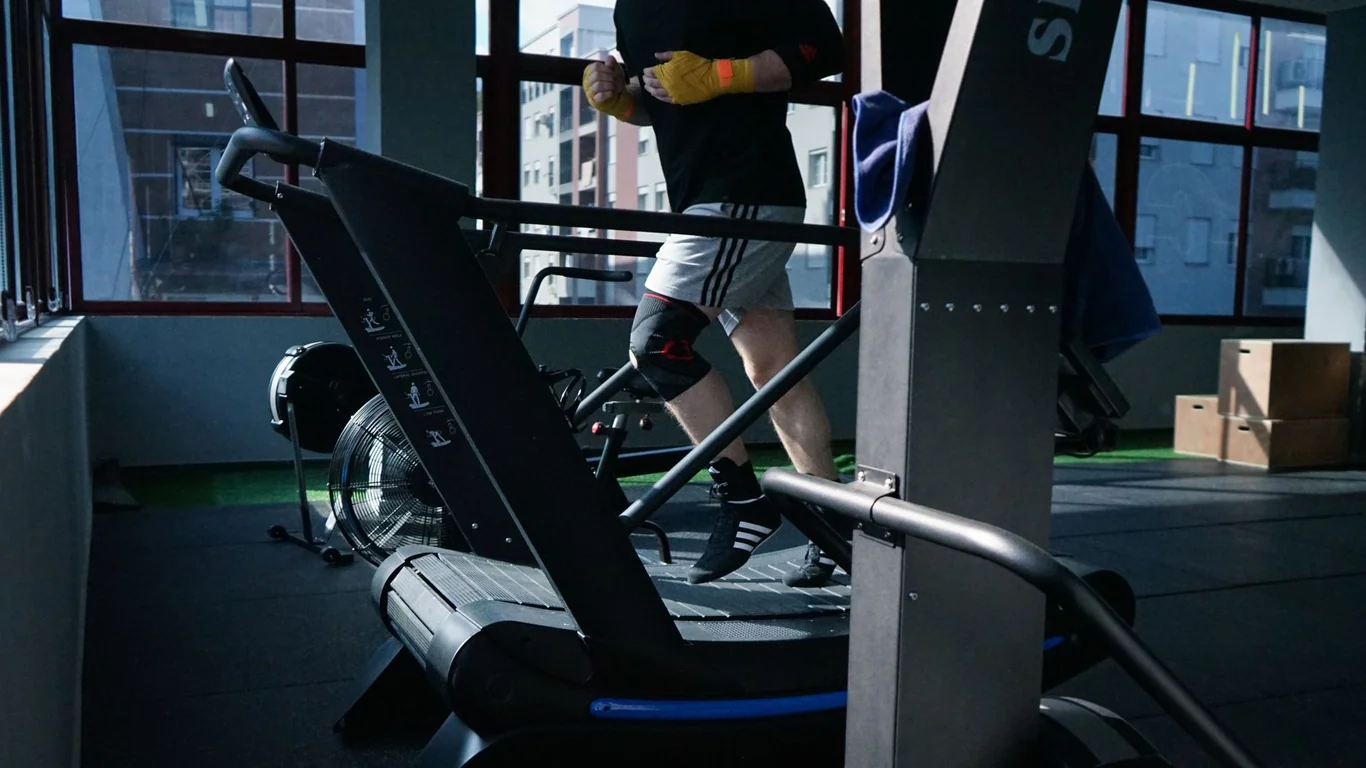
The health case for a walking workstation is stronger than most people expect. A 2022 narrative review found that walking at 1.6 km/h approximately doubles energy expenditure compared to seated work, with added improvements in postprandial glucose control and HDL cholesterol (5). An observational study of 15 office workers with obesity found that walking at a self-selected pace of 1.1 mph raised energy expenditure from 72 kcal/hour at rest to 191 kcal/hour - a 119 kcal/hour increase from gentle movement alone (6). A 2019 systematic review of 12 comparative studies found that treadmill workstations increased heart rate, decreased blood pressure, and significantly improved arousal while decreasing boredom ratings compared to standing or sitting alone (7).
The metabolic and cardiovascular benefits are real. The cognitive trade-offs are also real, and responsible framing of this research matters - claims about dramatic weight loss potential from walking desks are typically extrapolated projections, not validated long-term outcomes. For dedicated exercise sessions beyond desk walking, I review the research behind treadmill weight loss strategies.
The practical takeaway from this body of evidence is consistent: walking at 1.0-1.5 mph during low-cognitive-load tasks builds meaningful health benefits without material performance cost. The productivity argument for a walking workstation is that you will sit less, move more, and accumulate health-supporting NEAT without sacrificing productive hours. For more on the broader walking pad category, the best under desk elliptical comparison offers useful context for how walking pads compare to other active workstation formats.
Building a Walking Routine That Sticks
The most common reason people abandon their walking pad desk setup is expectation mismatch: they anticipate walking most of the day from day one, find that complex tasks suffer, and stop entirely. My recommended progression:
- Weeks 1-2: 10-15 minute sessions, two per day, during low-cognitive tasks only
- Weeks 3-4: extend to 20-30 minutes per session, still task-selective
- Month 2 onward: build toward 45-90 minutes cumulative daily walking, distributed across sessions
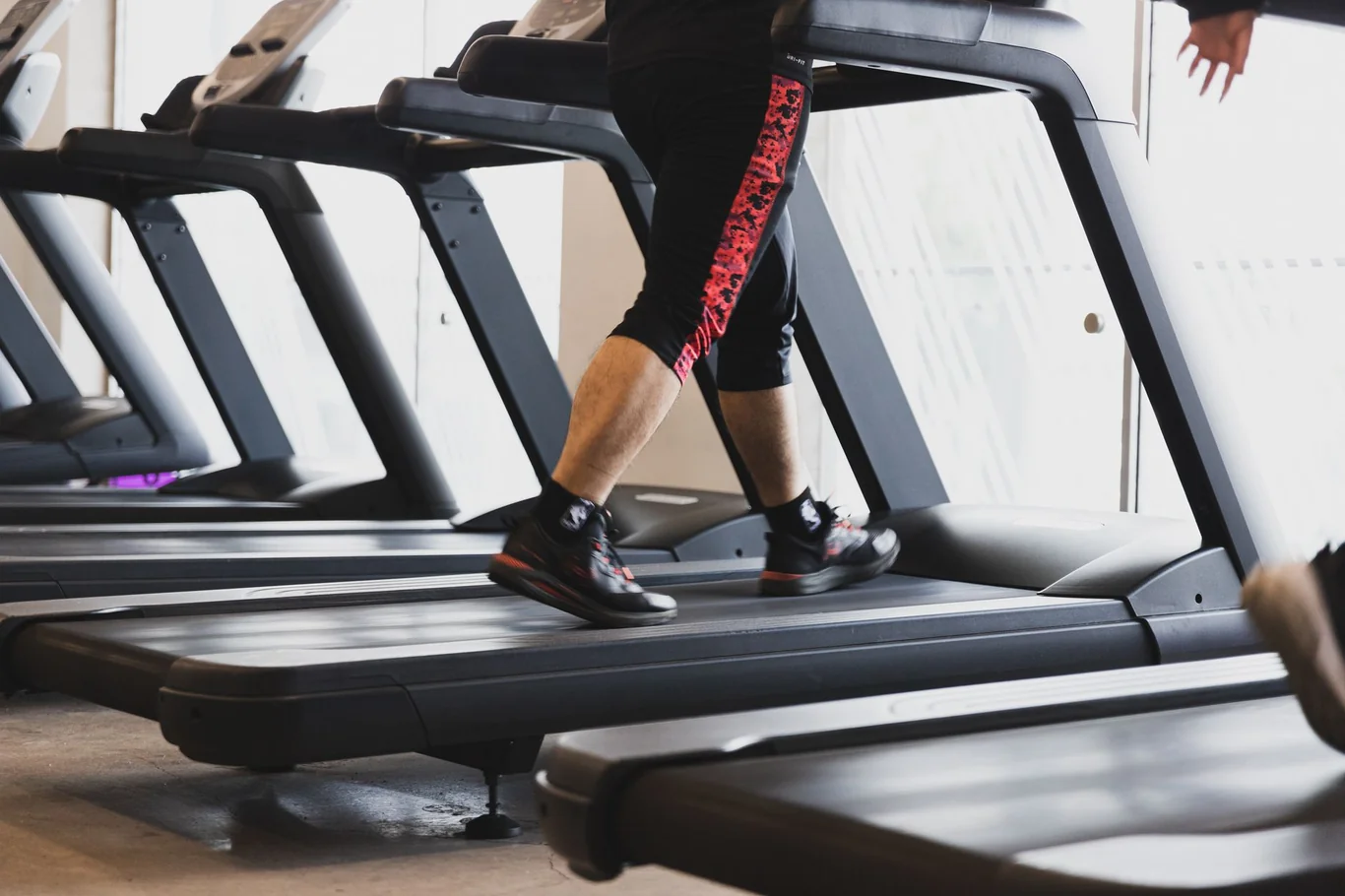
Users who stay consistent typically reach 8,000-10,000 daily steps through their walking pad workstation. If you are still exploring the full landscape of what these devices offer, my walking pad overview covers the fundamentals of how walking pads differ from full treadmills and what to look for when selecting one.
Troubleshooting Your Walking Pad Desk Setup
Even a well-planned walking pad desk setup runs into problems. The most common issues and their fixes:
Desk wobbling at walking height: Tighten all frame bolts before raising the desk to maximum extension. Dual-motor frames are more stable than single-motor at maximum height. If wobble persists, try lowering the desk height by 2-3 inches - this often eliminates flex without significantly affecting ergonomics.
Belt slipping or hesitating: Tighten the tension screws at the rear of the pad per the manufacturer's guide, one quarter-turn at a time. A dry belt is a common contributor - follow the lubrication schedule in your user manual. My guide to belt tension on a treadmill shows how to tighten and center the belt.
Foot pain after sessions: This usually signals footwear problems or sessions that extended too long too soon. Switch to properly supportive sneakers and scale back to 10-15 minute sessions, rebuilding duration gradually.
Desk still too low after maxing out: A keyboard tray mounted below the surface gains 2-4 additional inches without replacing the desk. Verify the tray's full adjustment range before purchasing.
Disruptive noise during calls: Drop speed below 1.0 mph for call duration and switch to a noise-canceling microphone if you have not already. This combination handles most call interference from walking pad noise.
Your Walking Workstation, Your Way
A well-built walking pad desk setup is a long-term investment in postural variety and incidental movement - not a productivity hack that delivers results in a week. Get the desk height right, position the monitor at true eye level, commit to footwear you can walk in comfortably for 30 minutes, and accept that some tasks belong at the keyboard with the belt off.
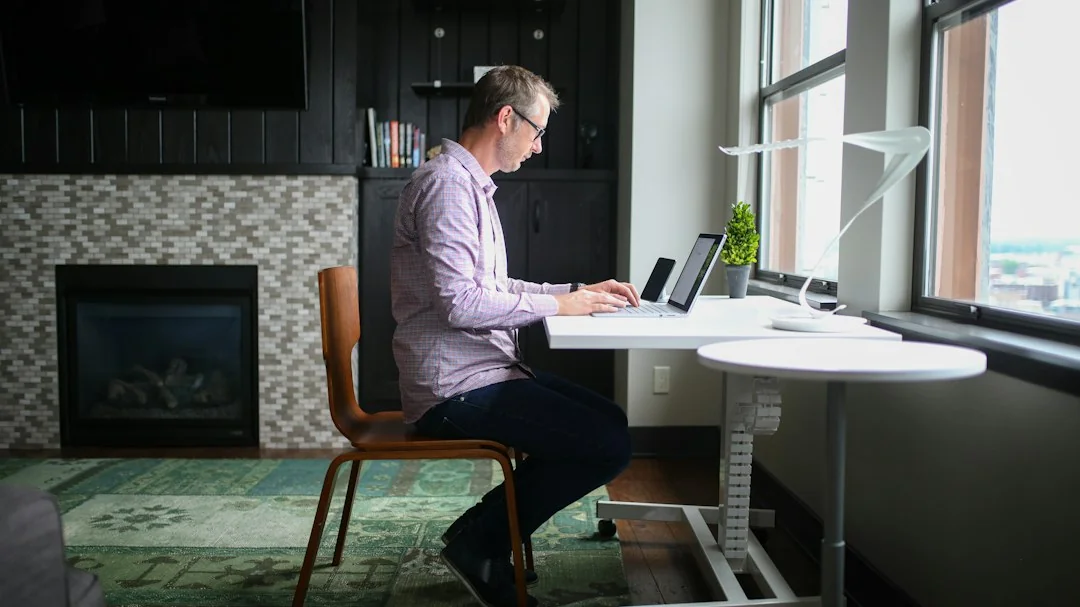
I've seen clients transform their energy levels and step counts with nothing more than a consistent 20-minute walking email session each morning - no fitness program overhaul, no radical changes, just structured movement woven into existing work habits. That is the realistic promise of a walking workstation, and it is a genuinely meaningful one. Once your setup is established, the benefits of walking backwards on a treadmill are worth exploring as a complement to your forward-walking sessions.
FAQs
How to use walking pad without remote?
To use a walking pad without a remote, check whether your unit has a companion app via Bluetooth or a touch panel on the unit itself - these are the most common built-in alternatives. If neither is available, walking pad remote replacement is straightforward: many manufacturers sell replacement remotes directly, and third-party universal controllers compatible with major brands are widely available, with most orders shipping within days.
This content is for informational and educational purposes only. It is not a substitute for professional medical advice, diagnosis, or treatment. Always consult with your healthcare provider before starting any new fitness program or using fitness technology for health monitoring.
References
- Oye-Somefun A, Azizi Z, Ardern CI, Rotondi MA. A systematic review and meta-analysis of the effect of treadmill desks on energy expenditure, sitting time and cardiometabolic health in adults. BMC Public Health. 2021;21:2082. doi:10.1186/s12889-021-12094-9.
- Larson MJ, LeCheminant JD, Hill K, Carbine K, Masterson T, Christenson E. Cognitive and typing outcomes measured simultaneously with slow treadmill walking or sitting: implications for treadmill desks. PLoS One. 2015;10(4):e0121309. doi:10.1371/journal.pone.0121309.
- Straker L, Levine J, Campbell A. The effects of walking and cycling computer workstations on keyboard and mouse performance. Human Factors. 2010;51(6):831-844. doi:10.1177/0018720810362079.
- Frodsham KM, Randall NR, Carbine KA, Rodeback RE, LeCheminant JD, Larson MJ. Does type of active workstation matter? A randomized comparison of cognitive and typing performance between rest, cycling, and treadmill active workstations. PLoS One. 2020;15(8):e0237348. doi:10.1371/journal.pone.0237348.
- Rizzato A, Marcolin G, Paoli A. Non-exercise activity thermogenesis in the workplace: the office is on fire. Frontiers in Public Health. 2022;10:1024856. doi:10.3389/fpubh.2022.1024856.
- Levine JA, Miller JM. The energy expenditure of using a "walk-and-work" desk for office workers with obesity. British Journal of Sports Medicine. 2007;41(9):558-561. doi:10.1136/bjsm.2006.032755.
- Dupont F, Leger PM, Begon M, Lecot F, Senecal S, Labonte-LeMoyne E, Mathieu ME. Health and productivity at work: which active workstation for which benefits: a systematic review. Occupational and Environmental Medicine. 2019;76(5):281-294. doi:10.1136/oemed-2018-105397.