
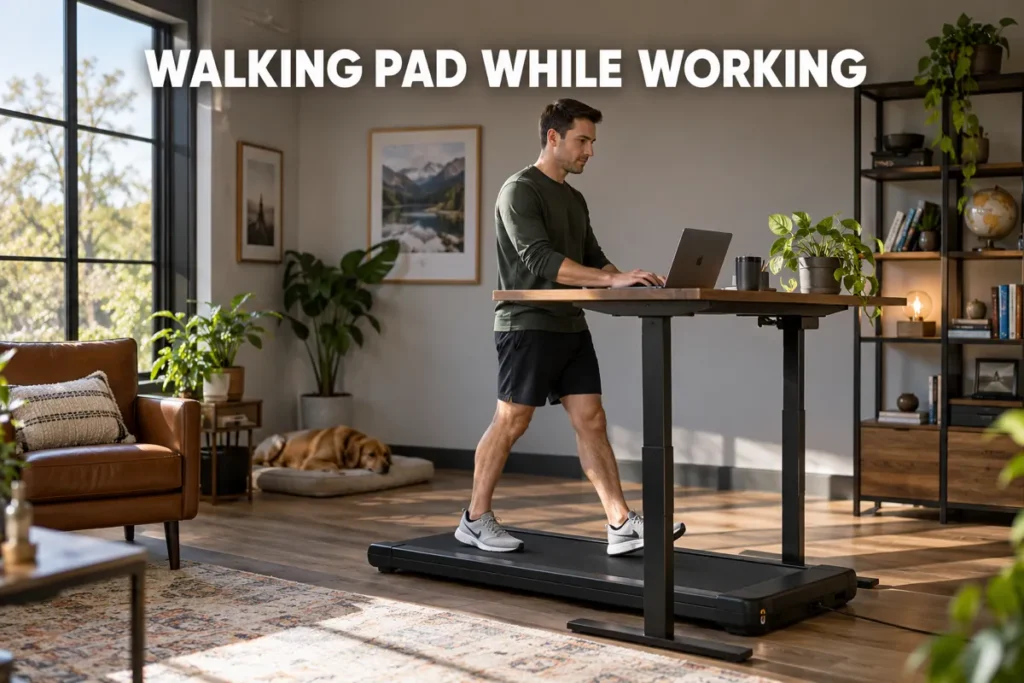
Walking pad while working has gone from a novelty productivity experiment to a mainstream strategy for desk-based professionals who want more movement without sacrificing billable hours. Sitting for 8 to 10 hours a day carries documented health risks, and most people cannot realistically fit a structured workout into a schedule already packed with calls and deadlines. I have spent years coaching clients on how to build sustainable movement habits, and the walking pad ranks among the most practical solutions I have found for this specific problem. This guide covers what actually matters: the research on productivity at low speeds, the speed range that protects your work quality, ergonomic setup that prevents pain, and the habit framework that separates consistent users from those who abandon the device after a few weeks.

Walking Pad While Working - What the Research Says About Productivity
The main concern most desk professionals have before trying a walking pad while working setup is whether the movement will hurt their work output. That concern is valid, and the research addresses it more clearly than most people expect. The picture that emerges is reassuring for anyone planning to work at 1 to 2 mph.
Cognitive Performance at Desk-Walking Speeds
A well-controlled study testing executive cognitive functions found that treadmill desk walking at 1.5 mph produced no significant decrements in conflict adaptation, response inhibition, or post-error slowing compared to seated conditions (1). These are the cognitive processes that matter most for sustained office work: staying on task, filtering distractions, and catching your own errors.
A randomized study with 137 participants compared treadmill desks against cycling desks and a seated control group. Both active workstations improved attention and cognitive control compared to sitting, with only modest verbal memory decrements noted (2). For most office tasks, that trade-off favors movement over stillness.
The broader treadmill desk evidence picture spans 13 studies compiled in a 2021 systematic review and meta-analysis - confirming consistent, reproducible metabolic and activity benefits from desk-walking across a range of adult populations (3).
The Typing Speed Trade-off Worth Knowing
I want to be direct here: typing speed does take a measurable hit at walking speeds. Research measuring simultaneous typing and walking at 1.5 mph found approximately a 19% reduction in words per minute, though accuracy held up considerably better than raw speed (4). Crucially, the practical impact for most office work is manageable once you adjust your pacing expectations.
A study of experienced medical transcriptionists completing 8-hour workdays on treadmill desks confirmed that transcription accuracy did not differ between walking and seated conditions. Transcription speed was 16% slower while walking, but energy expenditure increased by roughly 100 additional calories per hour (5). The practical takeaway: accept a modest speed reduction and build in slightly more time for heavy typing tasks, especially in the first few weeks.
Study | Speed | Key Outcome |
Larson et al. 2015 | 1.5 mph | No significant decrement in executive function or error monitoring |
Frodsham et al. 2020 | Variable | Improved attention vs seated; modest verbal memory reduction |
Larson et al. 2015 | 1.5 mph | ~19% slower typing speed; accuracy maintained |
Thompson and Levine 2011 | Desk pace | 16% slower transcription; accuracy unchanged; +100 kcal/hr |
Walking Pad Speed While Working - Finding Your Ideal Range
Walking pad speed while working is the variable that determines both your physical benefit and your work quality. Most new users set it incorrectly, defaulting either too fast for precision tasks or too slow to provide meaningful activity over a workday.

The 1-2 MPH Sweet Spot for Office Work
The research consistently clusters around 1.1 to 1.5 mph as the practical range for sustained desk use. At this walking pad speed, energy expenditure climbs from approximately 72 calories per hour seated to approximately 191 calories per hour walking - a net increase of about 119 kcal/hr over seated work, depending on individual body weight (6). That gain comes from NEAT - non-exercise activity thermogenesis - your body's background calorie-burning mechanism outside of deliberate training.
The reason this range works is upper-body stability. At 1.1 to 1.5 mph, your torso remains steady enough for mouse precision and keyboard control. Above 2 mph, a natural walking bounce begins to affect fine motor accuracy in ways that matter when clicking a specific spreadsheet cell or editing a sentence. The practical rule: keep speed below 2 mph for any task requiring keyboard input, and reserve higher speeds for passive work such as listening to recorded meetings or reviewing slides without typing.
Matching Walking Pad Speed to Task Type
Not all office work places the same demand on fine motor control. Use this speed-to-task guide as a starting framework, then adjust based on how your coordination responds during the first few weeks:
- Below 1.0 mph: Complex writing, coding, financial analysis, or any task requiring sustained focus and fine motor precision
- 1.0-1.5 mph: Email processing, reading, document review, light administrative tasks, commenting on shared files
- 1.5-2.0 mph: Listening-only calls, reviewing presentation slides without typing, passive meeting participation
The most important principle is that no speed is inherently right or wrong - your work quality at that speed is the only measure that matters. If you notice more errors at your current pace, slow down by 0.2 mph and reassess before assuming the setup is not working.
Ergonomic Setup That Prevents Pain During Walking Pad Sessions
A walking pad while working setup introduces new postural demands compared to sitting or standing still. Getting the ergonomic variables right matters more than most people anticipate, because movement amplifies the effects of a poor setup rather than canceling them out.
Desk Height and Monitor Position
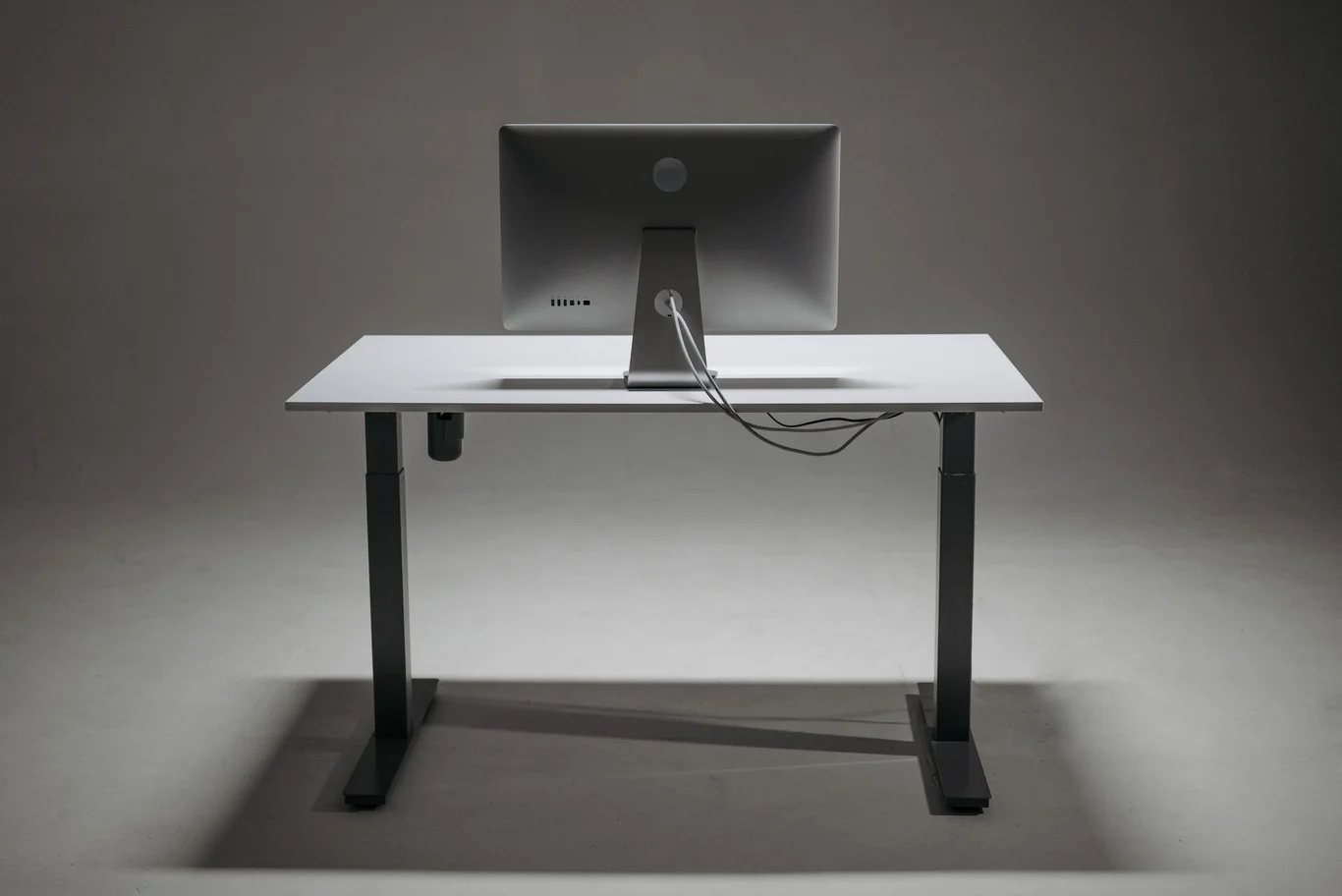
With a standing desk set correctly for walking pad desk setup, your elbows should rest at 90 to 100 degrees with shoulders relaxed and down. Since a walking pad adds 3 to 6 inches of height, you will typically need to raise the desk 4 to 6 inches above your standard seated position. Adjust before you step on, not after you have started walking.
Monitor height is equally critical for neck health. The top third of your screen should align with eye level when you are walking naturally, with your chin parallel to the ground. Looking down even 15 degrees for hours creates cumulative cervical strain that compounds significantly over a workday.
My recommended setup sequence before starting any session:
- Raise the desk to walking height before stepping onto the belt
- Adjust the monitor so the top third of the screen sits at eye level
- Confirm the keyboard and mouse are within natural arm reach without extending forward
- Route all cables so they do not reach the belt area
- Verify the monitor-to-eye distance stays between 20 and 24 inches at the new height
Keyboard, Mouse, and Cable Safety
Wireless peripherals remove the most common hazard in a walking pad desk setup. Cables from a wired keyboard or mouse can trail onto the moving belt, creating a trip risk and potentially pulling equipment off the desk during a session. My strong recommendation is to switch to wireless before your first extended walking session.
For sessions longer than 45 minutes, an anti-fatigue mat in front of the belt provides meaningful shock absorption for your feet and lower legs. Equipment that makes a long-term walking pad setup reliable:
- Height-adjustable standing desk with electric lift mechanism
- Monitor arm for precise height and depth adjustment
- Wireless keyboard and mouse
- Anti-fatigue mat or cushioned walking surface
- Cable management tray or clips to route all cords above the belt
Noise Levels and Call Etiquette
A question I hear consistently from clients setting up their walking pad while working routine is whether belt noise will bleed into calls. At 1.0 to 1.5 mph, most modern walking pads run at 45 to 60 dB - roughly the level of a quiet conversation - though this varies by model, belt type, and floor surface. Noise is rarely a barrier during listening-only participation, but it can become noticeable on sensitive microphones during active speaking roles.
For calls where you are an active speaker, I recommend testing your setup in advance: record a 30-second voice memo while walking and listen back before your first important meeting. If belt noise bleeds into the audio, lower your speed to 0.8 mph during speaking portions or use a directional microphone positioned away from the belt. Walk during passive attendance; slow to under 1 mph when you need to speak clearly for extended stretches.
Which Tasks Pair Best with Walking While Working
Walking while working produces very different outcomes depending on the specific demands of the work you are doing. This is the piece most articles skip, and it is why some people swear by their walking pad while others feel it disrupts everything they try to accomplish.
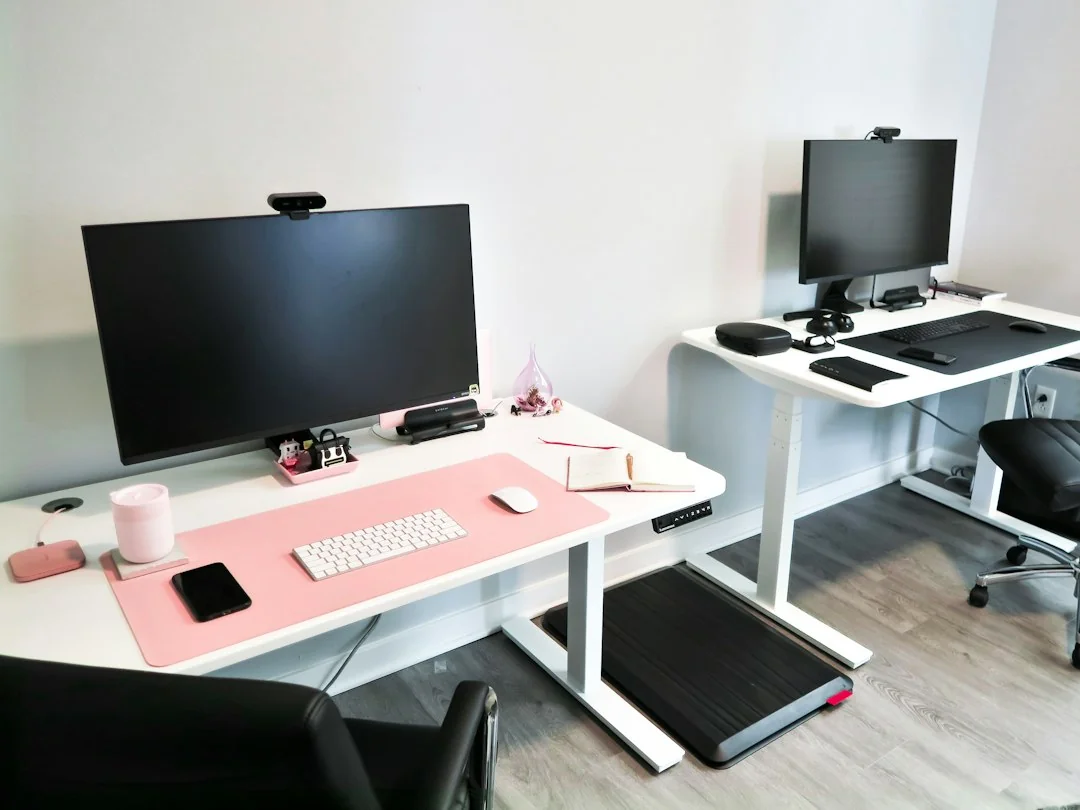
When you use a walking pad while working for the right task types, the rhythm of walking can actually support sustained attention rather than competing with it. The tasks that pair well share one feature: they place minimal simultaneous demand on fine motor control and working memory.
Tasks That Work Well at Standard Desk-Walking Speeds
Use these task types to fill your walking sessions at 1.0 to 2.0 mph:
- Reading and reviewing documents, reports, or presentation decks
- Processing and responding to routine email correspondence
- Attending listening-only phone or video calls
- Reviewing and leaving comments on shared documents
- Light administrative tasks such as calendar management or form completion
- Creative brainstorming paired with voice-to-text note-taking
Tasks to Reserve for Seated Work
These work types are better completed seated or at very slow speeds below 0.8 mph:
- Writing complex content from scratch - articles, proposals, or technical documentation
- Video calls where camera-on is standard or professionally expected
- Data entry requiring high-precision inputs over sustained periods
- Complex spreadsheet modeling or financial analysis
- Real-time verbal presentations where stable posture and voice projection matter
The research on transcriptionist productivity reinforces an important nuance here: even experienced professional typists who worked full 8-hour shifts on treadmill desks took a measurable speed hit. Accuracy held, but output volume per hour decreased. Build that buffer into your schedule on typing-intensive days.
Building Walking While Working Habits That Actually Stick
Most advice on walking desk productivity stops at "start slow and work up." That guidance is accurate but incomplete. Users who lack a structured approach to habit formation - not just physical adaptation - abandon active workstations at a high rate regardless of how carefully they managed their early walking pad speed.
What to Expect in the First Two Weeks
The first week of using a walking pad while working feels unnatural for most people. Coordinating upper-body work with lower-body movement takes time to develop, and concentration temporarily dips during the adjustment. Most people I coach report that it takes 2 to 4 weeks before typing while walking starts to feel automatic rather than effortful.
During that adjustment period, follow this progression:
- Limit sessions to 20 to 30 minutes at a time - not longer
- Start with passive tasks only (reading, listening) before progressing to typing
- Walk at the lower end of your target speed range (0.8 to 1.0 mph) until coordination improves
- Take a full seated break between walking sessions rather than forcing continuous use
Habit Strategies That Build Long-Term Consistency
Once the physical adjustment is done, the challenge shifts from adaptation to maintenance. The strategy I've found most effective with clients is task pairing: anchoring walking pad use to a specific recurring work trigger rather than leaving it as a discretionary choice. When a particular task automatically prompts you to step on the belt, the decision-making friction disappears entirely.
The task pairings that work most reliably in practice:
- Walking pad plus daily morning email processing
- Walking pad plus weekly listening-only team meetings
- Walking pad plus industry podcast or audiobook review sessions
- Walking pad plus document review and commenting queue
I've tracked this pattern across dozens of clients over several years, and the consistency is striking: those who anchor walking to a specific recurring task outperform those who rely on motivation alone every time. A 13-month randomized controlled trial protocol - the Inphact Treadmill study - was designed to formally quantify whether sustained treadmill workstation use improves physical activity levels and metabolic markers in office workers (7), reflecting the research community's confidence that desk-walking produces meaningful long-term benefits worth rigorous study.
A secondary benefit that reinforces the habit: step count. Walking while working at 1.5 mph for three hours adds roughly 9,000 to 12,000 steps to your day without any dedicated exercise time. For anyone trying to hit daily movement targets, that is a meaningful contribution, and walking sits among the joint-friendly cardio exercises I recommend.
Understanding the Real Health Gains of Walking Pad Use at Work
Setting realistic expectations matters more than any other factor in whether a desk walking habit survives past the first few weeks. This section looks at what the calorie and health data actually supports and what it does not.
Calorie Burn and Realistic Health Expectations
My honest assessment of a walking pad while working setup is this: it is not a weight loss device. Setting that expectation correctly is the most important thing I can do for new users, because mismatched expectations are the primary reason the habit fails after a few weeks. If fat loss is your goal, I explain what the research backs in my treadmill weight loss strategies guide.
At average desk-walking speeds of 1.1 to 1.5 mph, the meta-analytic data from this research base points to approximately 105 additional calories burned per hour compared to sitting, according to Oye-Somefun et al. (2021). Over three hours of walking distributed across a workday, that adds up to roughly 315 extra calories - meaningful over weeks and months without requiring any change to diet or gym schedule.
Daily Walking Hours | Extra Calories Burned | Steps Added |
1 hour | ~105 kcal | ~3,000-4,000 |
2 hours | ~200 kcal | ~6,000-8,000 |
3 hours | ~315 kcal | ~9,000-12,000 |
What the evidence does not support at these speeds: significant short-term changes in blood pressure, fasting glucose, or lipid panels. Those adaptations require sustained months-long intervention. The mechanism here is primarily NEAT accumulation and reduced sedentary time, not cardiovascular conditioning. For the wider picture of what belt walking gives you, I cover the benefits of using a treadmill in a separate guide.
For those interested in complementary low-intensity movement patterns, the research on walking backwards on a treadmill covers peripheral training applications that pair well with a regular desk-walking routine.
Walking Pad Buying Guide for Office Users
When comparing walking pads in the shop, I prioritize different specs for desk use than for dedicated walking exercise. Popular consumer options include the Sperax walking pad and Merach walking pad, priced for home-office budgets and broadly available. The Trailviber walking pad and Pacerocker walking pad compete in the same budget tier. When comparing models, prioritize weight capacity: a walking pad 300 lb capacity handles most adults without concern. A walking pad 350 lb capacity or walking pad 400 lb capacity rating is worth the premium for larger users or households where multiple people share the equipment. If you plan to use a heavy duty walking pad for 3 to 4 hours daily, a motor rated for continuous duty operation handles extended use far better than consumer models rated for peak-only output. Before finalizing any purchase, check the CPSC product safety database for active notices - the Sperax walking pad recall and similar notices from other manufacturers underscore the importance of verifying compliance before first use. A motorless walking pad - a manual or curved-belt design - requires active effort to drive the belt, making it harder to sustain a consistent slow pace while simultaneously doing focused desk work.
Making Walking Pad While Working a Permanent Part of Your Workday
The long-term value of a walking pad while working setup rests on a straightforward physiological principle: reducing accumulated sedentary time matters more than the intensity of the movement. At 1 to 2 mph, you are reversing the metabolic slowdown that comes with continuous sitting and adding thousands of steps to your day that would otherwise never happen. If you are still choosing hardware, I rank the top under desk treadmills for exactly this use.
Think in terms of seated hours replaced, not calories burned. Replace 2 sedentary hours with 2 walking hours at 1.5 mph and you have added roughly 200 extra calories and 6,000 to 8,000 steps to your day. Over a year of consistent use, those numbers compound into a substantial cumulative health investment. If you are still deciding whether the equipment fits your situation, understanding what a walking pad is and how it differs from a standard treadmill is a useful first step before committing.
Start with a four-week commitment to 1 hour of walking pad use per workday. Pick your anchor task in advance, keep speed between 1.0 and 1.5 mph for typing-intensive work, and accept that the first two weeks feel awkward - that discomfort is the adaptation process working as intended. I cover the full workstation layout in my walking pad workstation setup guide.
FAQs
Is it hard to use a walking pad while working?
Using a walking pad while working has a genuine adjustment period that typically lasts 2 to 4 weeks before typing while walking feels natural rather than effortful. The main challenge is maintaining typing precision at low speeds, which improves steadily with consistent practice and largely disappears once the movement becomes automatic.
Is a walking pad allowed at work?
A walking pad is generally permitted in most workplace settings, particularly for remote workers and home offices where shared-space constraints do not apply. In open-plan offices, noise level, visual distraction to colleagues, and desk footprint are the practical factors to evaluate before bringing one in.
Can you lose weight walking on a walking pad while working?
Walking on a walking pad while working burns approximately 100 to 120 additional calories per hour compared to sitting, based on meta-analytic research across 13 studies. This does not produce rapid weight loss, but it represents a meaningful increase in daily energy expenditure that contributes to gradual body composition changes over months of consistent use.
Is it okay to work while walking on a treadmill?
Working while walking on a treadmill is safe and well-supported by research for most sedentary office tasks at speeds between 1.0 and 2.0 mph. Studies consistently show that cognitive function, attention, and typing accuracy remain within normal functional ranges at these speeds, making it a practical and evidence-backed approach to reducing daily sedentary time.
How to use walking pad while working?
To use a walking pad while working effectively, set your desk to walking height before stepping on, keep speed between 1.0 and 1.5 mph for tasks involving typing, and start with passive tasks like reading and listening before progressing to active writing. A consistent task-pairing strategy and a gradual duration progression over the first 2 to 4 weeks produce the best long-term results.
This content is for informational and educational purposes only. It is not a substitute for professional medical advice, diagnosis, or treatment. Always consult with your healthcare provider before starting any new fitness program or using fitness technology for health monitoring.
References
- Larson MJ, LeCheminant JD, Carbine K, Hill KR, Christenson E, Masterson T, LeCheminant R. Slow walking on a treadmill desk does not negatively affect executive abilities: an examination of cognitive control, conflict adaptation, response inhibition, and post-error slowing. Front Psychol. 2015;6:723. doi:10.3389/fpsyg.2015.00723.
- Frodsham KM, Randall NR, Carbine KA, Rodeback RE, LeCheminant JD, Larson MJ. Does type of active workstation matter? A randomized comparison of cognitive and typing performance between rest, cycling, and treadmill active workstations. PLoS One. 2020;15(8):e0237348. doi:10.1371/journal.pone.0237348.
- Oye-Somefun A, Azizi Z, Ardern CI, Rotondi MA. A systematic review and meta-analysis of the effect of treadmill desks on energy expenditure, sitting time and cardiometabolic health in adults. BMC Public Health. 2021;21:2082. doi:10.1186/s12889-021-12094-9.
- Larson MJ, LeCheminant JD, Hill K, Carbine K, Masterson T, Christenson E. Cognitive and Typing Outcomes Measured Simultaneously with Slow Treadmill Walking or Sitting: Implications for Treadmill Desks. PLoS One. 2015;10(4):e0121309. doi:10.1371/journal.pone.0121309.
- Thompson WG, Levine JA. Productivity of transcriptionists using a treadmill desk. Work. 2011;40(4):473-477. doi:10.3233/WOR-2011-1258.
- Levine JA, Miller JM. The energy expenditure of using a "walk-and-work" desk for office workers with obesity. Br J Sports Med. 2007;41(9):558-561. doi:10.1136/bjsm.2006.032755.
- Bergman F, Boraxbekk CJ, Wennberg P, Sorlin A, Olsson T. Increasing physical activity in office workers - the Inphact Treadmill study; a study protocol for a 13-month randomized controlled trial of treadmill workstations. BMC Public Health. 2015;15:632. doi:10.1186/s12889-015-2017-6.